



You can find more information about other types of services, as well as reviews of Hostinger.com, in the following articles.
Objective expert review Hostinger.com
Hostinger vs Squarespace
Picking Your Side in 2026
I am an IT professional and have been involved in the hosting industry for a very long time, and over the years I have worked with both Hostinger and Squarespace. Recently, I was lucky enough to get the opportunity to review and compare these two hosting providers against one another, so that I can write a review that will enable you, the end user, to make a clear choice if you are considering them for your next online project.
So, what makes them different you might ask? Well, what it all comes down to at the end of the day is how you want to design, develop, and grow your website and online presence. Choosing one over the other isn't a wrong or right answer. It isn’t even about which one offers the better features, but rather how you will pick your path on how you want to create your website and how involved you want to be with every single step of the process.
In this review I will match them up over a few key areas to give you my honest opinion on which one you should consider for your specific needs. Because at the end of the day, you're not just spending your hard-earned cash, you're investing your precious time, energy, and most importantly your sanity, so you deserve to know exactly what you're getting into before you commit.
The Core DNA
Understanding the Beast
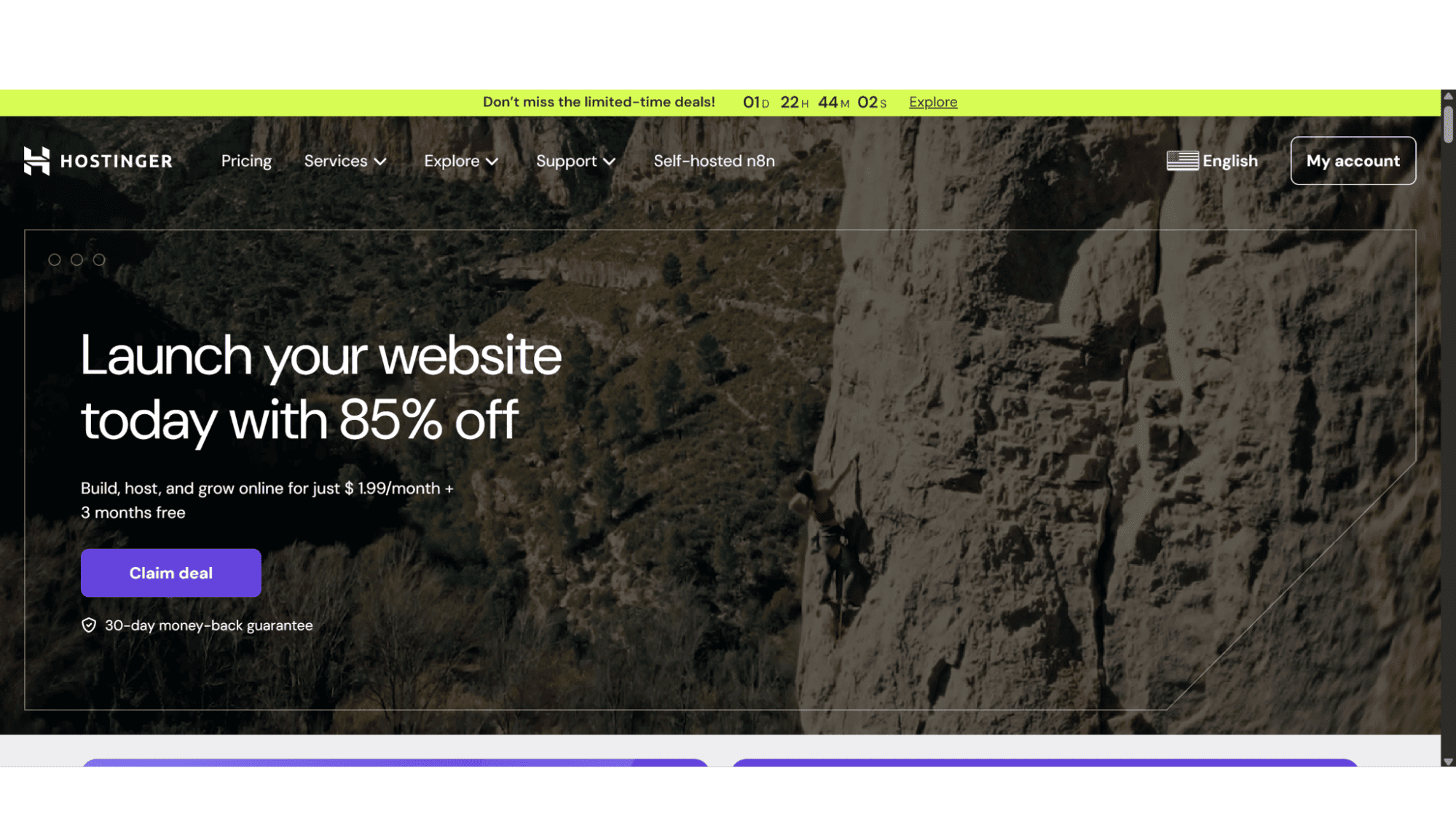
Hostinger has been around for ages, and they are a trusted name in the industry. They offer services such as shared hosting, VPS hosting, dedicated servers, and domain registrations. This provider is known for their excellent performance and hosting plans that is friendly to your pocket. Their WordPress hosting plans are available in three options and includes all the features needed to create a successful online presence. You can also install WordPress (a very popular content management system) with a single click, and as most people will know, WordPress is a website builder of sorts, as it comes with all the tools necessary to create a professional looking website quickly and without you needing to have any coding knowledge. Recently, Hostinger also started to offer their very own AI website builder, which is available for an additional monthly fee, you can also try it out for free as there is a short trial period on offer. This AI builder is a great addition to their current hosting lineup in my opinion.
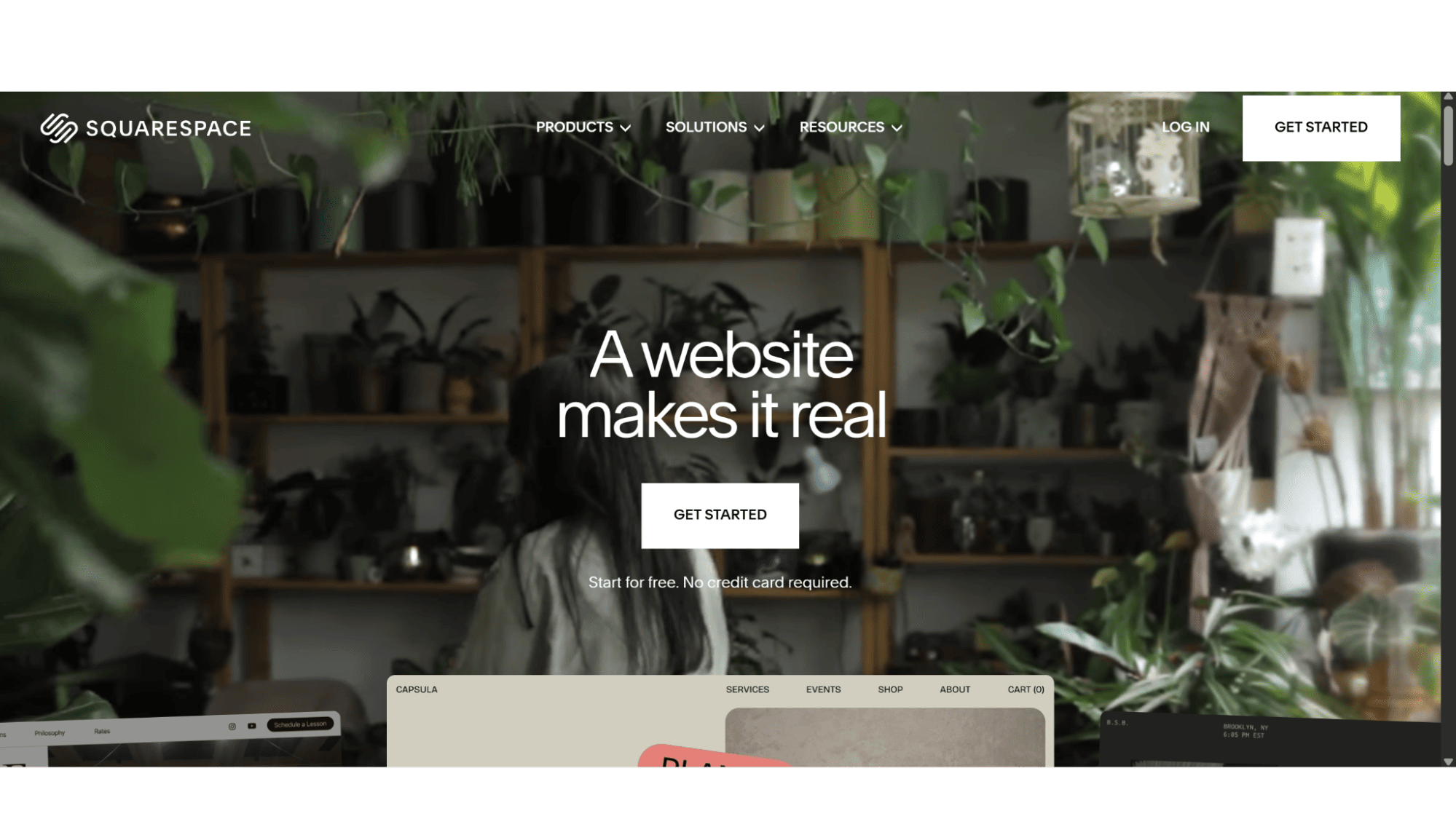
Squarespace on the other hand is more of a SaaS (Software-as-a-Service) system that one subscribes to. Their focus is definitely on how your site is presented to the world, in other words, the looks are their main priority. The design, the hosting, the template you choose and the ecommerce features are all part of one plan. But unlike hosting with a standard provider such as Hostinger, you are not paying them monthly for hosting, you are merely subscribing to a pixel-perfect online representation of your business or blog.
The Battle Royale
Breaking Down Key Areas Between These Two Giants
1. Ease of Use & Getting Started: “Drag-and-Drop” vs. “Click-and-Configure”
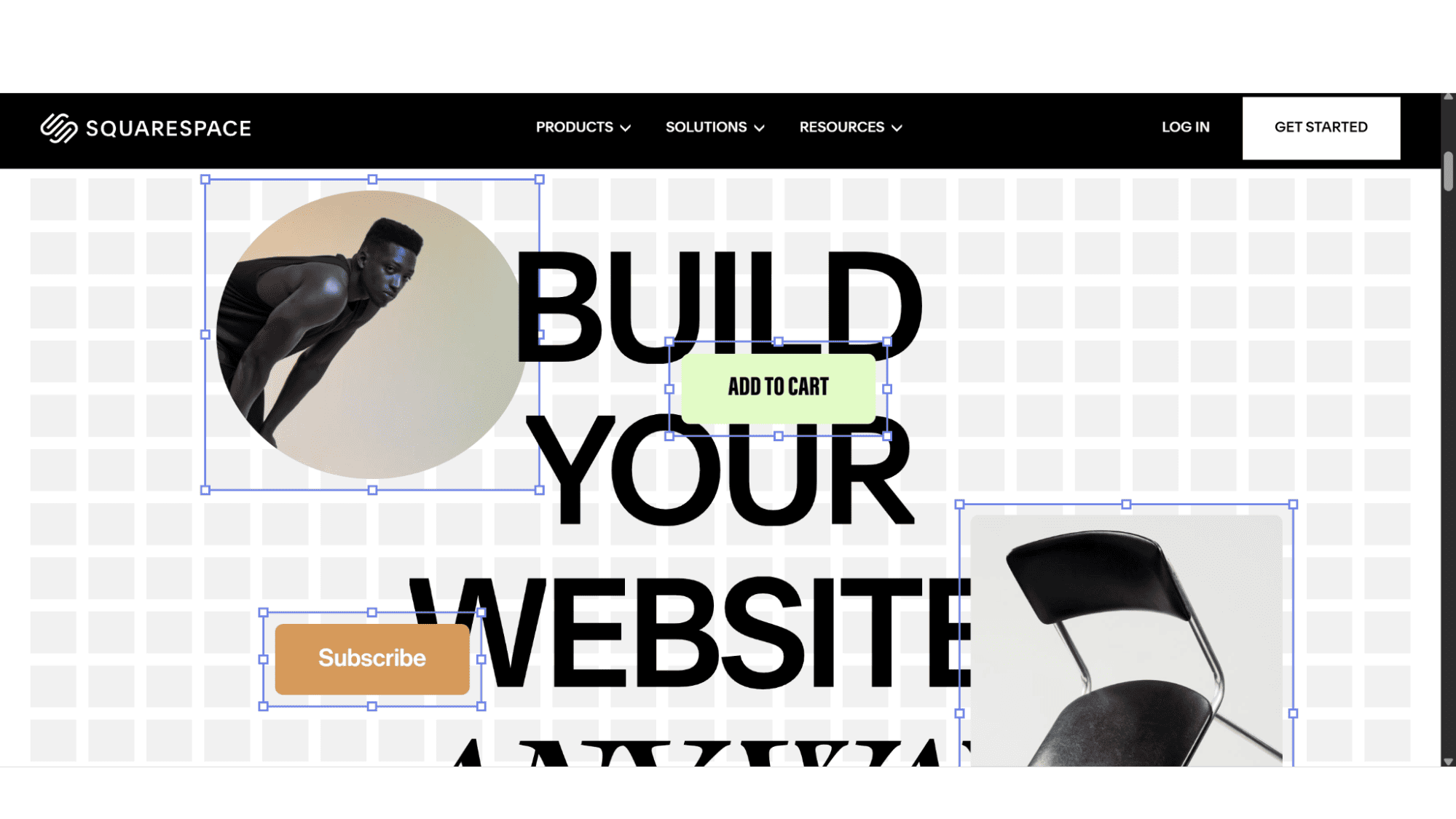
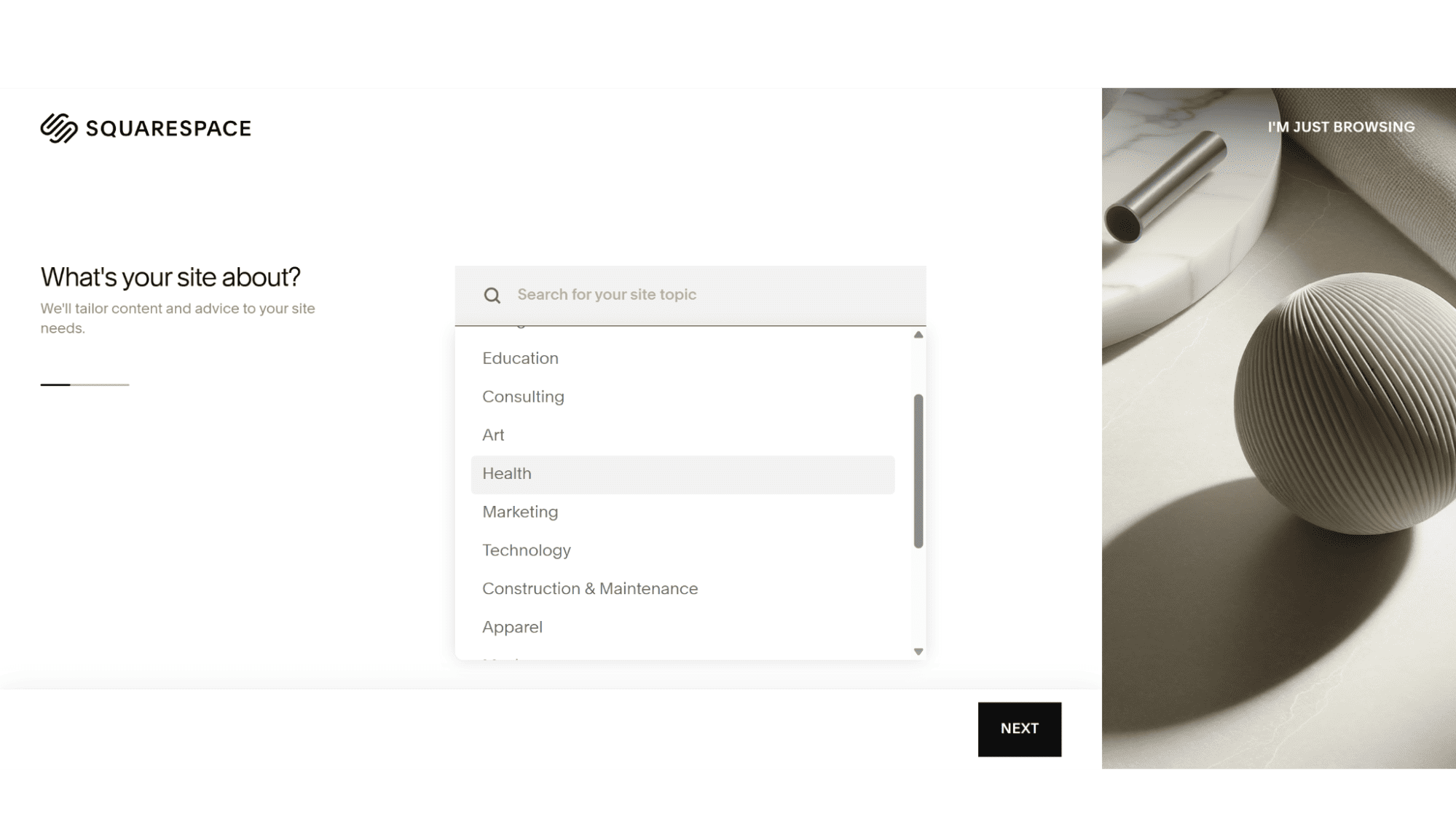
Although I am a massive fan of WordPress, Squarespace wins the first-five-minutes award hands down. Their editor is iconic to say the least. You work directly on your live web page with a WYSIWYG editor – for those that don’t know, it stands for “what you see is what you get”. With this editor you can move text blocks, change images, or adjust a section, in an intuitive, fluid, and visually satisfying manner. The learning curve isn’t much, and they provide clear steps and documentation. Basically, anyone from bloggers to portfolio owners, or even small boutiques, can have a breathtakingly beautiful site live in an afternoon with absolutely zero technical knowledge required.
Hostinger’s ease-of-use is different but still super-easy in my opinion. As mentioned before, you can install WordPress with a single click, and some plugins also allow you to edit your site with a WYSIWYG editor, or you can make use of their AI Website Builder, it’s a similar drag-and-drop experience, often with a focus on AI generation. It’s good, especially for simple sites, but in my opinion, it lacks the refined, editorial polish of Squarespace’s templates and block animations. If you go the WordPress route (which most do on Hostinger), you’re using a separate platform. Hostinger’s custom hPanel control panel is clean and simple for managing hosting, but setting up WordPress, choosing a theme (like Astra or Kadence), might take slightly longer although still really easy to use. With WordPress you also have much more freedom with custom code and integrations with systems. It comes with more steps but ultimately offers more freedom than Squarespace (although some might argue with me).
My Verdict: Need a visually stunning and simple website fast? Go for Squarespace. Willing to play around a bit and learn a super-easy CMS for ultimate flexibility? Hostinger’s WordPress path is your option.
2. Design & Templates: A Curated Gallery vs. An Infinite Marketplace
Squarespace’s templates are visual masterpieces in every sense. Each one is a carefully designed layout system for a specific niche, for example a restaurant, a photography business, business consultants, and more. They templates are fully responsive, meaning it will display correctly on any screen size, with elegant mobile views and subtle animations. The font pairings and colour palettes are professionally curated, and often premium fonts that don't come free and standard with other hosting providers. You might be wondering what the limitations are? Well, you can’t just buy any third-party template unfortunately. You are now within their design ecosystem, which ensures quality but can feel restrictive as you have to make use of what they offer only.
Hostinger (their WordPress plans) offers near-infinite design possibilities. There are thousands of free as well as premium themes (one needs to pay extra for these to the company that made them) one can use and edit. The edits also don’t come with any restrictions, and if you know code, you can pretty much create whatever look you want. The process is very simple. As soon as WordPress is installed on your hosting space, you will get a basic theme that comes with the installation, but you don’t have to use that one as there are thousands of free, and tens of thousands of premium (from markets like ThemeForest) themes available for purchase. You can then customize it to your liking with page builders such as Elementor, WP Bakery, or Divi to name just a few, which also offers visual drag-and-drop control that rivals Squarespace. As soon as you get the hang of it, you can easily create a Squarespace-like site with WordPress on Hostinger, but you can also take it a lot further by adding more custom features or custom code. WordPress on Hostinger allows one to make something utterly unique, such as a complex membership portal, or a custom directory from scratch. The responsibility for a good aesthetic design, however, falls entirely on you (that is if you don’t simply use a Premium theme and just change the text).
My Verdict: For guaranteed, out-of-the-box beauty, Squarespace. For limitless design potential and custom features, definitely Hostinger + WordPress.
3. Performance & Page Speed: Raw Power vs. Optimized Simplicity
This is where the matchup gets interesting.
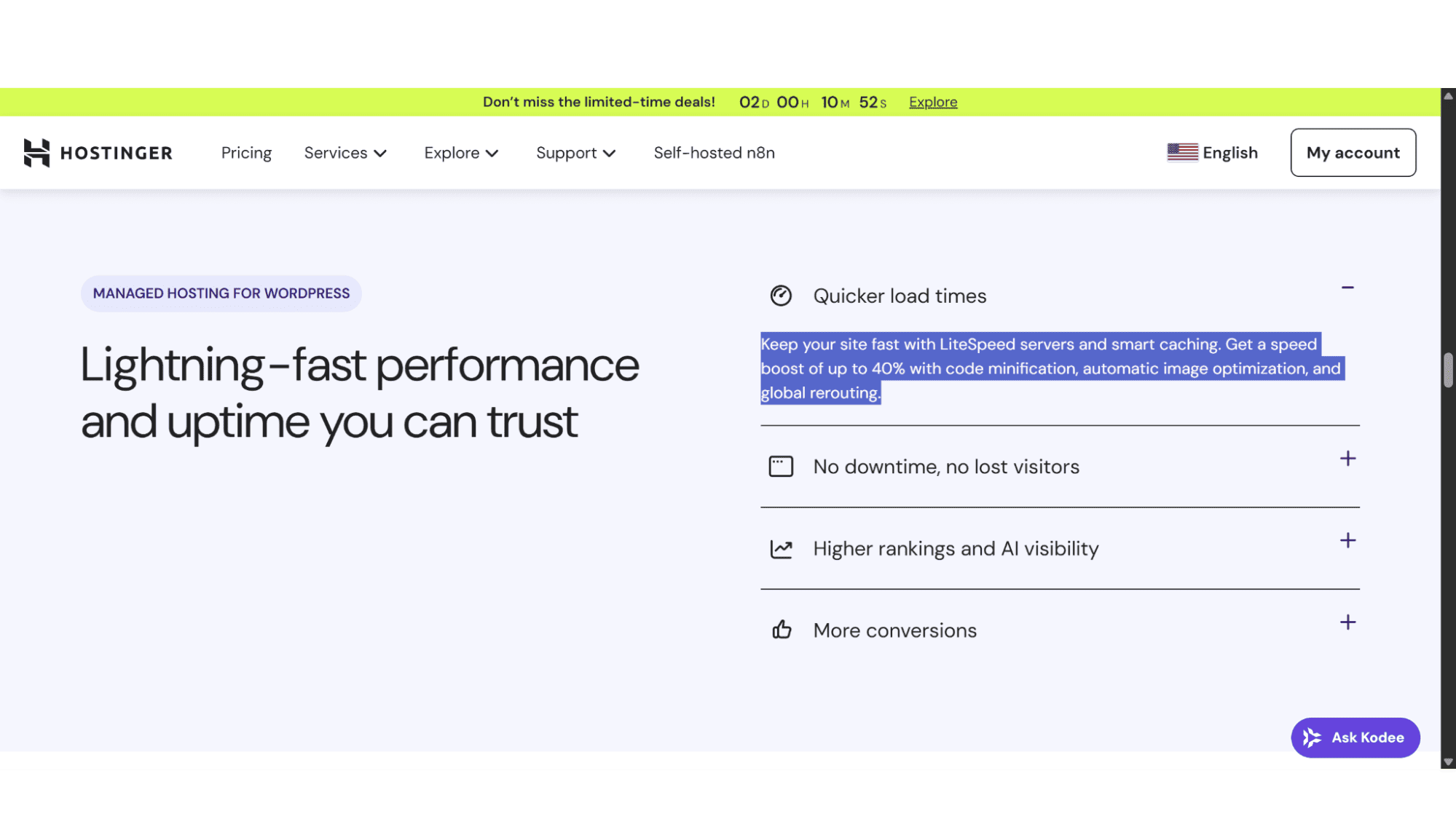
Hostinger has over the years invested heavily in their raw infrastructure. They make use of LiteSpeed web servers, which also comes with LSCache (a very powerful caching plugin), and besides multiple data centers around the globe, they also come with CloudFlare CDN (content delivery network) to ensure your website loads lightning-fast no matter where one connects from. When optimized properly (using a caching plugin, optimized images), a WordPress site on Hostinger can pretty much outperform any other website. Their WordPress-specific plans are finely tuned. However, this speed isn’t automatic, it requires some setup and know-how, but again something that can easily be achieved with a premium plugin.
Squarespace provides a uniformly good, CDN-backed performance. Because they control the entire stack, from the code, the templates, infrastructure, features, and more, you can be sure everything is well optimized and that they will deliver a consistent, reliable speed for all sites on their servers. You still won’t get the 99/100 PageSpeed Insights scores some web developers chase, but this is very hard and sometimes impossible to achieve no matter what platform you use. But you will get a very solid, fast-enough-for-most-real-world-purposes site with zero performance tweaking on your behalf as it’s all managed for you.
My Verdict: For hands-off, reliable speed, and very little effort, I would say Squarespace. For maximum, tweakable performance definitely consider Hostinger.
4. ECommerce: Beautiful Boutique Shops vs. Scalable Unrestricted Shops
Squarespace is great for small to medium online shops, especially those that sell physical products, digital downloads, and appointment-based services, the latter of which I think is probably their biggest market. Their strength is in presenting products in a very beautiful way. Their inventory management is straightforward, and features such as subscriptions, gift cards, and member areas are integrated seamlessly and without hiccups. One area I feel is very important to discuss is transaction fees, as this is something most people don’t take into account, or usually don’t even think about before they choose a platform for their online store. Squarespace charges a 3% fee per transaction on their Business plan (0% on Commerce plans), and this might not sound much now, but when you run a store in a very competitive market where you need to keep your prices as low as possible, it might be the difference between being successful or closing down.
With Hostinger you can install WordPress as well as the WooCommerce plugin, which is their version of ecommerce for those who are not familiar with it. It can handle a simple store just fine, but where it really shines is for stores that will need to scale in future, or sell complex products with lots of variables, or stores that need advanced shipping rules (these can be easily created with plugins such as TableRate, although there are plenty to choose from and new one becoming available every month), or want deep integration with third-party logistics and accounting systems. There are literally thousands of WooCommerce extensions right at your fingertips. With WooCommerce Hosting also won’t charge you any transaction fees like Squarespace do, as you merely pay for your hosting space and what you do with it is up to you. You will still, however, pay payment processing fees for Stripe, or PayPal, or whichever payment gateway you decide to use, but this will still work out much cheaper than Squarespace. The downside - It’s more complex to set up and manage.
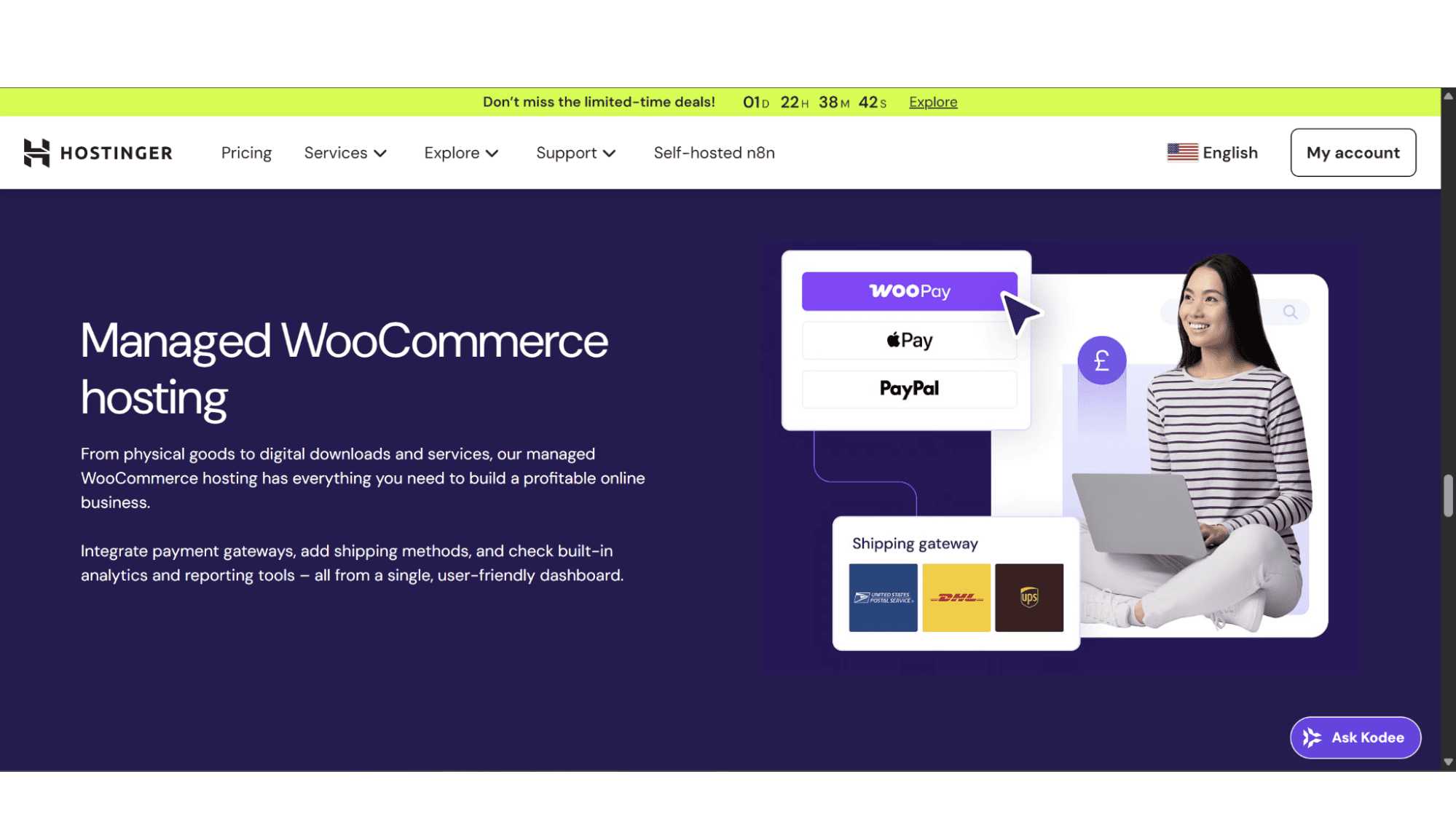
My Verdict: In this department I would say Hostinger’s WordPress wins hands down! For a simple and beautiful store go with Squarespace, but for a scalable, feature-rich online business without any limits on what you can do, Hostinger + WooCommerce is your answer.
5. Pricing & Value: Long-Term Game vs. All-Inclusive Fee
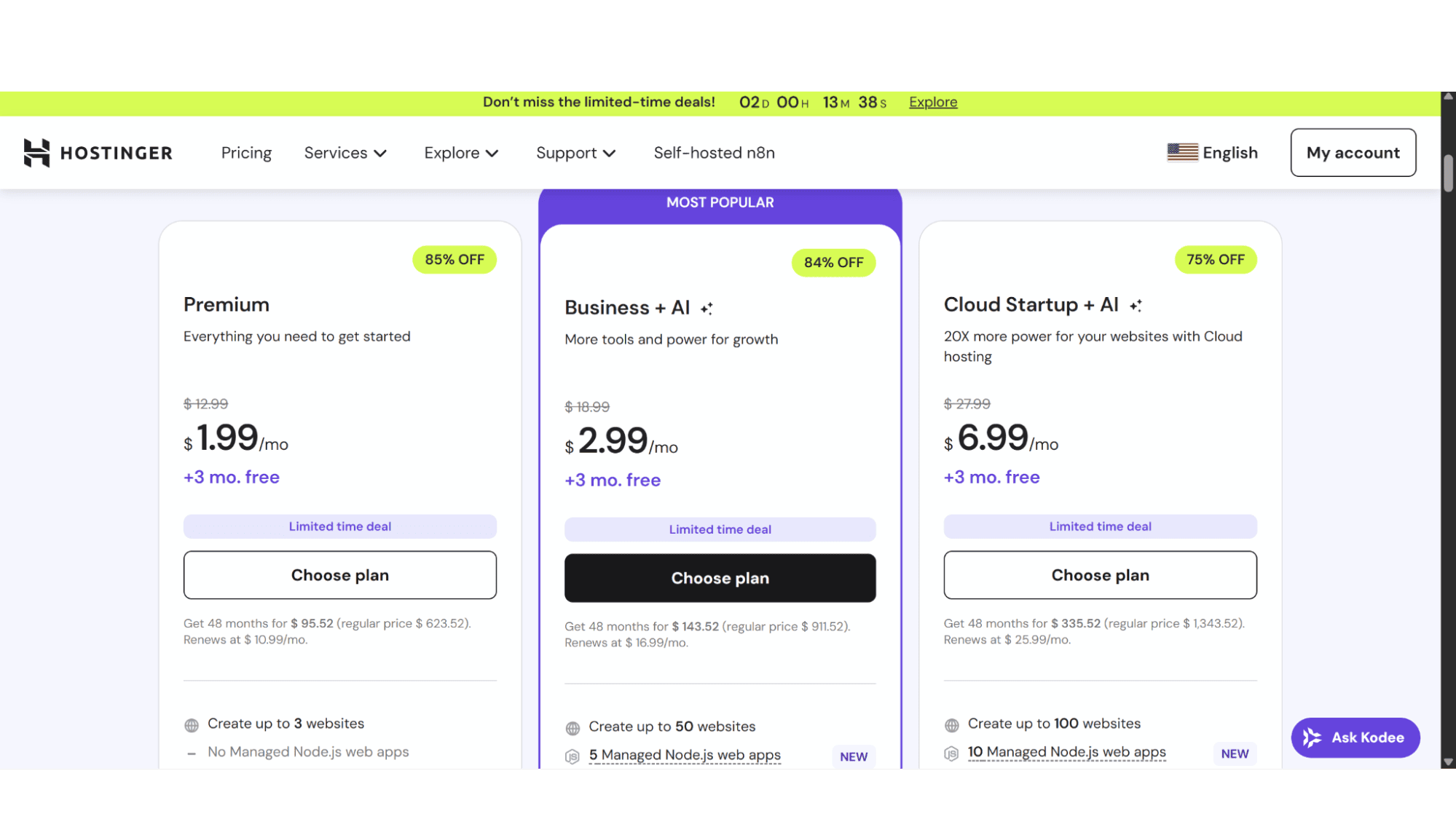
Hostinger’s initial signup prices are super-affordable to say the least. At the time of writing their “Hosting for WordPress” plans started at just $1.99 per month, and they also throw in 3 months for free, and on their long-term plans they apply a generous discount too, often up to 75% off. One thing to keep in mind is that this amount you are paying is primarily for hosting. Your domain registration, premium WordPress themes, and premium plugins are separate costs. But if you look at the whole picture, the value is massive for what you get - serious hosting power for a bargain price. Renewal prices are a lot higher, although I am pretty sure it will still cost less than a Squarespace subscription with the same features.
Squarespace on the other hand has higher, but more straightforward pricing. As mentioned before, you are paying for their integrated design platform, hosting, and support, all in one package deal, and there are no separate hosting bills or theme costs. Their Personal, Business, and Commerce plans clearly show what features each include and what not. They usually include a free custom domain for the first year on annual plans, although in the past I have seen them remove this special from time to time. While overall they will be more expensive than Hostinger, you’re comparing a full-service platform to a foundational hosting service, so it’s not exactly comparing apples with apples.
My Verdict: If you are on a budget then Hostinger’s WordPress hosting is the option you should take. For a predictable, all-inclusive plan, Squarespace would be a better fit.
6. SEO & Blogging: Tools vs. Foundation
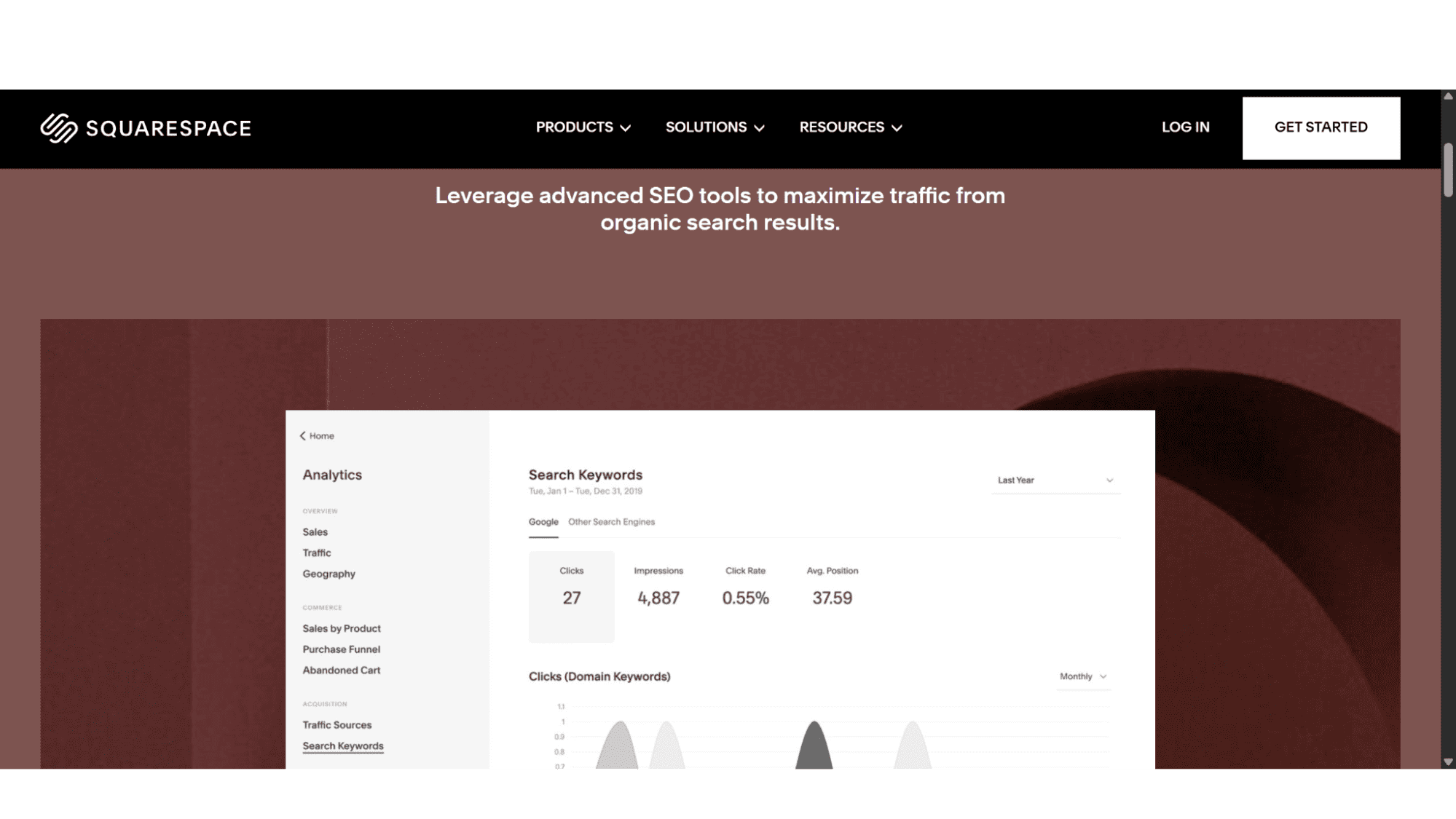
Squarespace has excellent, probably one of the best, built-in SEO tools. Titles, descriptions, clean URLs, automatic sitemaps, solid image optimization, you name it, they are all baked in. In my previous point I mentioned that they are more expensive, but if you consider how important SEO is nowadays and that Squarespace do this with a click of the button, it makes one easily overlook those extra costs. Its blogging platform is elegant and easy to use, perfect for individuals and businesses alike that want to publish attractive posts without fuss. It handles the fundamentals very well.
Hostinger’s WordPress hosting with a premium SEO plugin such as All In One SEO or Yoast SEO provides a nuclear-powered SEO system for your WordPress site. You get far more granular control over everything from schema markups, to content analysis, and more, and WordPress as a content management system (CMS) is arguably the most powerful and flexible blogging engine ever built, even used by major publications worldwide. It’s built for content at scale.
My Verdict: For effortless, built-in SEO for a standard site, look at Squarespace, but for serious content strategies and total SEO control, Hostinger + WordPress should be your go to option.
The Bottom Line
Who Should Choose What?
After looking at what both these giants of the tech world offer, I would say:
Choose Squarespace if:
You hate getting involved with SEO settings and plugin installations, a solopreneur or artist that is not on a very tight budget, or a small business owner whose top priority is stunning design with the absolute minimal hassle. If you value an all-in-one package and have no interest in server management whatsoever and want a beautiful online presence that just works from the moment you subscribe, then this is the provider for you. Your time is better spent on your craft and not on tech.
Choose Hostinger’s WordPress Hosting if:
You are a business owner, blogger, or developer that is looking for long-term flexibility and control over every aspect of your website, whether it be payment systems, SEO, or a very specific design. The learning curve might be a bit steeper if you are not already familiar with WordPress, but the rewards are so much more, not to even mention the costs you save compared to Squarespace.
In a nutshell - Squarespace is the perfect, move-in-ready loft apartment with designer furniture, where Hostinger is the plot of land and the hardware store where you can build your own dream house, from a cottage to a skyscraper. One isn’t superior to the other, they simply serve fundamentally different creators.
Before you decide which one is best for you, ask yourself this question: "Do I want to build and design my website, or do I want to arrange and populate it?" The answer will lead you directly to the right platform.








