You can find more information about other types of services, as well as reviews of Hostinger.com, in the following articles.
Objective expert review Hostinger.com
Hostinger Email Review - 2025
Why Your Business Email Choice Matters More Than You Think
After many years in the IT industry and working with multiple email providers, I’ve learned that a good service needs to balance affordability with reliability, and let’s be honest, in today’s digital world, email isn’t just about sending messages back and forth. It’s the lifeblood of your business operations, keeping teams in sync, driving marketing campaigns, and maintaining crucial customer relationships. Get it wrong, and you’re looking at missed opportunities, security headaches, and productivity nightmares.
I had the opportunity to test Hostinger’s email solutions thoroughly, and with their email solutions, you get professional, domain-based solutions without breaking the bank. In this review, I’ll break down the pros, cons, and key features to help you decide if it’s the right fit for your needs.
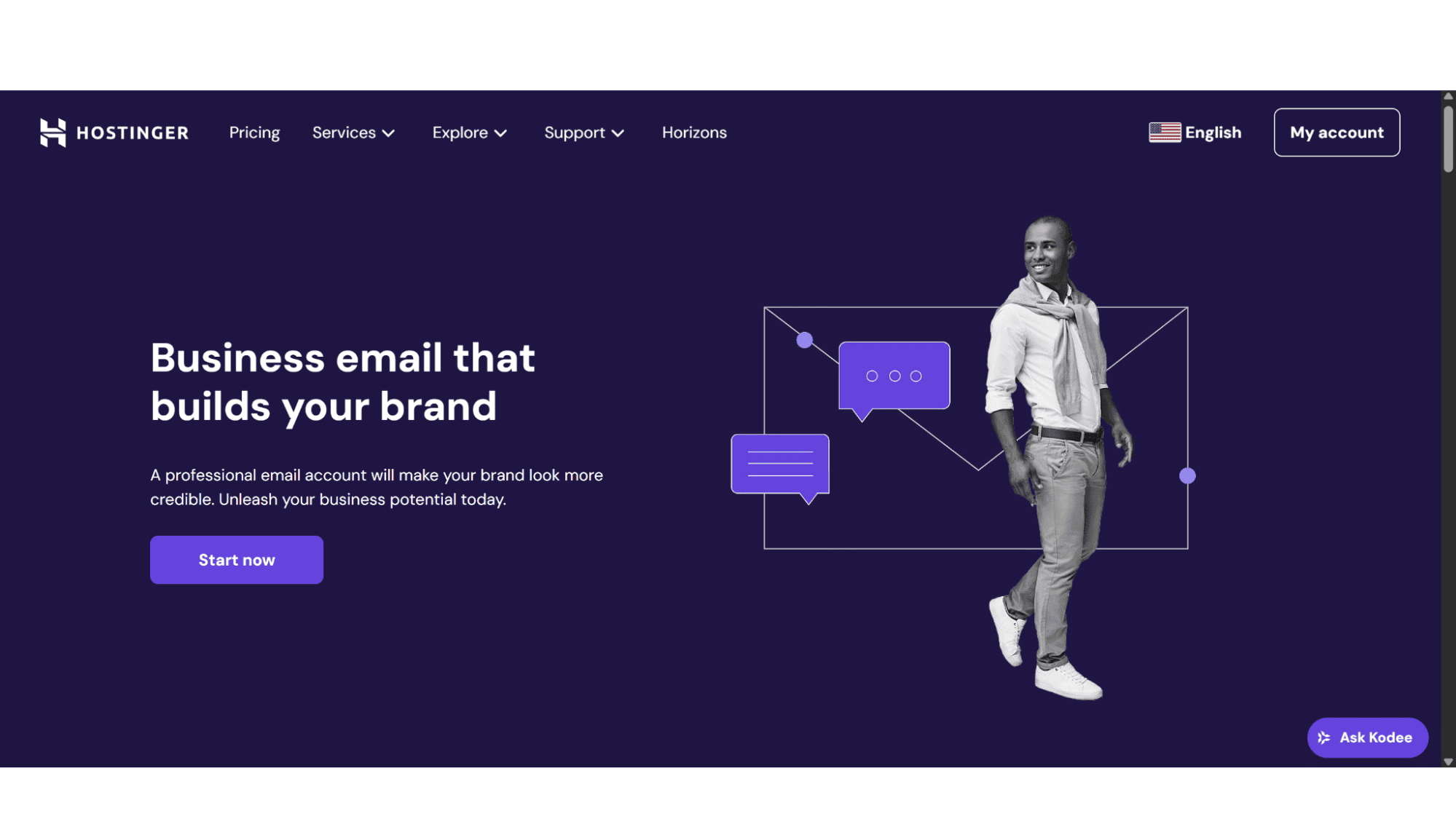
Whether you are starting a new business or running an established firm, Hostinger’s two straightforward email plans have you covered. Their email solutions support both POP and IMAP protocols, as well as SMTP (Simple Mail Transfer Protocol) for sending mail, and one needs to be aware that Exchange mail is not supported. Users will also need to register their own domain as Hostinger doesn’t offer a generic domain for any of their email services.
I will break down what each option brings to the table based on my hands-on experience.
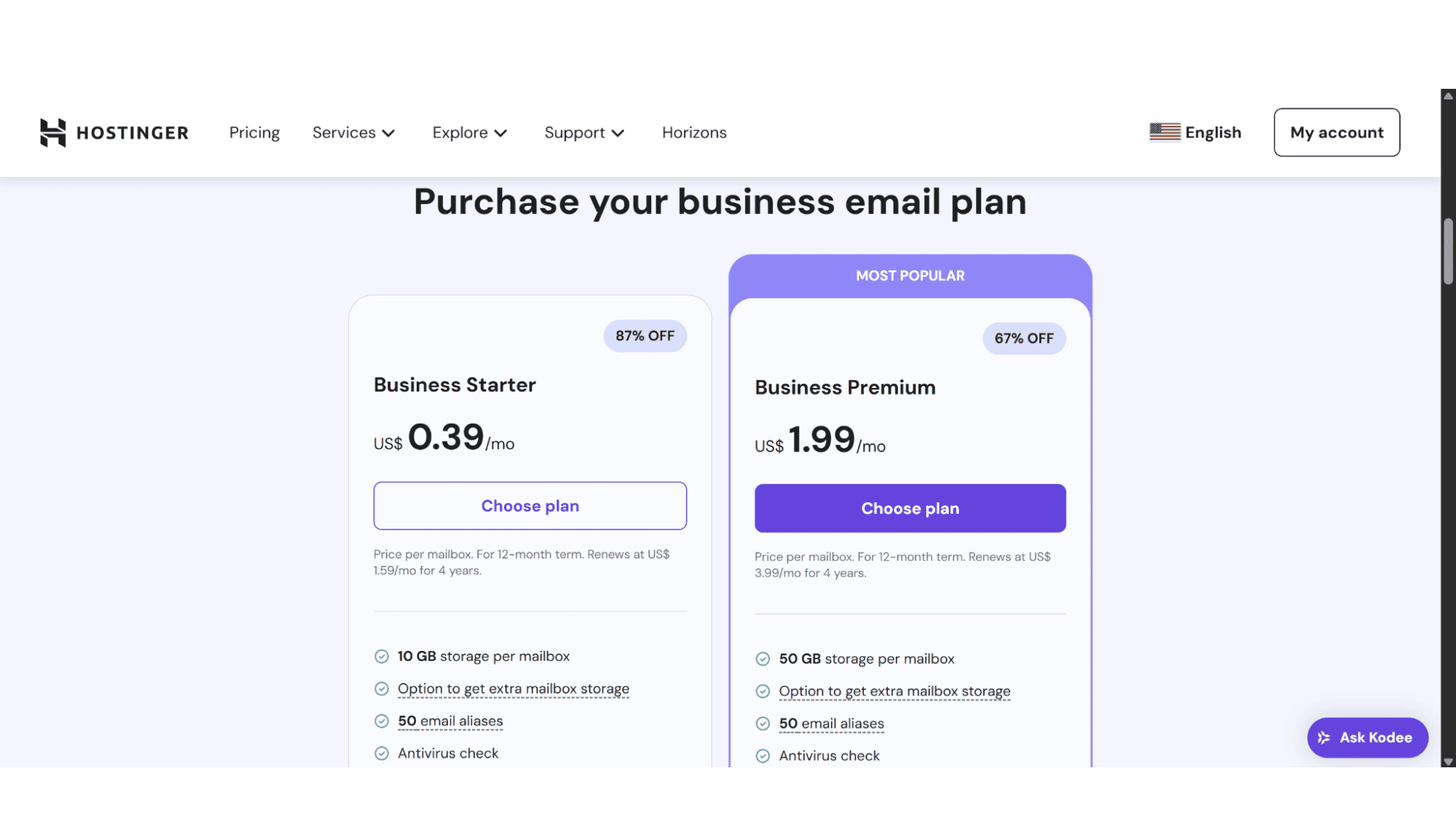
The Business Starter Plan - Perfect for Small Companies & Individuals
This plan offers affordable mailboxes at only $0.49 per month per mailbox and includes the following:
- 10GB storage space per mailbox;
- 50 aliases.
The Business Premium Plan - More Storage Space for Growing Organisations
These mailboxes are considerably more expensive than the entry-level plan, coming in at $1.99 per month per mailbox, but it also offers a whole lot more. Here’s what you get:
- 50GB storage space per mailbox;
- 50 email aliases;
- Includes a free domain registration when subscribing for a year or longer.
Both plans are solid options, catering to different stages of businesses. They include anti-virus and advanced anti-spam filtering by default, as well as the option to get extra mailbox storage space, starting at 30GB, for an additional monthly fee. Users can send up to 3000 emails per day (from each mailbox), and can create 50 forwarding rules.
You will notice that I mentioned that both plans include 50 aliases per mailbox, and over the years, I found that term to be somewhat confusing for newbies. An alias is basically an email address without its own mailbox, but is linked to your primary email address. See it as a nickname for your main email address. It lets you receive emails at different addresses without creating separate inboxes.
Security:
To prevent your mail from being compromised or ending up in spam folders. Hostinger has the following DNS records in place as standard:
DKIM Records: Puts a unique digital signature on every email you send, ensuring its integrity and verifying that they were legitimately sent from your domain.
SPF Records: It ensures that only authorized servers can send emails from your domain.
DMARC: One can see this as the rulebook, telling receivers what to do with fake emails (delete them or flag them as suspicious etc.)
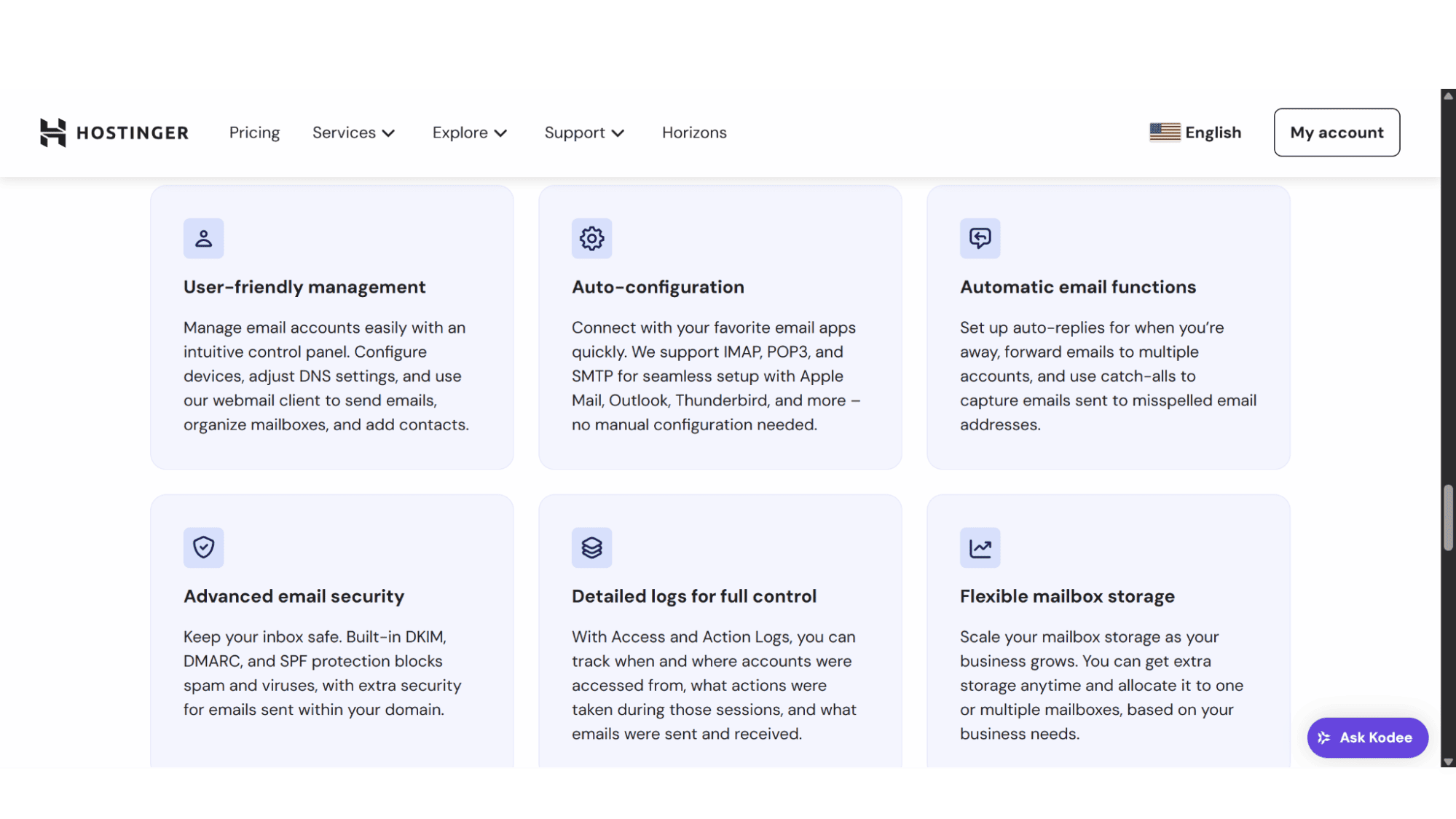
Key Features:
- Professional domain-based email addresses;
- Advanced protection against viruses, spam, and phishing attacks;
- 99.9% uptime guarantee;
- Support around the clock;
- Detailed Logs;
- Option to upgrade storage space;
- 30-day money-back guarantee.
Registration:
To start using Hostinger’s email plans is a quick and easy process. Simply navigate to their website and click on “Services” from their main menu, then on “Business Email”. Choose between the “Business Starter” or “Business Premium” plan. After clicking on “Choose Plan”, it will bring you to a page where you can select your preferred subscription length. Users can choose between signing up for 1, 12, 24, or even 48 months at a time.
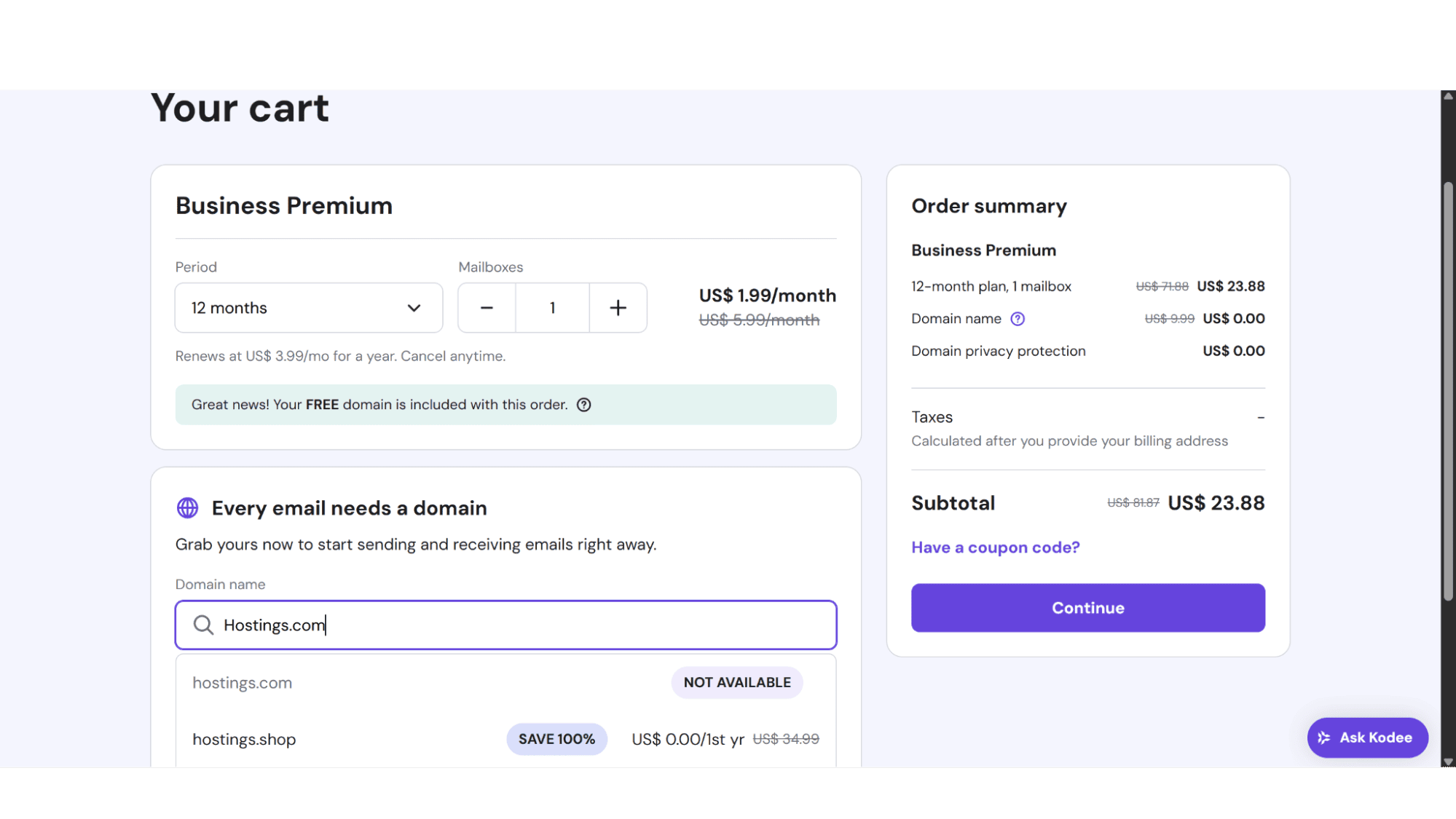
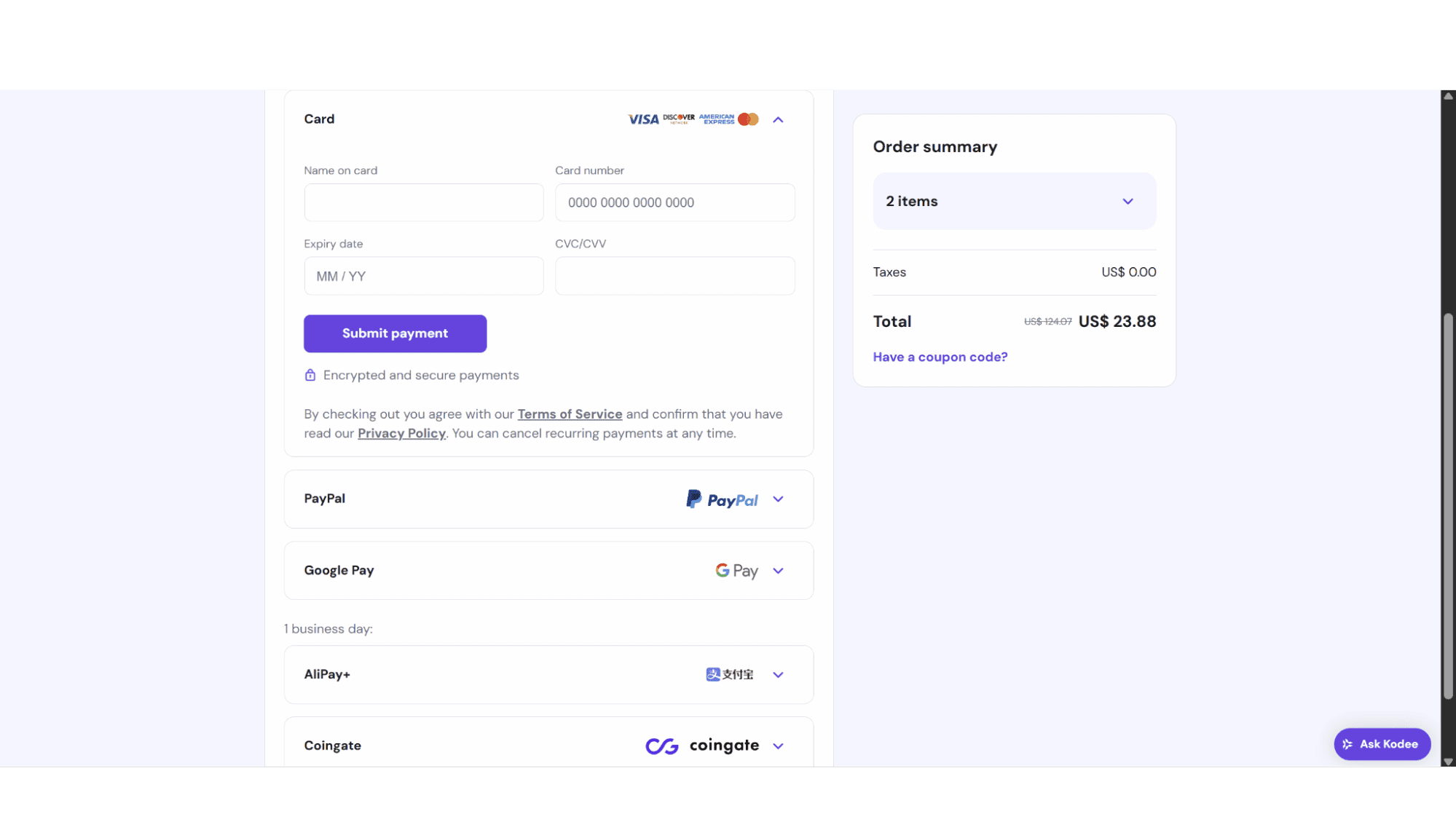
The next step would be to check if your preferred domain name is available. Enter the domain name you are after, if it is available you can click on “Continue” on the right-hand side, if it isn’t available, it will automatically suggest other similar names. The next page will ask you to either log in (if you have an existing account with them) or sign up, which can be through your GitHub or Google profile, or by providing an email address and selecting a password. Enter your billing details and payment method (users can choose between Visa, Mastercard, Discover, American Express, PayPal, Google Pay, AliPay, or Coingate (this option takes one business day to complete) to complete the checkout process, and you are all set.
As soon as your account is active, you can create your email accounts from your account dashboard. To do this, click on “Email Accounts”, then on “Add Email Account”. You then need to enter the new email address and create a password (this must be 8-50 characters long, includes at least one number, one lowercase and one uppercase letter, and a symbol) and you’re all set and ready to start using the new email address.
Setup
Setting up IMAP or POP in your email client is easier than most people think, just a few minutes of configuration for seamless email access. For IMAP (ideal for multi-device sync), you’ll need your email address, password, and server details (all these settings are visible in your account dashboard under the email accounts section) like imap.yourdomain.com (port 993) for incoming mail and smtp.yourdomain.com (port 465/587) for outgoing.
POP accounts will use pop.yourdomain.com (port 995) instead. Most email clients, such as Outlook, Apple Mail, or Thunderbird, will guide you through this under the “Add Account” section, but keep an eye on the SSL/TLS toggles, and avoid spelling mistakes in server names (this is a common hiccup).
In a nutshell - IMAP keeps everything in sync across devices, while a POP account download mail to one device only - great archiving, but slightly outdated for daily use in my opinion.
Security:
To ensure that your business emails don’t get compromised or end up in spam folders, Hostinger includes the following DNS records by default in all its email plan setups:
DKIM: This record puts a unique digital signature on every email you send so receivers know it’s really from you. It prevents tampering during transit and helps against spoofing or phishing attacks.
SPF: It works by listing approved IP addresses, which allows receiving servers to check if the mail is from a legitimate source - if not it will get flagged as spam or get rejected.
DMARC: See this as the rulebook telling receivers what to do with fake emails (delete them or flag as suspicious, etc.)
Webmail
Why It Still Matters in Our App-Centric World?
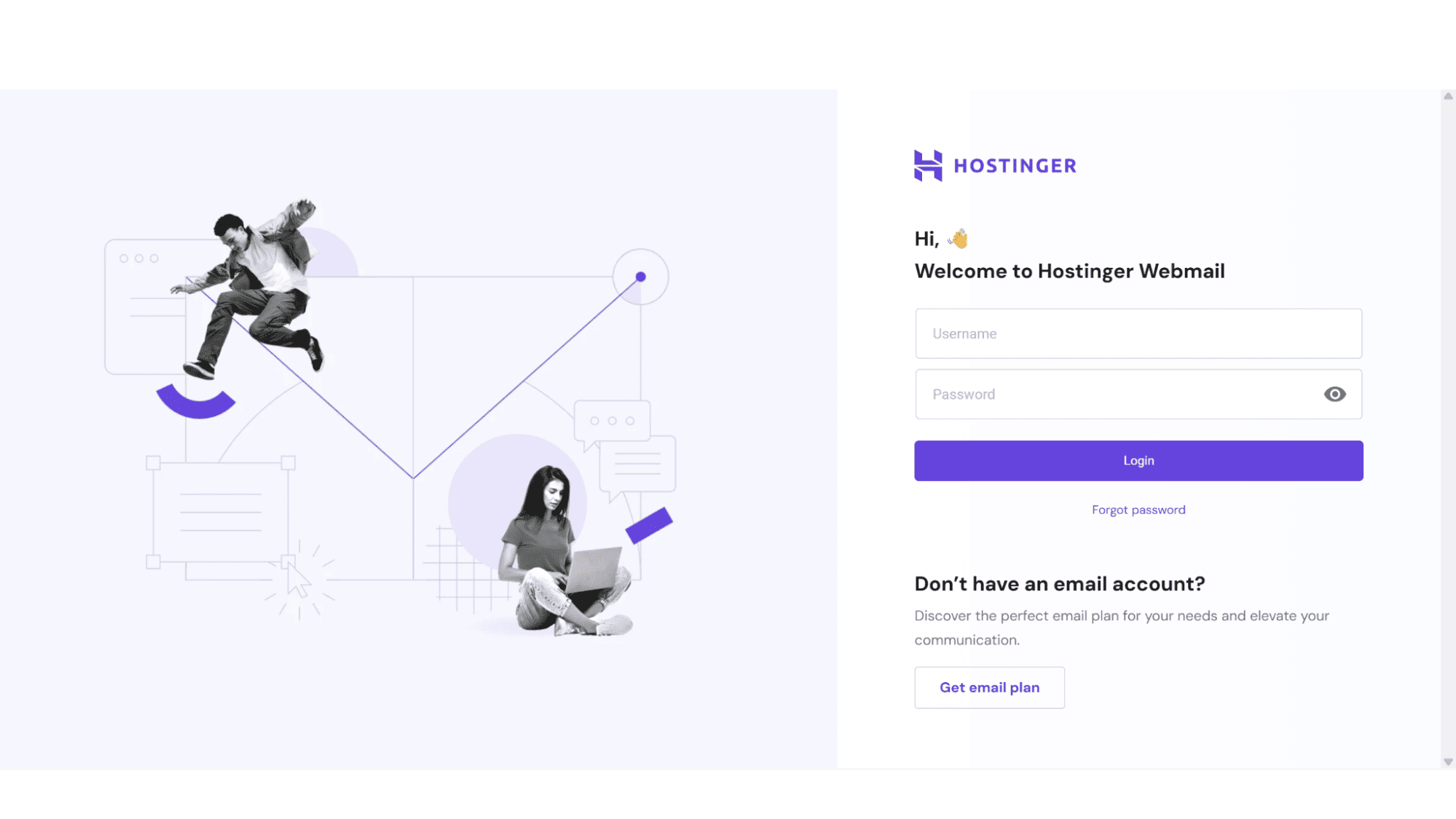
Hostinger includes webmail as standard with all their email plans. You can access your mail on the web at any time by going to https://mail.hostinger.com, then entering your email address and password.
While an app is convenient, webmail gives you universal access to your inbox from any device with a browser, no installations needed. It’s especially crucial for business owners – imagine being able to check professional emails from an internet cafe during travel without compromising security by logging into unfamiliar devices. The full-featured interfaces often include advanced tools most mobile apps skip, like detailed filters or bulk organization features.
Support:
When you run into issues or need help setting up your email accounts, you can reach Hostinger’s friendly and efficient support agents via email, support tickets, go through their knowledge base, or even ask the Kodee AI assistant. This AI tool is helpful and will give detailed answers to most issues, but if your error is more technical in nature, I would suggest getting hold of an agent via email or tickets. Replies are swift, too, you can expect answers within an hour or two.
My Hands-On Take
Hostinger Email Solutions Delivers Where It Counts.
After testing Hostinger's email plans for a few days, I'm left impressed by how it balances affordability with genuinely useful features. Setting up professional email addresses takes less than 10 minutes, the security is more than decent as they include SPF, DKIM, and DMARC records as standard, a feature one usually sees with Exchange mail setups, and all plans come standard with complimentary anti-virus and spam filtering.
Bottom line? In a market flooded with overpriced "business email" solutions, Hostinger manages to deliver enterprise-level features without the enterprise-level headaches or price tag. An excellent choice in my opinion.