



You can find more information about other types of services, as well as reviews of Hostinger.com, in the following articles.
Objective expert review Hostinger.com
Hostinger Support in 2025
Is It Actually Good, Or Are They Just Good at Marketing?
If you have ever been involved in the hosting industry, the name Hostinger should ring a bell. They are a very well-known hosting provider within the industry, with budget-friendly starting prices that almost seem too good to be true. But, as any seasoned developer, IT professional, or website owner knows, the true value of a hosting provider isn't its affordable rates or the excellent uptime some claim to have, but more often than not, it's the support you receive when things go wrong, and sooner or later they do, no matter who the provider is.
Your website is the digital representation of your company, your way to make a living, your creative venture, and when it's offline, showing up with errors, or clients can reach you via email, you need a solid, quick-to-react support team to get you back online. In this review, my aim is to evaluate every aspect of Hostinger’s support. Let's take a look at what they offer.
The Hostinger Support Structure
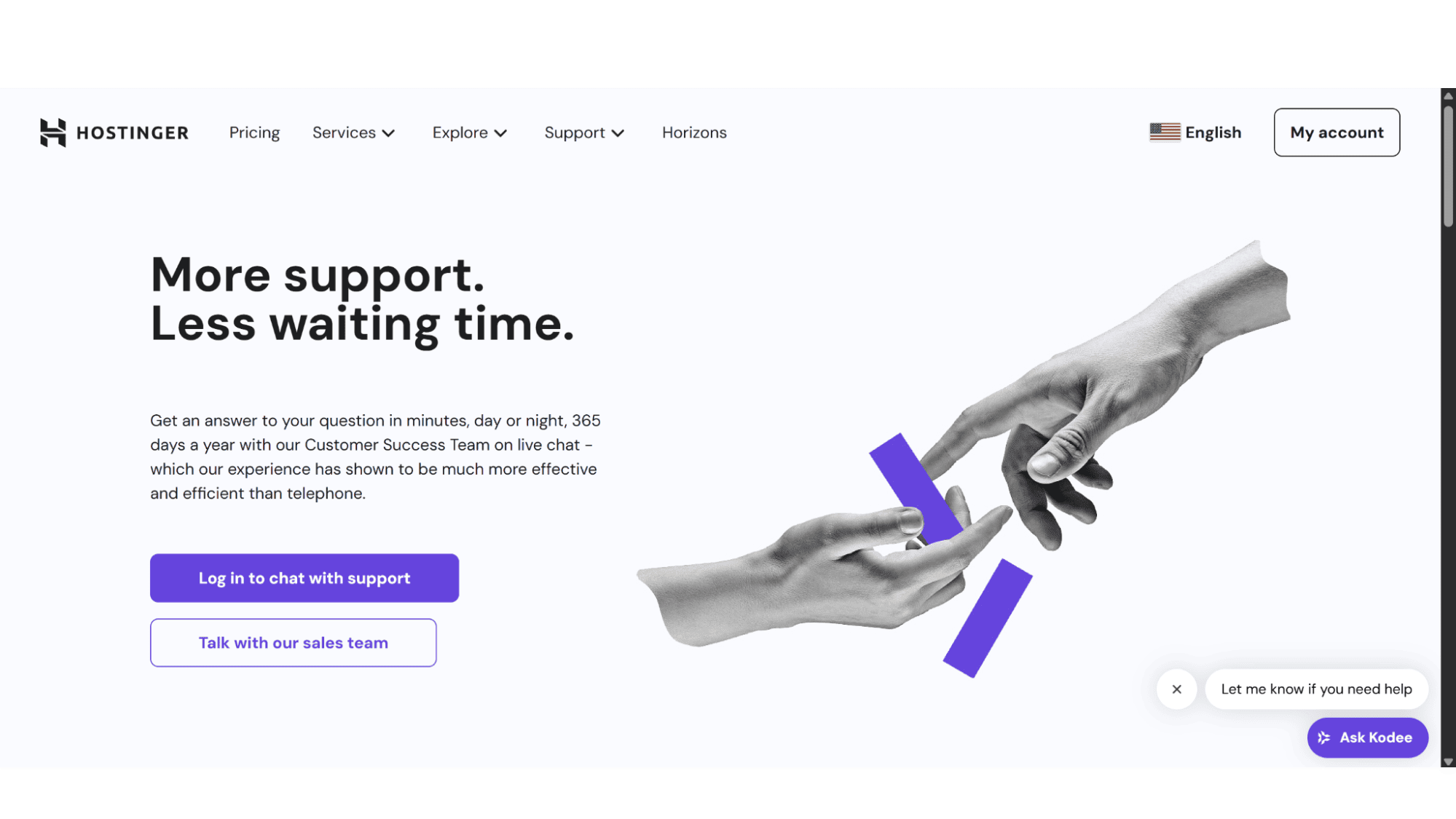
Hostinger’s support structure is built primarily on two pillars: 24/7 Live Chat and Email Support, with a notable exclusion of traditional phone support (there is no phone number to contact them on), a fact that is immediately highlighted on their website and one that a potential customer must be aware of from the outset. They also offer an AI assistant and a rather decent Knowledge Base on their website, but let’s take a good look at each one individually.
1. 24/7 Live Chat
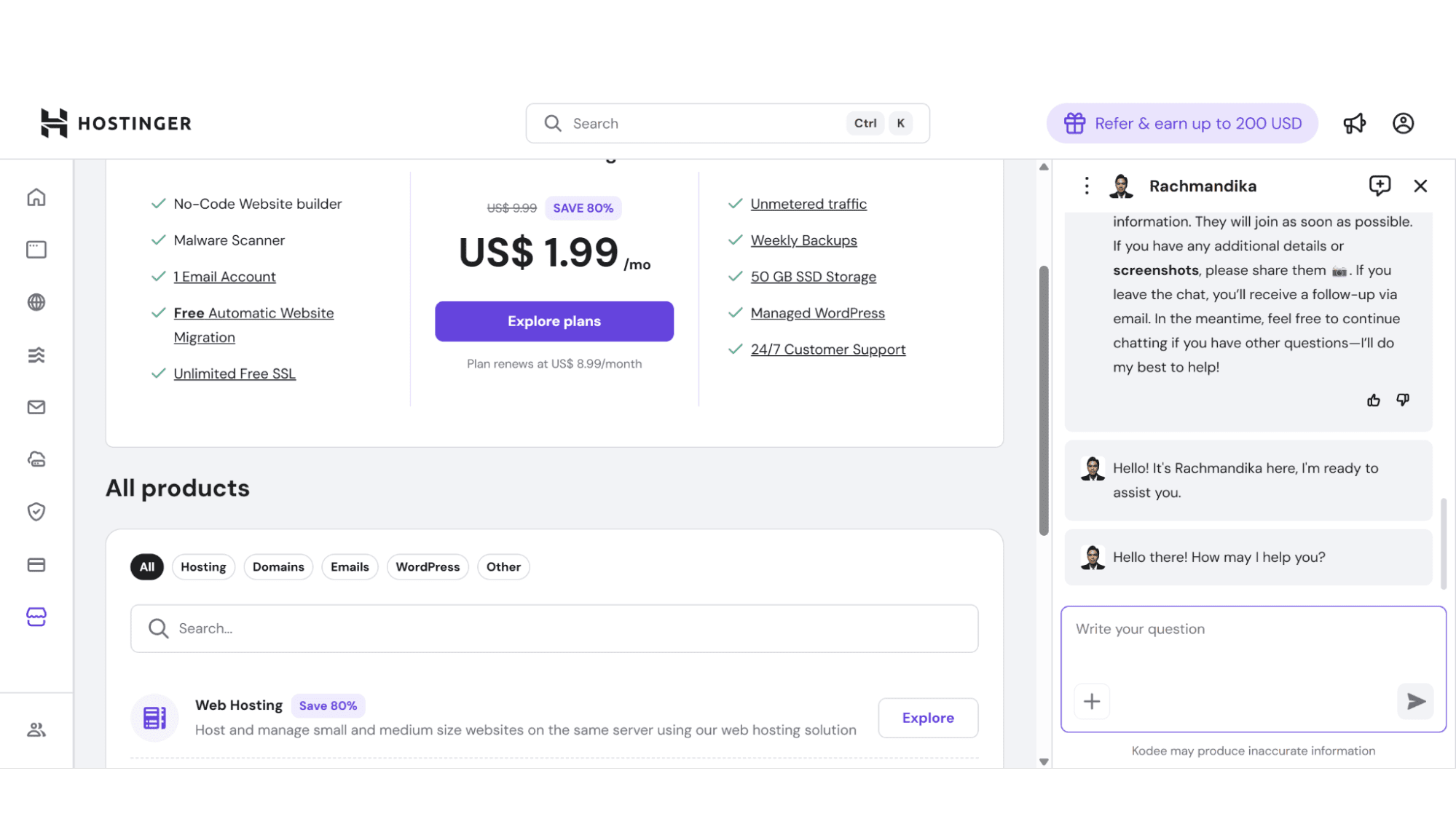
In general, this is probably by far the most popular way hosting clients like to receive help quickly, no matter who they host with, and Hostinger luckily offers this option. To get a chat started is quick and straightforward. You simply log into your hPanel (Hostinger’s custom control panel, which serves as your account dashboard), click on the “Ask Kodee” button that is on the bottom right of the screen, and this will then open a chat window where you can start the chat. You can then describe your problem and will first be assisted by the AI Assistant (Kodee), but just type “Human” or “Agent” and they will transfer you to one of their support agents. This channel is perfect for anything from email-related problems, right through to help with their shared hosting plans or website builder.
It is available around the clock, 365 days a year, and response times have been consistently fast. I have rarely waited more than two minutes, even during what one would assume are peak hours. Their agents are well-trained, friendly, and seem eager to get your issue resolved as soon as possible.
2. Email Support
For more technical problems that require some investigation or can’t be fixed within in a single chat session, I would recommend getting in touch with their agents by sending an email to support@hostinger.com. After you send your mail, (usually within a few seconds) you will receive a notification back to say that they have received your mail and that they are looking into your request. All further communication can then be via this email chain., you won't need to log in to your account dashboard. This form of support is great for complex problems that might involve server engineers, specialized software support like Node.js or Python with VPS plans, or just issues that require more time to diagnose.
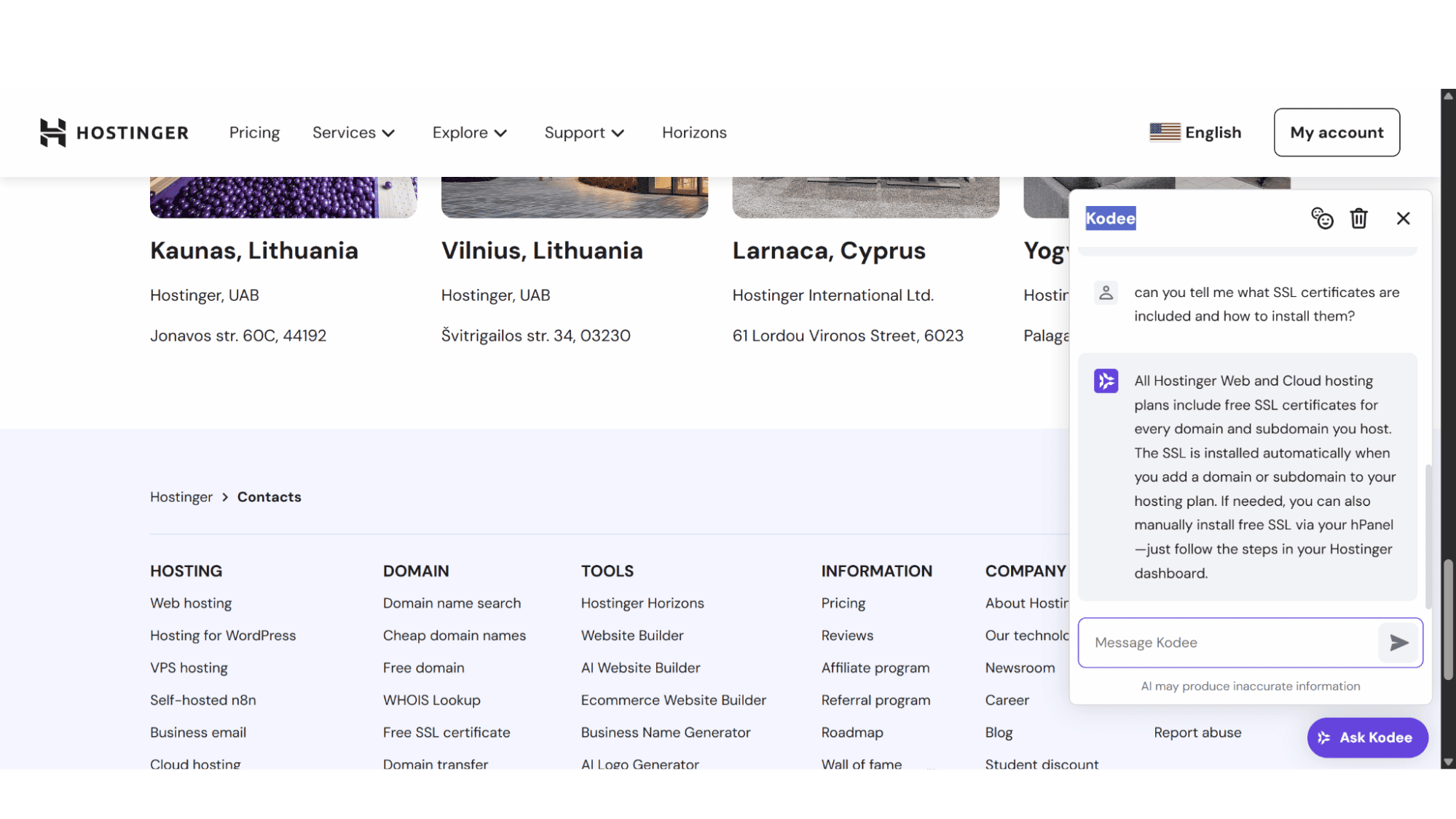
3. The Hostinger Kodee AI Assistant
This AI tool will be your first point of contact if you are a Hostinger client. I am not a big fan of AI (yet), but I have to admit, this assistant seems to really understand ones problem. As soon as you describe your issue, whether it be an SSL error, email dnot working, or maybe a problem with a WordPress plugin, Kodee instantly processes your question and provides either a detailed solution, or URL's to their most relevant, step-by-step articles from their Knowledge Base. Sometimes you don't want to speak to a machine, in and these times simply type a command like "I need a human" or "agent", and the AI system will immediately pass you on to a support agent without the frustration of repetitive questioning. In my opinion, Kodee is a n excellent implementation of AI that feels less like an obstacle and more like a useful, time-saving tool.
4. The Hostinger Knowledge Base
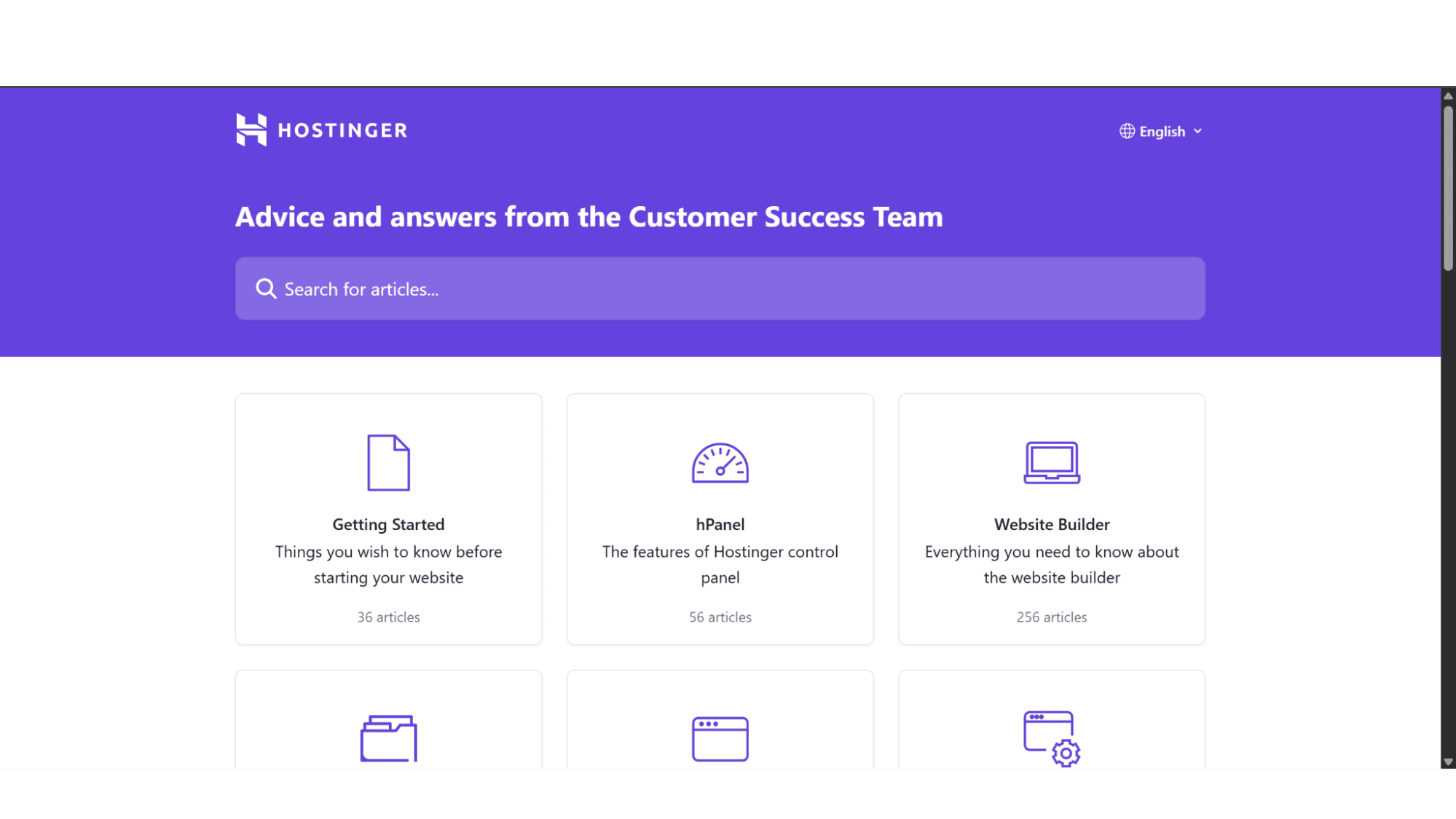
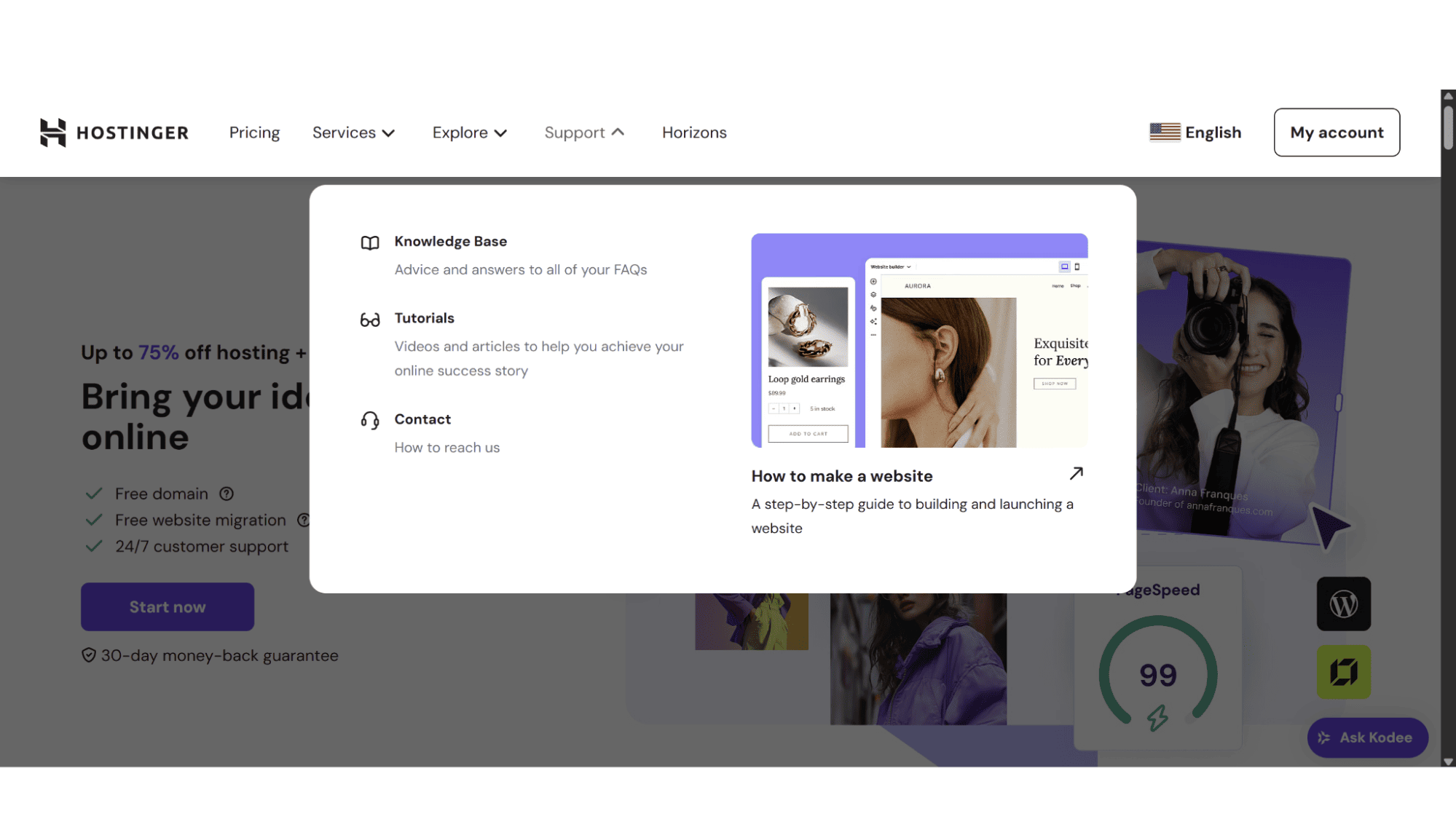
Before you even get to a human, this provider heavily encourages their users to first consult their Knowledge Base (help center), and honestly, it’s excellent! This isn't your typical, thinly veiled collection of FAQ pages written by a marketer. The articles are comprehensive, well-structured, and surprisingly detailed. They include step-by-step tutorials with clear screenshots and video tutorials (this is on a separate page), covering everything from "How to install WordPress" to more advanced topics like modifying PHP.ini settings or configuring a Node.js application. To find these articles, simply click on “Support” in the top, main menu. It will then provide four options: “Knowledge Base”, “Tutorials”, “Contact”, or “How to Build a Website”.
The Hostinger hPanel
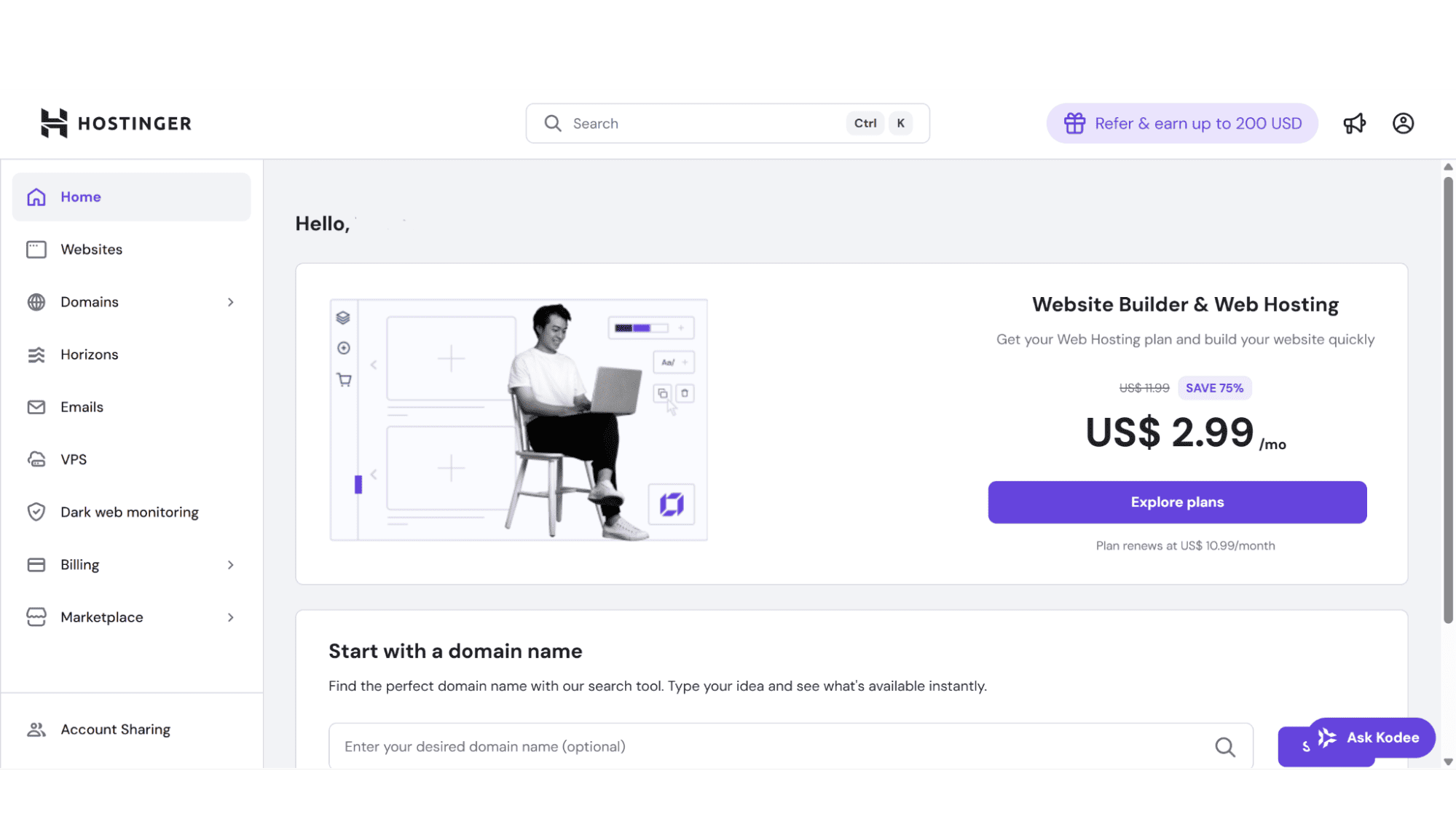
It’s impossible to review their support without mentioning their control panel. Hostinger uses its own custom-built and intuitive panel, the hPanel. Many common tasks that would require a support ticket with other service providers (like forcing an SSL install, accessing error logs, or account and billing queries) are just a click away within hPanel. This, in itself, is a form of support in my opinion, as they are preventing problems before they start.
A Critical Omission: The Lack of Phone Support
This is Hostinger’s biggest support weakness and a deliberate business decision to keep costs, and therefore prices, as low as possible. When your website is completely down and you’re stuck, the ability to talk to a human being instead of a machine is invaluable.
For a seasoned professional, this is a manageable trade-off. For an absolute beginner who is panicking, the absence of a calming voice on the other end of the line can be a deal-breaker. Sometimes you just want to call someone and get instant help.
The Bottom Line
Hostinger’s support is a reflection of its overall business model: incredibly efficient, scalable, forward-thinking, and optimized for the majority. It is a modern, tech-first support system that uses AI and a vast knowledge base to empower users and resolve the majority of issues before they ever need a human interaction. The agents are friendly and fast to respond when they are needed. The lack of phone support is a drawback for me personally (and I suspect for the majority of users) that must be weighed against the significant cost savings.
My experience with them has been largely positive. For probably 95% of the issues that I and most users will ever face, Hostinger’s support is more than adequate. It’s the 5% of edge cases, the real head-scratchers, where you might feel the constraints of their budget-friendly model. But for the price, it’s hard to argue with the value.








