You can find more information about other types of services, as well as reviews of Hostinger.com, in the following articles.
Objective expert review Hostinger.com
Hostinger Cloud Hosting Review - 2025
Does It Deliver on Its Promises of Superior Speed, Greater Performance, and True Reliability?
Anyone who’s been on the lookout for a new hosting provider will know that it can feel like navigating a minefield …blindfolded. Every provider promises blistering speed, ironclad reliability, and support that sounds like they are exactly what you need! But as soon as you move past the shared hosting basics, which is good enough for standard, entry-level users (most of the time at least) and into the realm of their cloud hosting plans, you're entering a different ballgame. This is where the rubber meets the road for growing websites and serious online ventures.
I’ve been in the hosting game for a very long time now, worked with many providers, written many reviews, and have spent time tinkering with hundreds of hosting setups, from budget shared servers to fully managed cloud behemoths. I’ve pushed them, broken them, and relied on them for client projects where downtime isn't an option, and I have learned what features are important and what’s not.
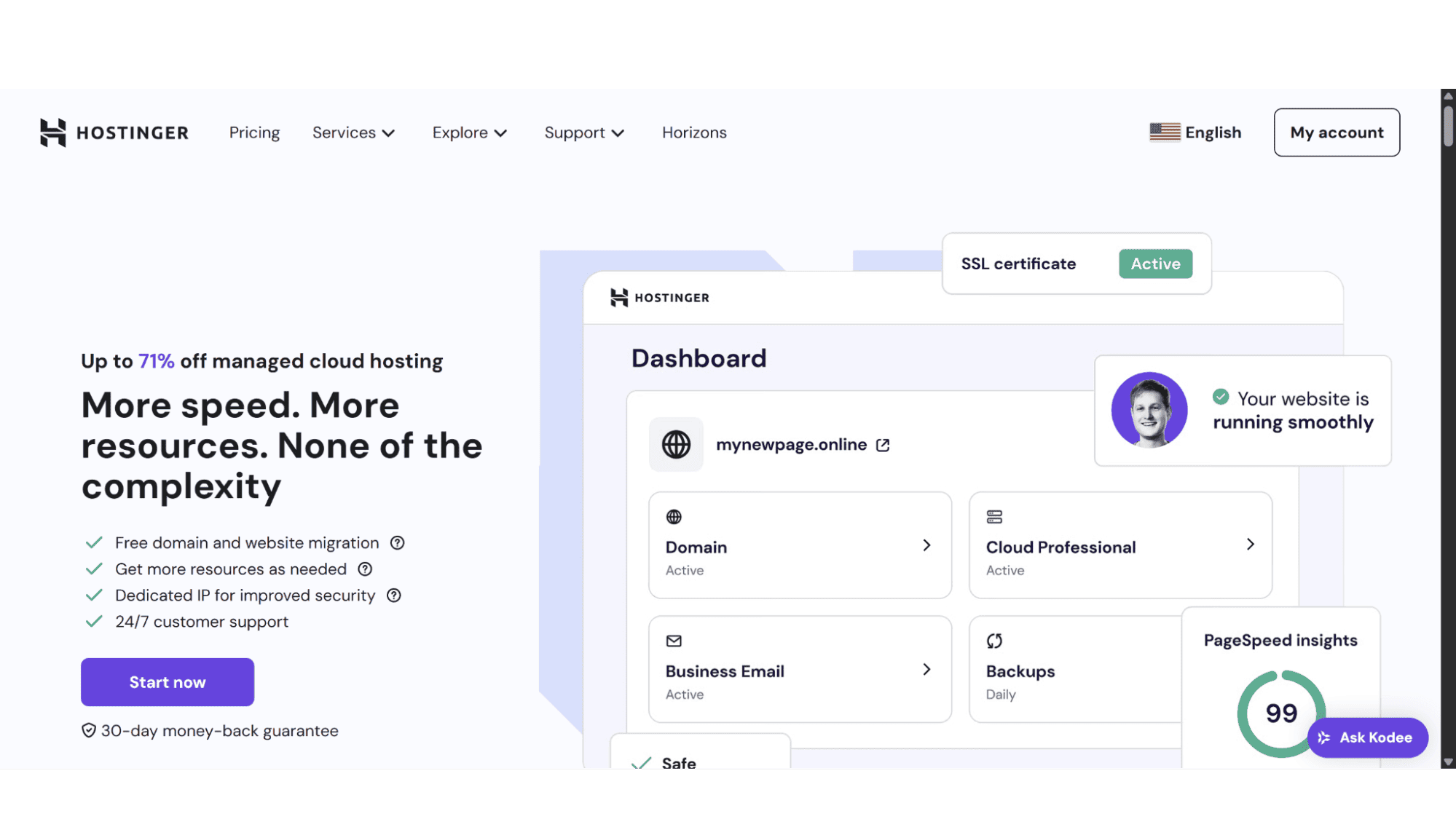
With this review, I will evaluate and unpack Hostinger's Cloud Hosting, with a proper insight into what you're actually getting, who it's really for, and where it might fall short. We'll tear apart each of their three plans – the Cloud Startup, the Cloud Professional, and lastly the Cloud Enterprise, to see what's under the hood.
Cloud Hosting vs VPS.
What it is Exactly, and How Does it Differ from VPS?
For most people, the word "Cloud" would make them think of Azure, AWS, or even Google Cloud, but in reality, Cloud hosting is a modern web hosting setup that utilizes a network of interconnected servers, rather than relying on a single physical server. It pools all computing resources, such as CPUs, RAM, and disc space, from multiple servers across various data centers. It ensures that hosting plans are then elastically scalable, allowing resources to be provisioned or decommissioned on demand and in real time, to precisely match traffic fluctuations and application demands.
Hostinger, in particular, has taken a robust cloud infrastructure (they use a highly customized LiteSpeed stack on top of powerful hardware) and pre-configured it into simple, fixed plans. This is perfect for someone who wants the significant performance and isolation benefits of a cloud VPS but doesn't want to deal with the admin headaches like command lines, server management, or system administration.
Hostinger Cloud Hosting Plans Overview
At the time of writing, all their Cloud Hosting plans come standard with 2 free domains (for 1 year), unlimited SSL certificates, 10x 1GB POP/IMAP mailboxes per website (free for the 1st year), managed hosting for WordPress and WooCommerce, CDN (content delivery network), a dedicated IPv4 address, AI SEO, a 30-Day money-back guarantee, and competitive pricing.
1. The Hostinger Cloud Startup Plan
Great for Getting Started with Cloud Hosting
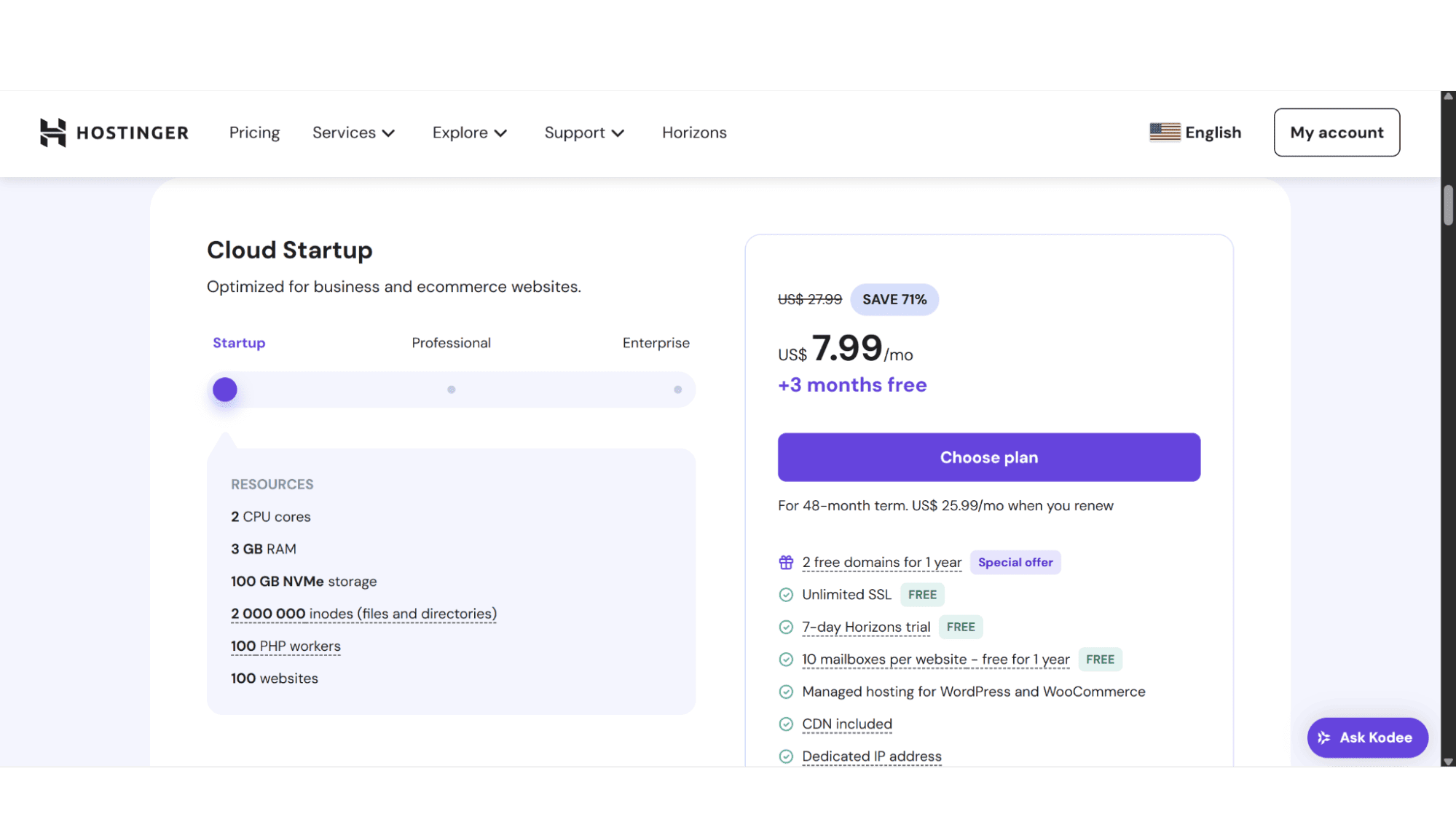
This plan comes in at just $7.99 per month, and is the perfect entry-level cloud plan as it was designed (in my opinion at least) for users whose shared hosting websites are starting to get consistent traffic, and is experiencing slowdowns, and for freelance web developers hosting multiple small-to-medium sized sites, and needs them to be fast and reliable without breaking the bank. It provides a massive performance leap from shared hosting without a huge leap in complexity or cost. It includes the following:
- 2 Core CPUs;
- 3GB RAM;
- 1000GB Super-Fast NVMe Disc Space;
- 2 000 000 Inodes;
- 100 PHP Workers.
2. The Hostinger Cloud Professional Plan
Their Cloud WorkHorse
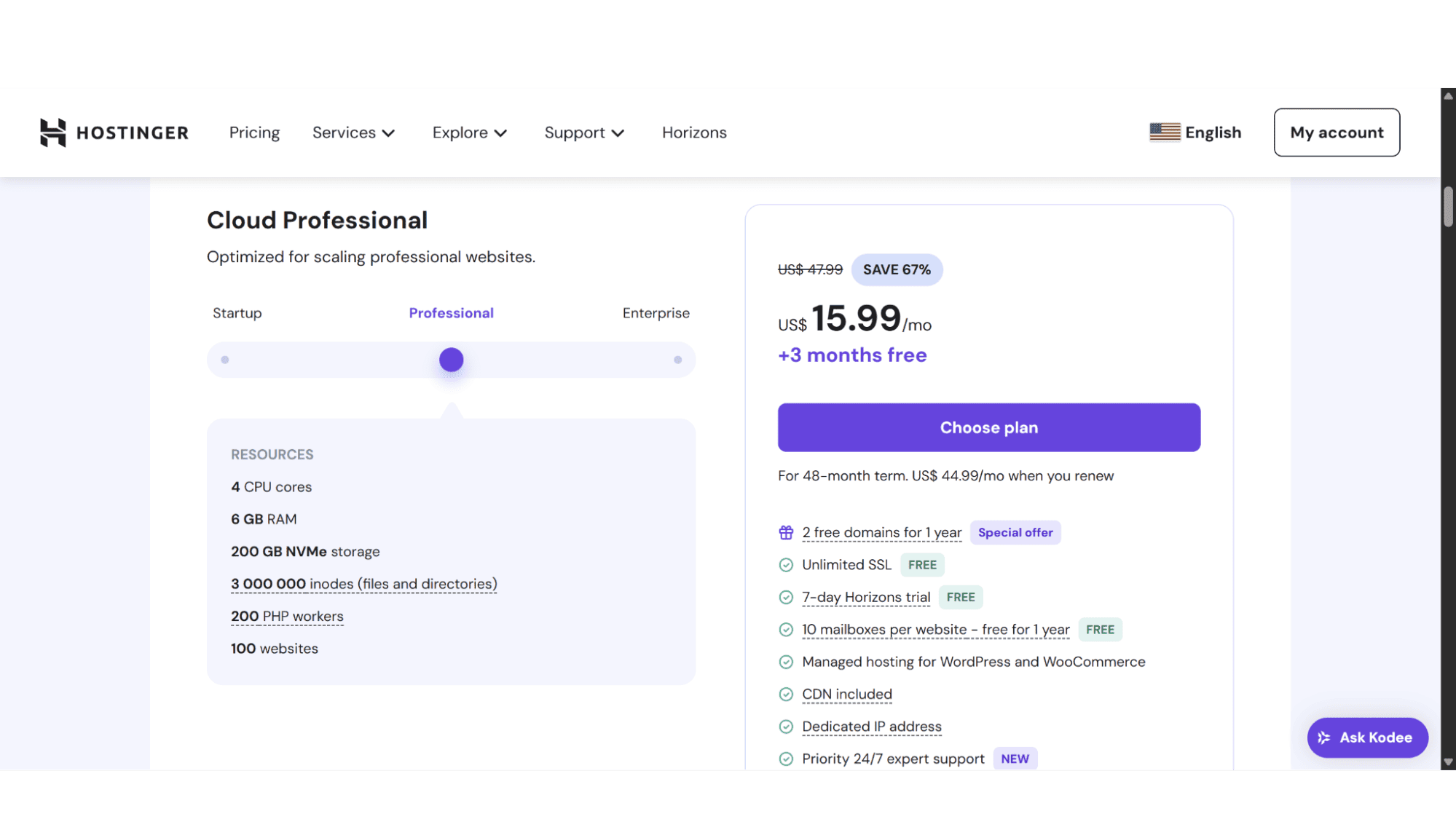
This is an excellent choice for more serious users and business websites, ranging from successful, high-traffic WooCommerce stores, membership websites, or even web agencies that need impeccable performance and reliability. The Professional plan is still rather affordable at $15.99 per month, and comes with:
- 4 Core CPUs;
- 6GB RAM;
- 200GB NVMe Storage Space;
- 3 000 000 Inodes;
- 200 PHP Workers.
3. The Hostinger Cloud Enterprise Plan
Their Cloud Powerhouse Option
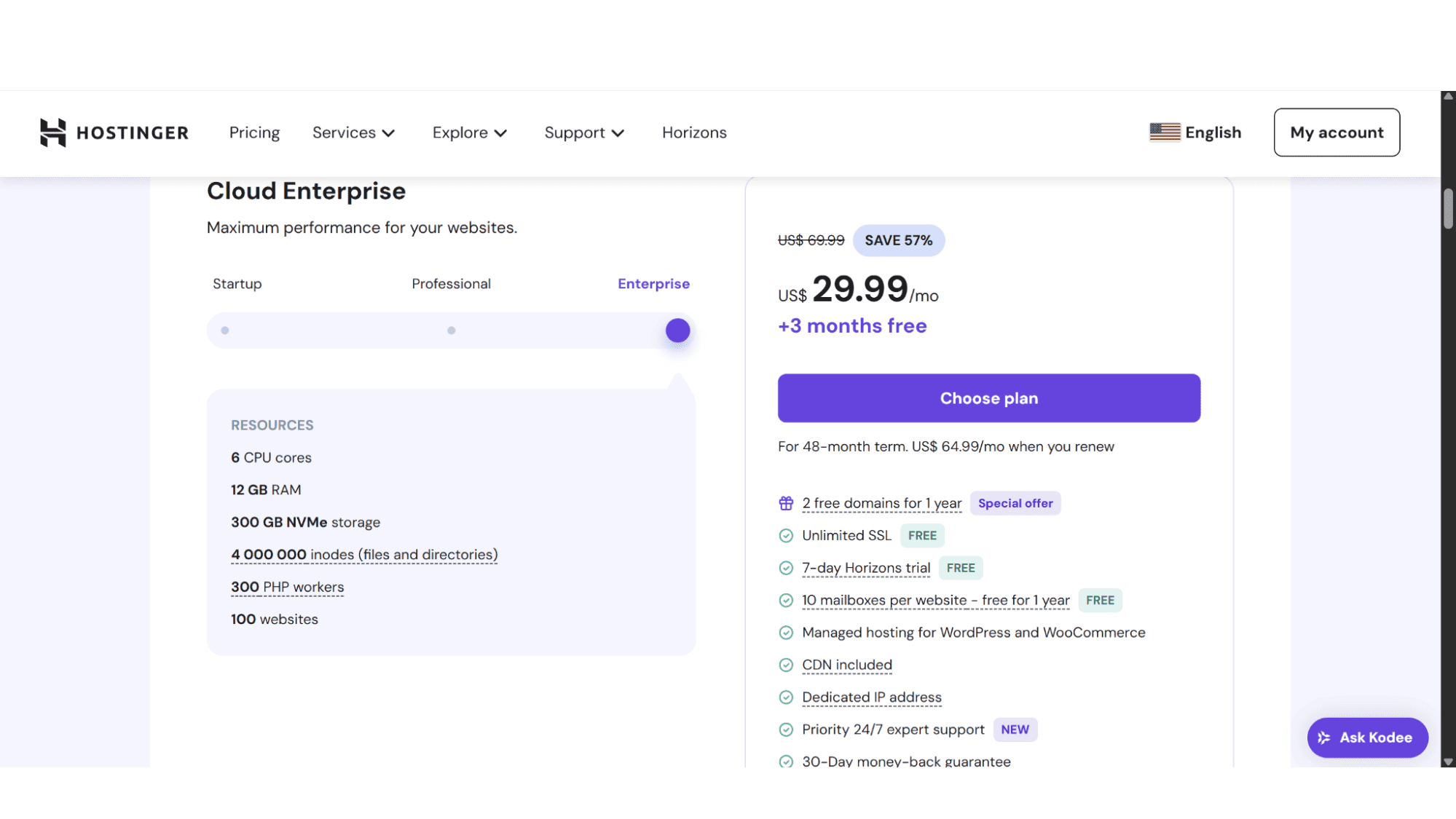
Slightly more expensive at $29.99 per month, but it almost doubles what you get. I am pretty sure that 90% of users won’t need this plan, as it would probably be an overkill. This plan is, I would say, is for that 5% of websites that need to squeeze out every last drop of performance. Sites like high-traffic online stores, SaaS (software as a service) applications, or big company websites with busy user portals. It comes with:
- 6 Core CPUs;
- 12GB RAM;
- 300GB NVMe Disc space;
- 4 000 000 Inodes;
- 300 PHP Workers.
Key Features:
- Powerful & Flexible;
- Fully Managed;
- Daily Automated Backups;
- Dedicated Resources;
- Unlimited Bandwidth;
- Free Website Migrations.
Registration:
To sign up for one of Hostinger’s Cloud Hosting plans, simply navigate to their website (www.hostinger.com) and click on “Services” in the main menu at the top. Then click on “Cloud Hosting". It will then display the page with the options. You will then see their three options under the heading “Personalize your Plan”. To change between plans, you need to click on the slider below the headings “Starter”, “Professional”, or “Enterprise”.
After deciding which plan will suit your needs best, click on “Choose Plan”. It will bring you to a page where you can select the billing cycle. Users can choose between signing up for 1, 12, 24, or 48 months at a time. On the right-hand side will be a summary of the cost and a description of the option you chose, with a “Continue” button below it. Clicking that will bring you to a page where you need to provide your billing information and payment method to complete the checkout process.

The whole process will take you less than 5 minutes and is easy and hassle-free.
How To Manage Your Hostinger Cloud Hosting Plan with the hPanel
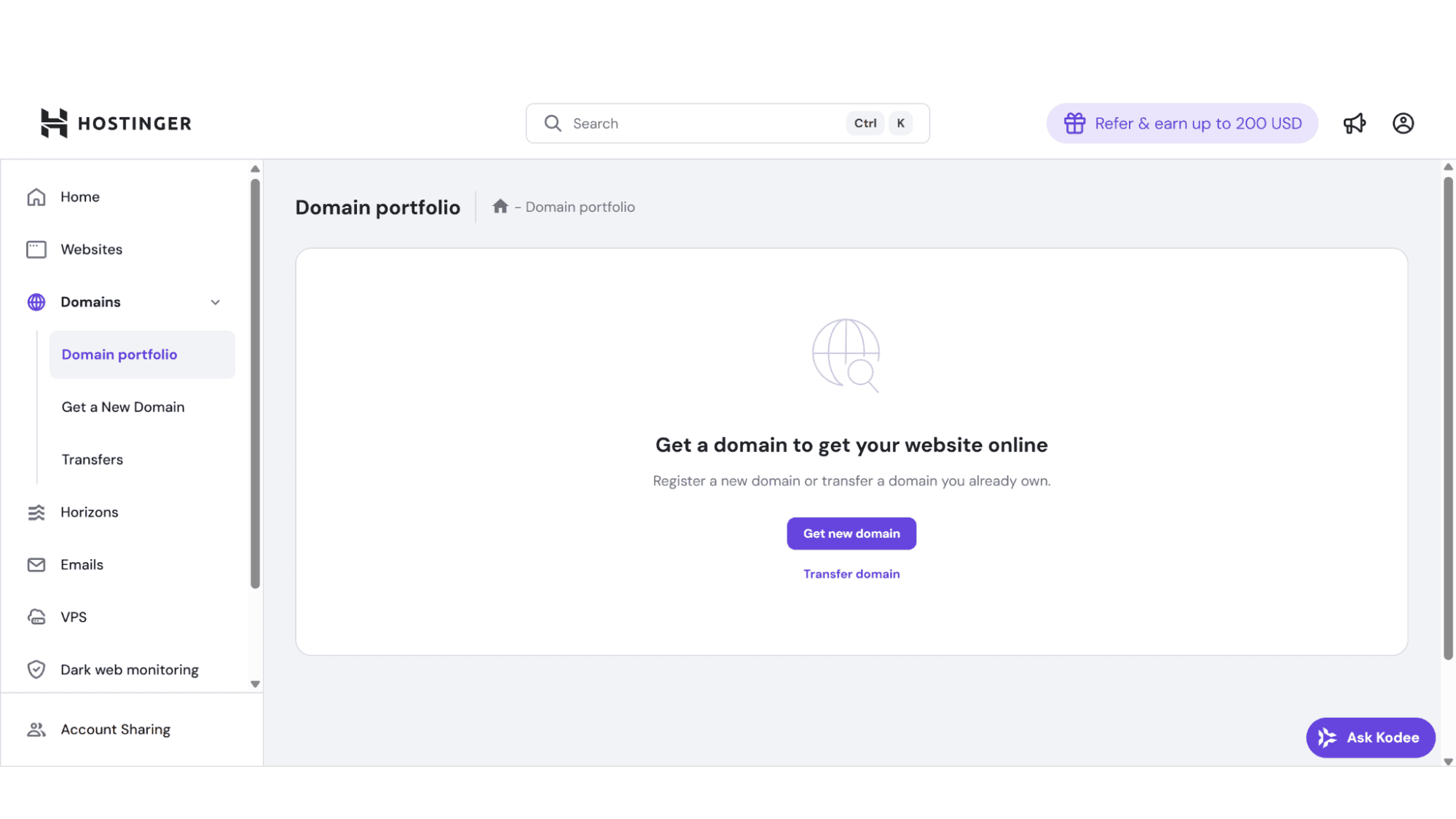
Hostinger has developed its own, custom-coded control panel for managing all its hosting plans, including its Cloud Hosting. To manage your Cloud Hosting plan with them is a straightforward process. Once you've logged into your account (top right of the screen), simply head to the 'Websites' section. Here, you'll find your active domains listed. Clicking the 'Dashboard' button associated with your chosen domain serves as your gateway to the entire hosting management suite. From here, you can get control over all aspects of your plan, such as monitoring resource usage, configuring server settings, to installing applications, and managing security features.
Security:
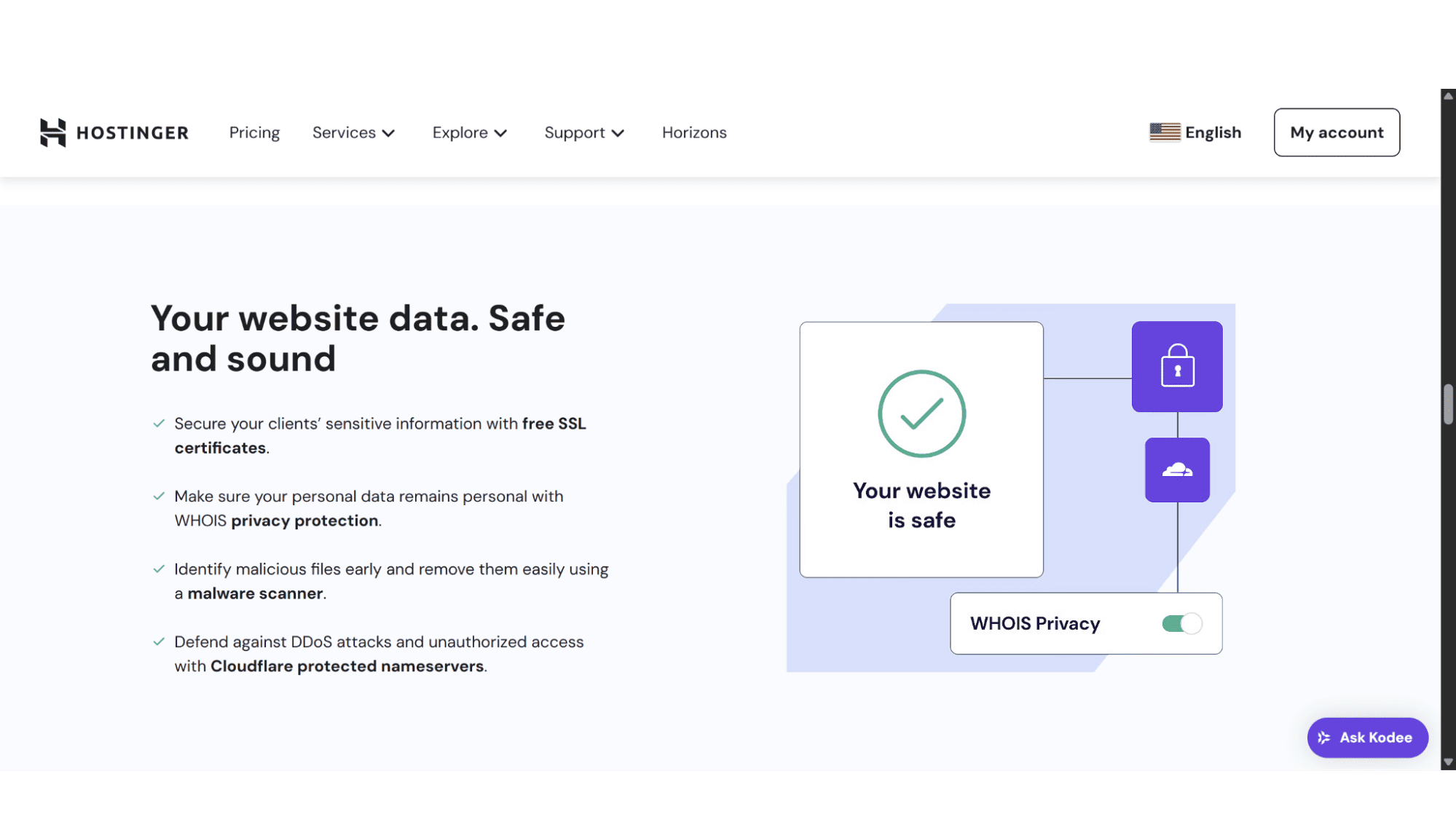
I feel very strongly that hosting providers should have good security measures in place, and luckily, Hostinger doesn’t disappoint. All their cloud hosting plans include free SSL certificates by Let’s Encrypt, daily automated backups, DDoS (Distributed Denial-of-Service) attack protection, automated malware scanning, a web application firewall (WAF), isolated resources for each account, Multi-factor Authentication (2FA) for account access, and 24/7 server monitoring, to ensure your websites and data are well protected.
Support:
As cloud hosting is more technical than traditional hosting, most users, sooner or later, will need to get hold of their support, and when these technical challenges arise, users can get help via email, the Kodee AI assistant (it is at the bottom right of the screen with the heading “Ask Kodee”), or live chat (you will need to be logged in and ask the Kodee assistant for an “agent” or “human” to get transferred to a support agent.
For those who prefer self-guided solutions, the extensive knowledge base offers in-depth tutorials and troubleshooting guides tailored to cloud infrastructure. While the AI assistant is good at handling routine questions, I would recommend that you rather get hold of an agent for a comprehensive resolution, which is most of the time needed with cloud hosting environments. Response times are fast, with detailed replies received within an hour or two in my experience.
| Pros | Cons |
|
|
My Final Verdict
Is Hostinger’s Cloud Hosting Really Worth It?
For the right user, absolutely! Hostinger's Cloud Hosting is a brilliantly packaged, performance-optimized, managed hosting solution that needs more than traditional shared hosting, but doesn’t want the headaches of a hands-on VPS. For users who just want their site to be blisteringly fast, secure, and reliable, it’s an excellent option. Just pick the plan that matches your needs, and you'll likely be thoroughly impressed.