



You can find more information about other types of services, as well as reviews of Hostinger.com, in the following articles.
Objective expert review Hostinger.com
Hostinger's WordPress & WooCommerce Hosting Review 2025
If you are looking at creating a website, especially on WordPress, you probably have a lot of factors to take into consideration, and choosing a good hosting company should be near, if not at the top of your list. Most providers will promise you the moon and the stars, things like a no-hassle, one-click install for WordPress, lightning-fast speeds, and security better than most military bases, but for anyone who's been through this process, whether you're just a blogger or a big online store owner, you know the reality (more often than not) falls well short. The true test of a hosting provider isn't its marketing, it's what happens when you get your hands dirty.
I have been working with WordPress pretty much from when it first launched, and have designed everything from personal blogs to fully working WooCommerce stores, processing hundreds of orders monthly. In this review, I write about Hostinger's WordPress and WooCommerce plans in detail, everything from registering for a plan for the first time and their pricing, right through to managing your website with their control panel and the support that they provide with their plans.
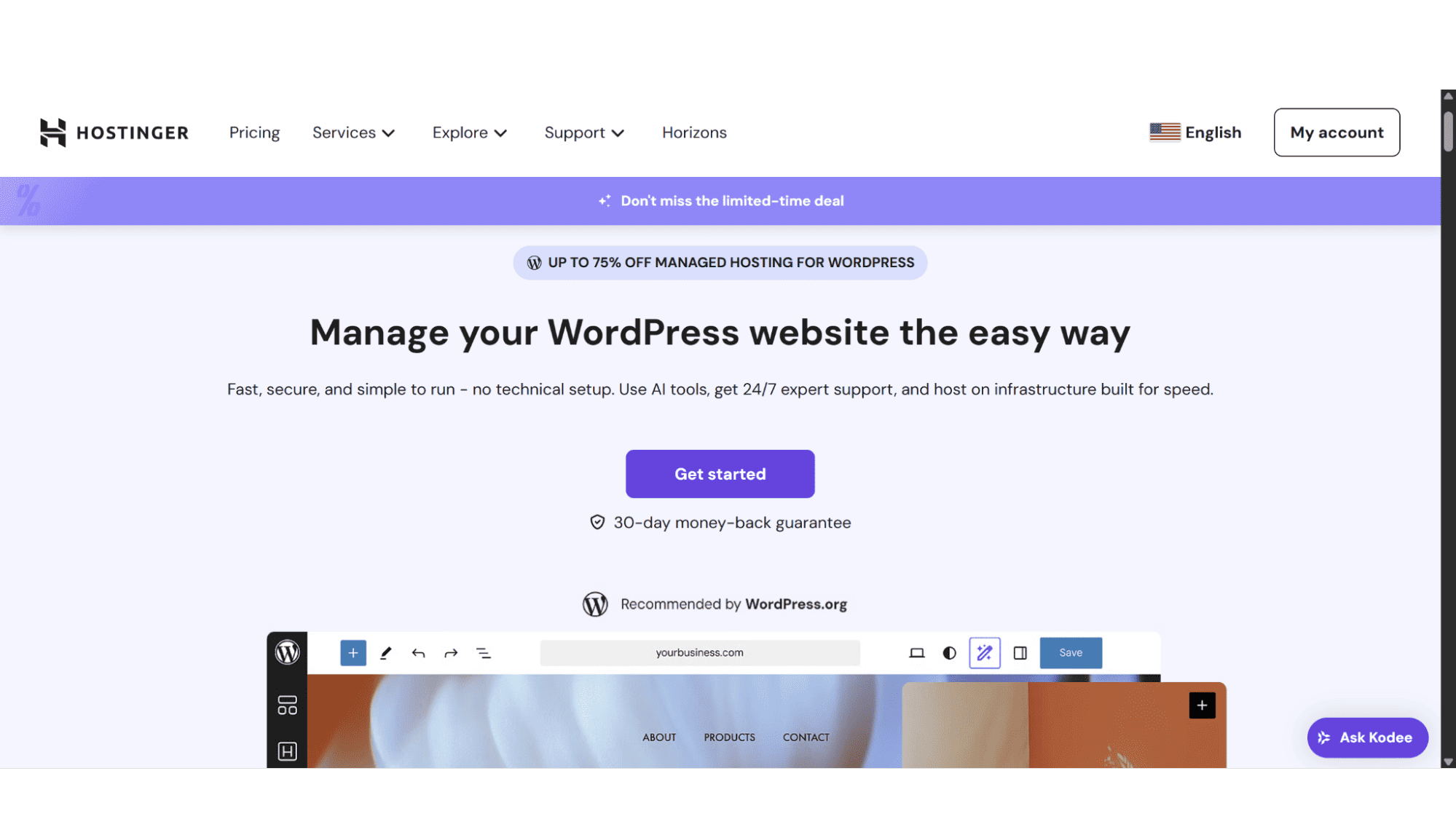
What is WordPress & WooCommerce?
If you've been anywhere near the world of websites, you've heard of WordPress. It's the giant behind a huge chunk of the internet – we're talking over 450 million sites – and for good reason. It's free, incredibly flexible, and lets you build pretty much anything without touching a line of code. Now, if you want to sell something, you install WooCommerce on top of it. Think of it like this: WordPress is your entire store building, and WooCommerce is the free plugin that install all the shelves, cash registers, and shopping carts inside.
Hostinger's WordPress & WooCommerce Plans & Pricing 2025
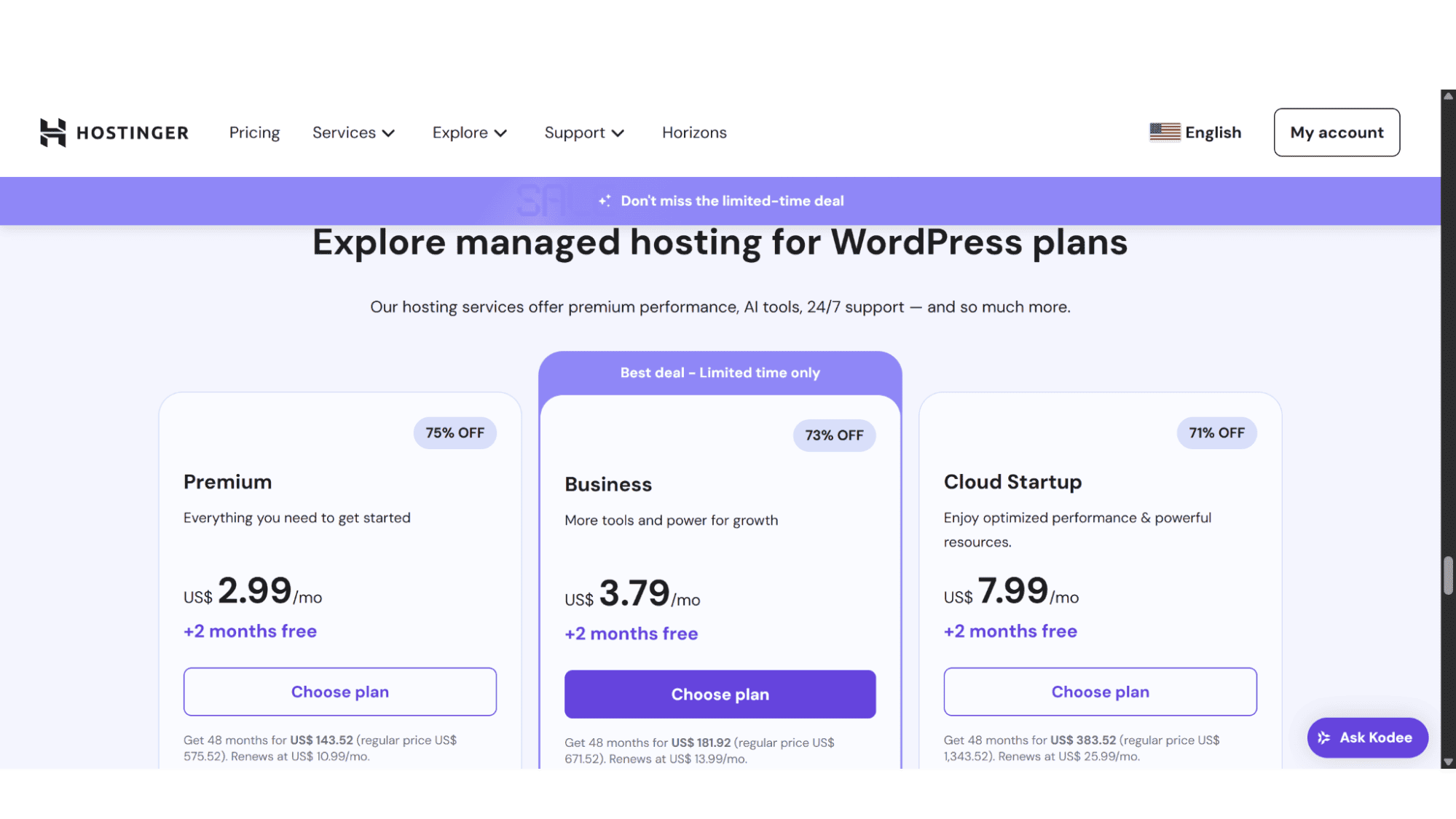
Hostinger's WordPress plans are available in three scalable options, the “Premium plan”, the “Business plan”, and lastly the “Cloud Startup plan”, making it easy to choose, but at the same time also creating a clear upgrade path for you as your website grows.
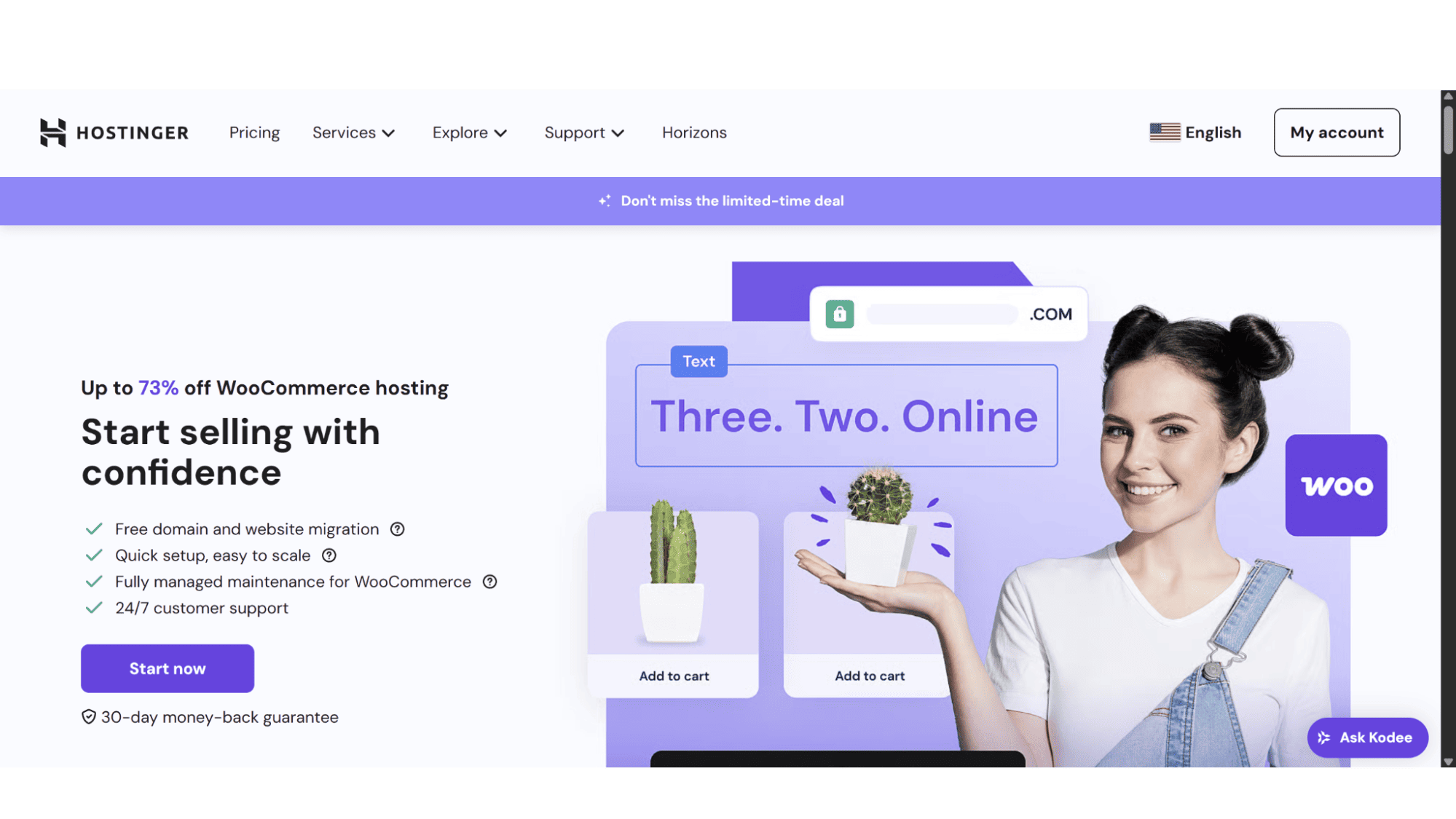
Before I go any further, I would like to point out that their "WordPress" and "WooCommerce" hosting plans are basically the same. Their website can, however, create some confusion as WordPress and WooCommerce have separate pages, with WordPress offering 3 plans, and WooCommerce 2, but in reality, the top 2 plans of WordPress are the WooCommerce plans. Let’s look at each one in detail:
The Hostinger Premium Plan
This plan is affordable at just $2.99 per month, and is perfect for getting started with WordPress hosting. The Premium plan comes with:
- 25GB Fast SSD Storage;
- 2x 1GB POP/IMAP Email Accounts;
- A Limit of 25 Websites.
The Hostinger Business Plan
This plan doubles your disc space to 50GB, but what is more important is that the storage is on blazing-fast NVMe drives, which are a lot faster than SSD drives, and for not even a dollar more, at only $3.79 per month, it’s definitely a no-brainer. This plan is perfect for small WooCommerce websites or medium-sized WordPress websites. It includes:
- 50GB NVMe Disc Space;
- 5x 1GB POP/IMAP Email Accounts;
- A Limit of 50 Websites;
- Daily Automated Backups;
- AI Website Builder;
- A WordPress Staging Site;
- A Complementary CDN (Content Delivery Network).
The Hostinger Cloud Startup Plan
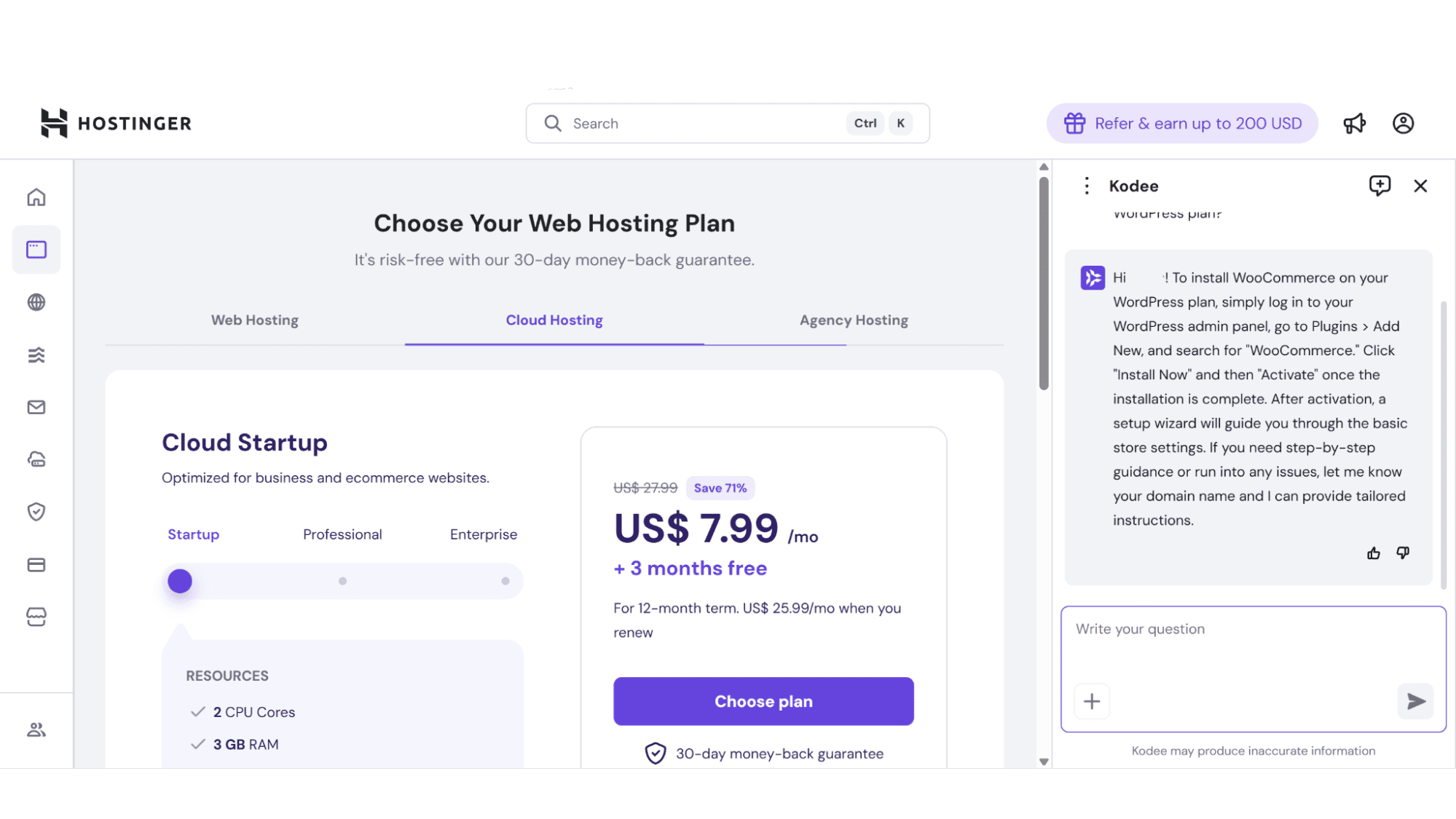
The pricing is slightly higher ($7.99 per month), but you get a whole lot more bang for your buck! This plan is suited for growing e-commerce or business websites that need more power, resources, and where higher traffic is expected. It comes standard with the following:
- 100GB NVMe Disc Space;
- 100x 1GB POP/IMAP Email Accounts;
- A Limit of 50 Websites;
- Daily Automated Backups;
- AI Website Builder;
- A WordPress Staging Site;
- A Complimentary CDN (Content Delivery Network);
- A Static IPv4 Address.
Hostinger WordPress & WooCommerce Registration
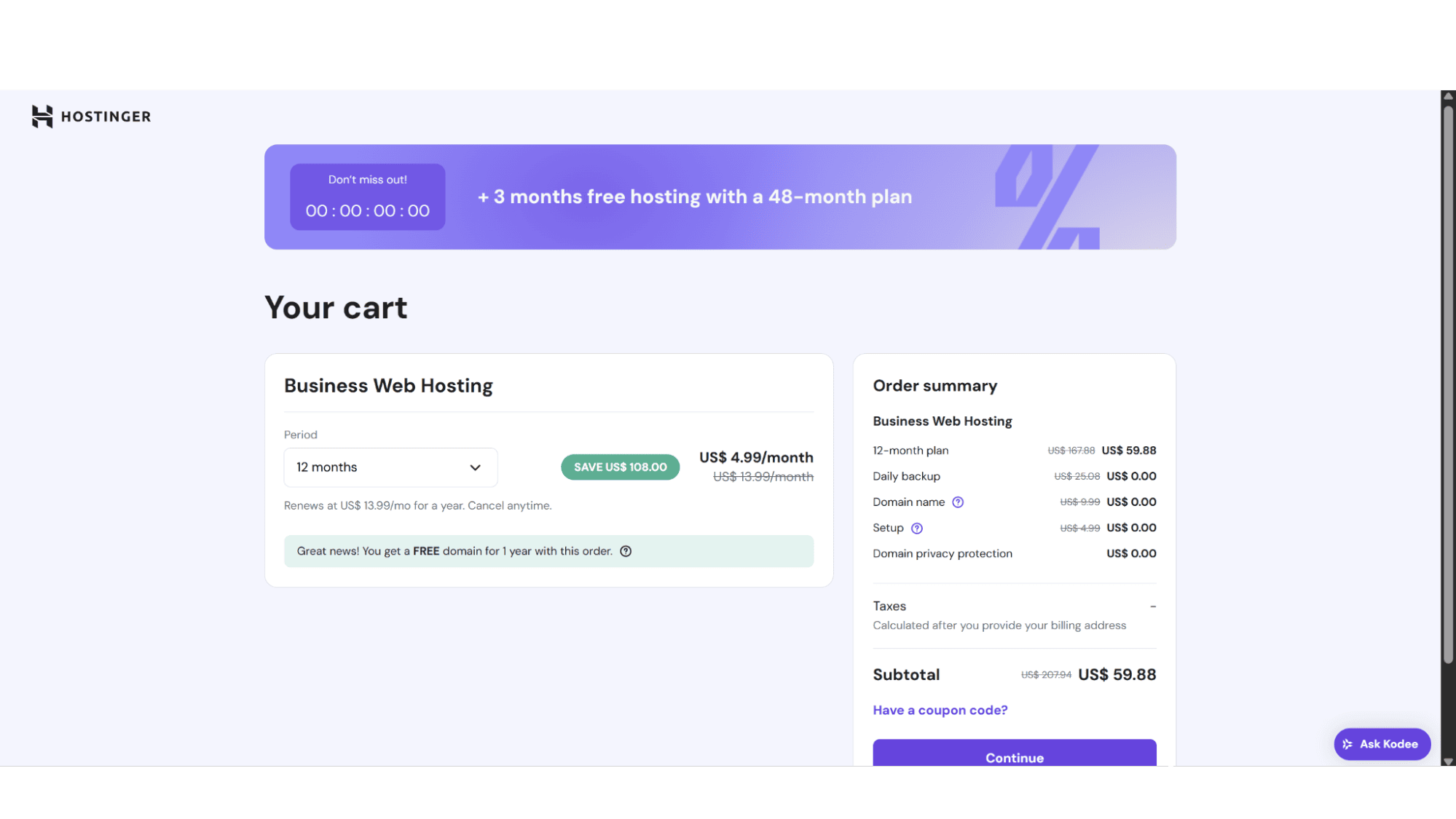
The registration process is quick and easy. Just go to their website (hostinger.com) and click on “Services” in the main menu at the top. It will then show various options in the dropdown menu. Then click on “Managed Hosting for WordPress”, and you will see their 3 plans. After making your choice between them, click on “Choose Plan” and it will bring you to a page where you can select the billing cycle (1, 12, 24, or 48 months at a time), then click on “Continue” on the right-hand side to complete the sign-up process by entering your personal information and payment method.
As soon as your account is active, you can log in to your account dashboard (the hPanel) by clicking on “My Account” in the top right corner. WordPress is installed by default most of the time, if not you can ask their support to install it, which should only take a minute or two. Your admin login details are displayed within your dashboard, allowing you to access your new site's admin area with a single click. The stark vs comparison here is with some older hosts where you register, then wait for a confirmation email, then log in to cPanel, then manually run the Softaculous installer. Hostinger eliminates those steps, which is a huge win for beginners.
Key Features:
- LiteSpeed Web Servers;
- 30-Day Money-Back Guarantee;
- 99.9% Uptime;
- Automatically Optimized Content;
- Fully Managed Security;
- Free Domain for the First Year;
- Free SSL Certificate by Let’s Encrypt.
Managing Hostinger WordPress Site - The hPanel
Don’t get me wrong, I am a huge fan of the cPanel control panel, but the panel that Hostinger offers is just as good, if not better! They include their own, custom-designed control panel, the hPanel, in all their hosting plans, and for the most part, this is a massive win. It's clean, intuitive, and logically organized. Finding things like email setup, SSL management, or backup restoration is straightforward. The one-click login to WordPress admin is also very convenient.
However, some advanced settings are somewhat hidden away or displayed differently than what most users familiar with cPanel are used to. But for the majority, hPanel is a more friendly and efficient experience. As explained earlier, you simply need to log in to your account dashboard to access all settings and features of your WordPress plan.
Support:
This is often the make-or-break factor. The first point of contact would be their AI assistant – Kodee, which is great for providing quick fixes to queries not too technical in nature. However, I would advise getting hold of their agents via live chat should you get stuck, they are phenomenally fast, friendly, and efficient, and will probably resolve things in minutes.
| Pros | Cons |
|
|
Conclusion
Who is This Actually for In 2025, And Is It Worth It?
For me personally, Hostinger’s WordPress and WooCommerce plans leave a very strong impression. It's not without its compromises, but its value proposition is incredibly compelling. If you are a beginner wanting an effortless start with WordPress or a new online store, or even a freelancer or agency managing multiple client sites, or growing WooCommerce stores, then this is the provider for you. Their plans are affordable, well structured, and come with fully managed security (a big plus in my opinion). Excellent uptime, and great support.








