



You can find more information about other types of services, as well as reviews of Hostinger.com, in the following articles.
Objective expert review Hostinger.com
Hostinger VPS Review - 2025
Budget-Friendly Power with Room to Scale and Grow.
I had the pleasure of testing out Hostinger's VPS plans over the course of a week, putting it through its paces and testing its limits.
Their virtual private server (VPS) plans come with dedicated resources at prices that'll make your wallet smile, getting that perfect balance between price and performance just right. These plans start at just $4.99 per month and includes full root access, free automated weekly backups, blazing-fast NVMe disc drives, free real-time snapshots, and firewall management, a rare combination at this price point.
A 4.7 average rating out of 49,588 reviews on Trustpilot says a lot, but I don’t like to just take someone else's word for it - so let’s take an in-depth look at what they offer.
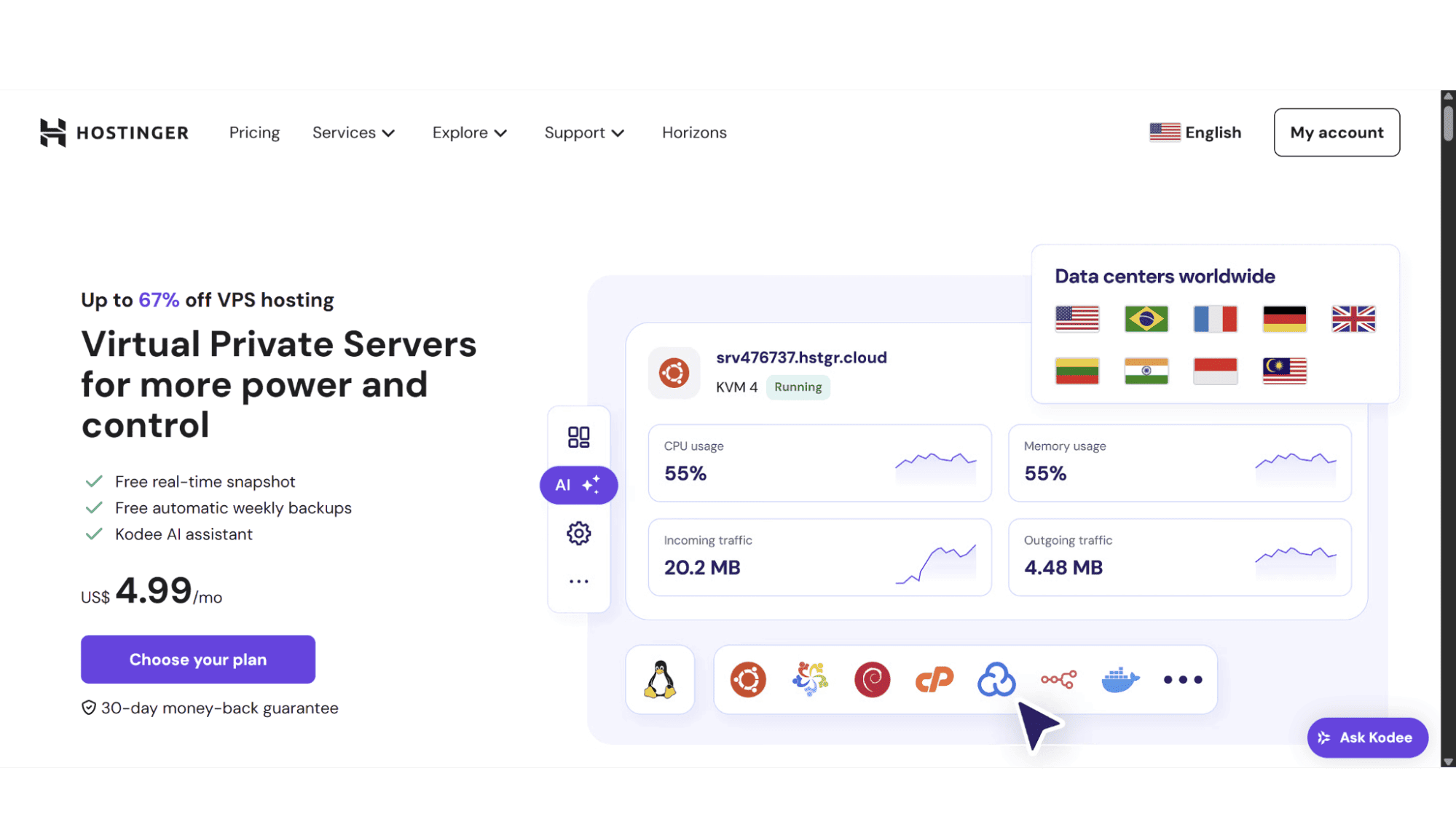
Hostinger VPS Plans Overview
Which One's Right For You?
Hostinger’s VPS plans are KVM-based, a virtual private server (VPS) that runs on Kernel-based Virtual Machine (KVM) technology, a built-in virtualization feature of Linux. Let's cut through the tech jargon - a KVM-based server is like having your own private apartment in a digital high-rise. Unlike shared hosting, where you're stuck in a crowded dorm room, KVM gives you dedicated space with walls that don't budge. It hits that just-right balance between the affordability of shared hosting and the power of dedicated servers.
Customers get four VPS plans to choose from, each catering to different needs, and covers everything from small websites to demanding e-commerce platforms and development environments. What impresses me is how they've balanced resources and pricing across these options - you're not forced to overpay for capacity you won't use.
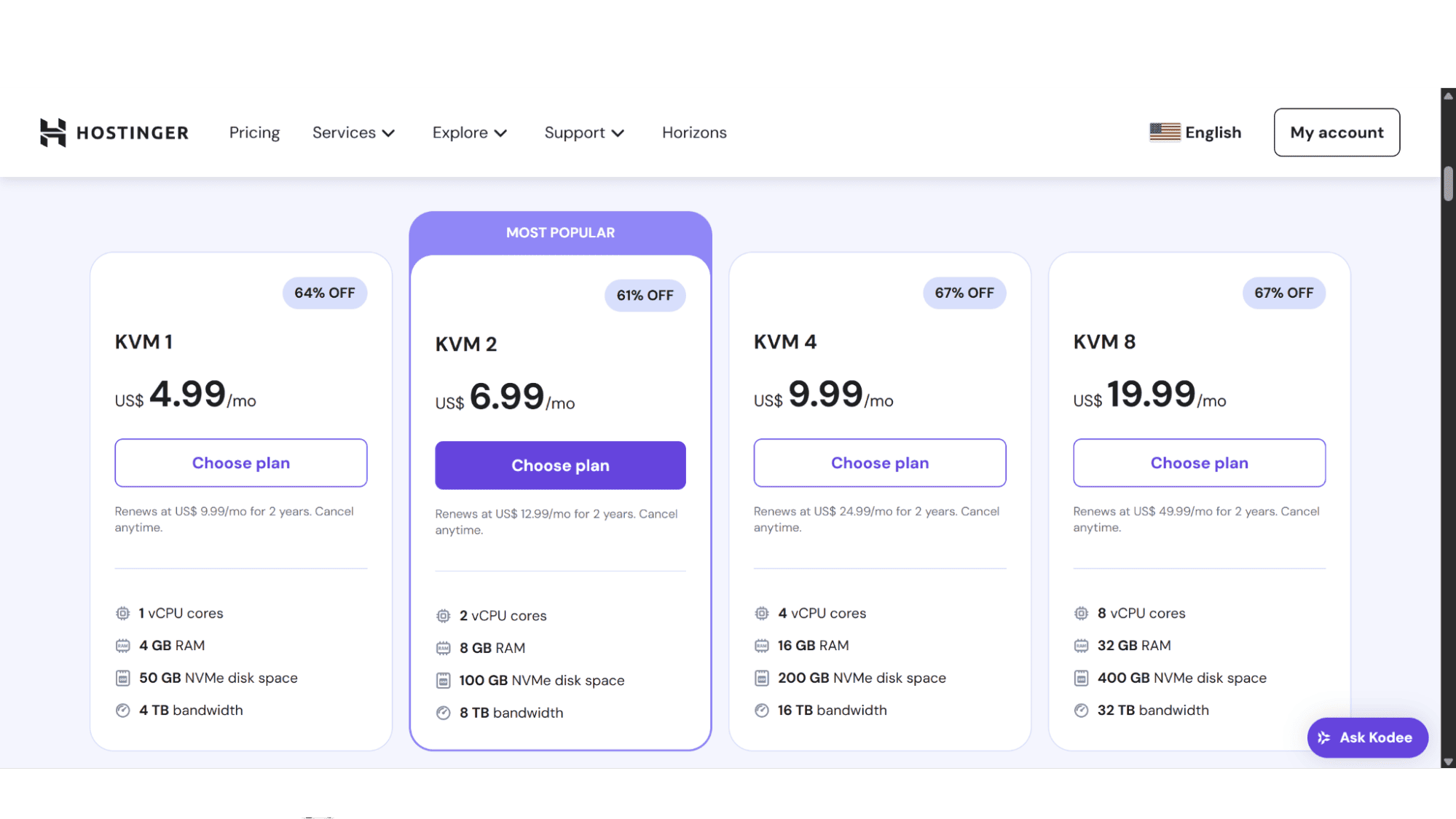
The breakdown of each plan and pricing for 2025:
KVM 1 - Their entry-level VPS plan. Perfect for testing environments or small WordPress websites.
This is their entry-level option, which comes in at a budget-friendly $4.99 per month, and is perfect for a starting point into VPS hosting. It comes with 1 vCPU and 4GB RAM, which should be enough for most personal blogs, portfolio sites, or even small test environments. The 50GB NVMe SSD storage loads pages significantly faster than traditional hard drives, while 4TB monthly bandwidth can handle about 10,000 monthly visitors with ease. With all their VPS plans, you get to choose from their many server locations, to get as close to your target audience as possible.
KVM 2 - This plan is suited to handle business sites comfortably.
When your project starts requiring more power, this mid-tier plan doubles your resources with 2 vCPU cores and 8GB RAM, and still comes in at a budget-friendly price of $6.99 per month. The 100GB NVMe SSD and 8TB bandwidth will comfortably support multiple WordPress websites, small business sites with average traffic, or even development servers. With this plan, you don’t overpay for unused capacity but have room to grow.
KVM 4 - The Business Workhorse. Ideal for developers
This plan steps it up a notch and packs some serious power. With 4 Core CPUs, 16GB RAM, 200GB blazing-fast NVMe storage, and 16TB bandwidth, this plan is suited for e-commerce stores with high traffic volumes, resource-heavy applications like CRM systems, or even media-rich websites with thousands of monthly visitors. For only $9.99, you definitely get what you pay for, and more!
KVM 8 - The Heavy Lifter with enough power for multiple applications.
Reserved for demanding workloads, this top-tier plan delivers enterprise-grade performance with 8 Core CPUs, 32GB RAM, a hefty 400GB NVMe disc space, and 32TB traffic, providing enough room for scaling, though most users won't need this much power right away. This plan will set you back $19.99 per month. Considerably more expensive than their other VPS options, so I would suggest to start with one of the lower plans and scale up when needed. An excellent option for high-traffic projects or multiple applications.
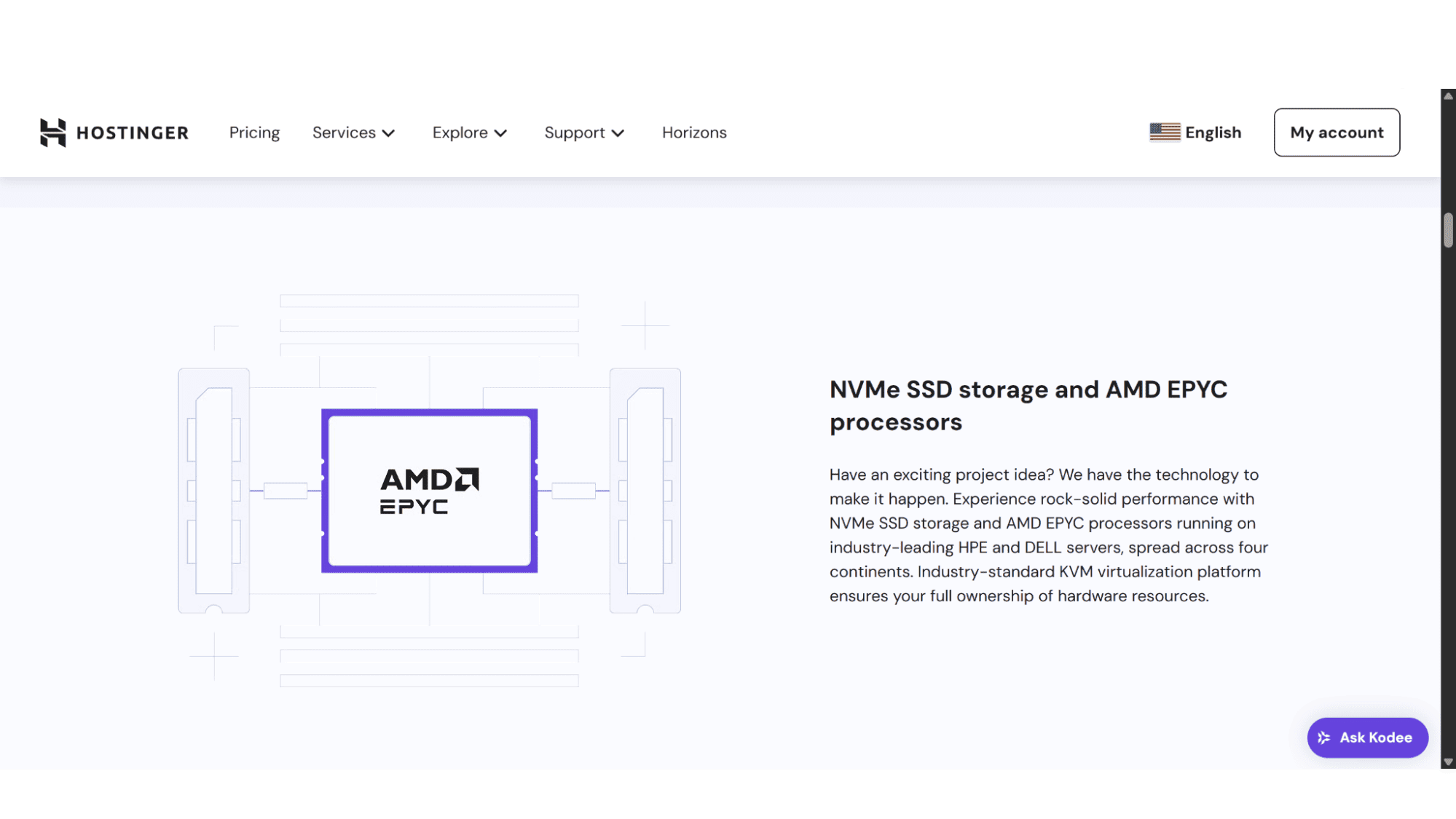
All their plans run on AMD EPYC processors, super-fast NVMe disc drives, a 1Gbps network, include an AI assistant, and a free dedicated IP address and DDoS protection, crucial protection for servers in this day and age. While there's no free trial, their 30-day money-back guarantee lets you test risk-free.
Purchase & Registration:
This signup process couldn’t be easier. From their home page, users simply need to click on “Services” in the top, main menu, then again on “VPS Hosting”. From there, select the plan that suits your needs.
It will then bring you to a page where you can select your preferred billing cycle, you can opt to pay either monthly, annually, or for 2 years at a time, with discounts automatically applied on checkout. Although weekly backups are included, they give the option to choose automated daily backups at $6.00 per month. Scrolling down, you will notice you have the option to choose your server location, with options ranging from France, the United Kingdom, Germany, Lithuania, the USA, Indonesia, India, and Brazil. Choosing a server location close to your target audience is crucial because it significantly reduces latency, the delay in data transfer between the server and user. The farther the distance, the longer it takes for data to travel, resulting in slower page loads, higher bounce rates, and worse SEO rankings.
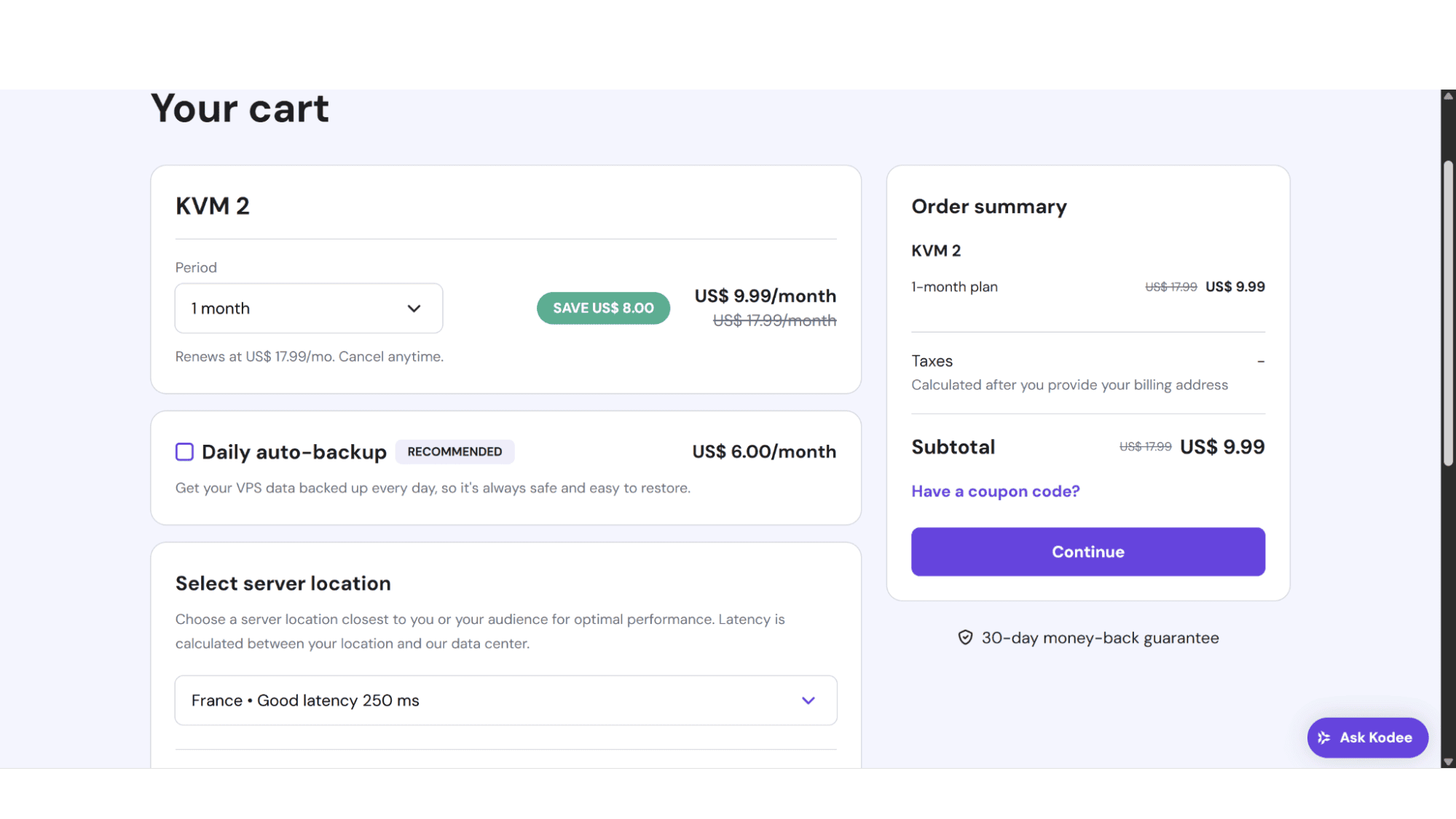
Lastly, at the bottom left of the page will be the options for operating systems (OS), and Hostinger does have a decent array to choose from. These include AlmaLinux, Debian, Rocky Linux, Ubuntu, Alpine Linux, Arch Linux, CentOS, CloudLinux, Fedora Cloud, Kali Linux, and OpenSUSE. Users can choose to install the OS alone, or with a control panel (most are free, and they include the most common panels), as well as your preferred applications such as WordPress, Docker, Laravel, and more. There is no control panel included by default, but they have a wide variety to choose from that includes cPanel , Plesk, FastPanel and more, most of which comes at an additional cost..
After you have made your choices, the right-hand side of the page will give a summary of your product, and you can click on “continue”. One will notice the areas for “Coupons”. At the time of writing, Hostinger didn’t run any specials, however, they do from time to time, and usually display Coupons on their home page, which will grant you additional discounts at checkout.
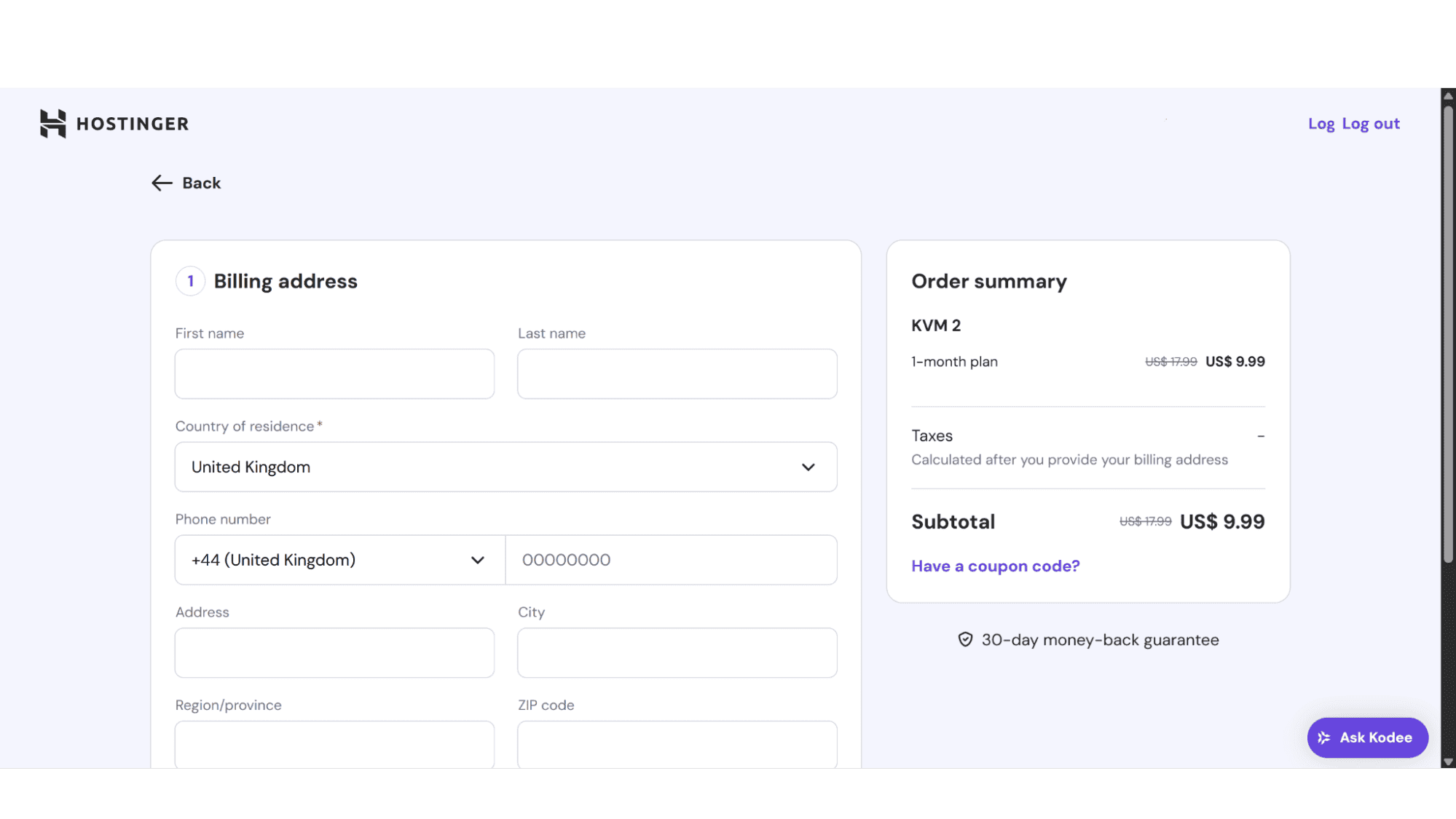
On the next page, you can either sign up with your email address and choose a password, or with your Google or GitHub profile. The final step would then be to enter your personal details and preferred payment method (Visa, MasterCard, Amex, Discover, JCB, DinersClub, Maestro, as well as PayPal, Apple Pay, Google Pay, AliPay, and Crypto Payments, which are only available on renewals).
Performance & Scalability:
Hostinger's VPS hosting delivers where it counts, with lightning-fast speed and room to expand. They only make use of premium-grade NVMe SSD storage on their VPS plans, which is roughly 3 - 4x faster than traditional SSDs, ensuring web pages for most sites will load in under a second. Combine that with their 99.9% uptime guarantee, and you've got a foundation that won't let you down during critical moments.
Their global network, with servers strategically placed from North America to Asia, means international visitors get that same snappy response time, whether they're browsing from India or the United Kingdom.
They made scaling up effortless, and upgrading takes literally minutes through their dashboard. There are no migrations, no downtime, just instant access to more power when you need it.
AI Assistant:
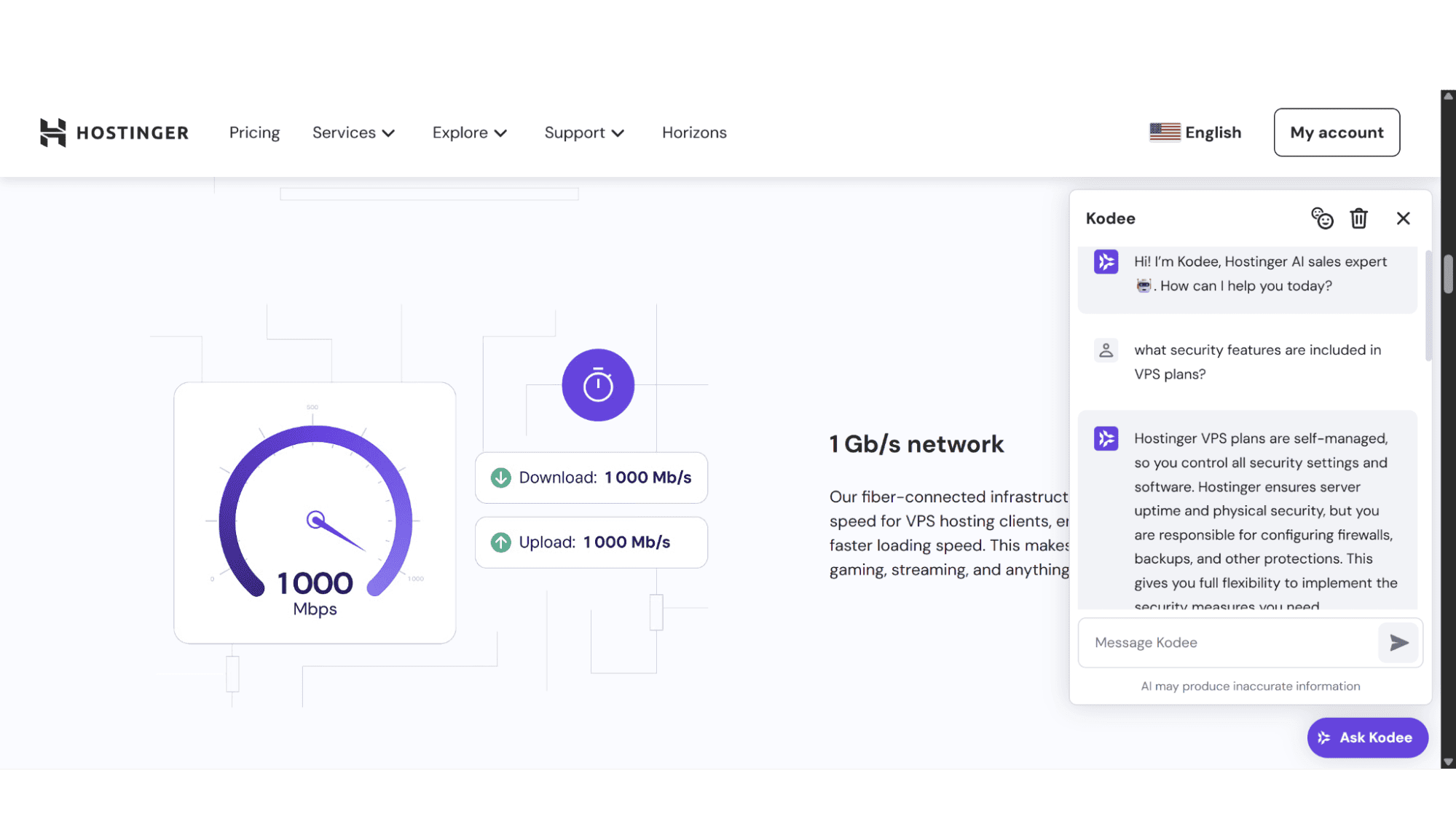
Hostinger includes the Kodee AI assistant, their own custom-created AI-powered assistant with all their VPS plans. This built-in AI assistant takes the intimidation out of VPS management, especially for those who aren't Linux command-line wizards. Instead of scouring forums when you need to configure a firewall or optimize Apache, Kodee walks you through it in plain English with step-by-step guidance.
Support:
If you run into issues with your VPS server at Hostinger, you can get hold of their support team via Live Chat, Support Tickets, or, for general troubleshooting, you can use their AI assistant - Kodee, which will guide you through most of the common issues. All channels are available around the clock.
1. Live Chat
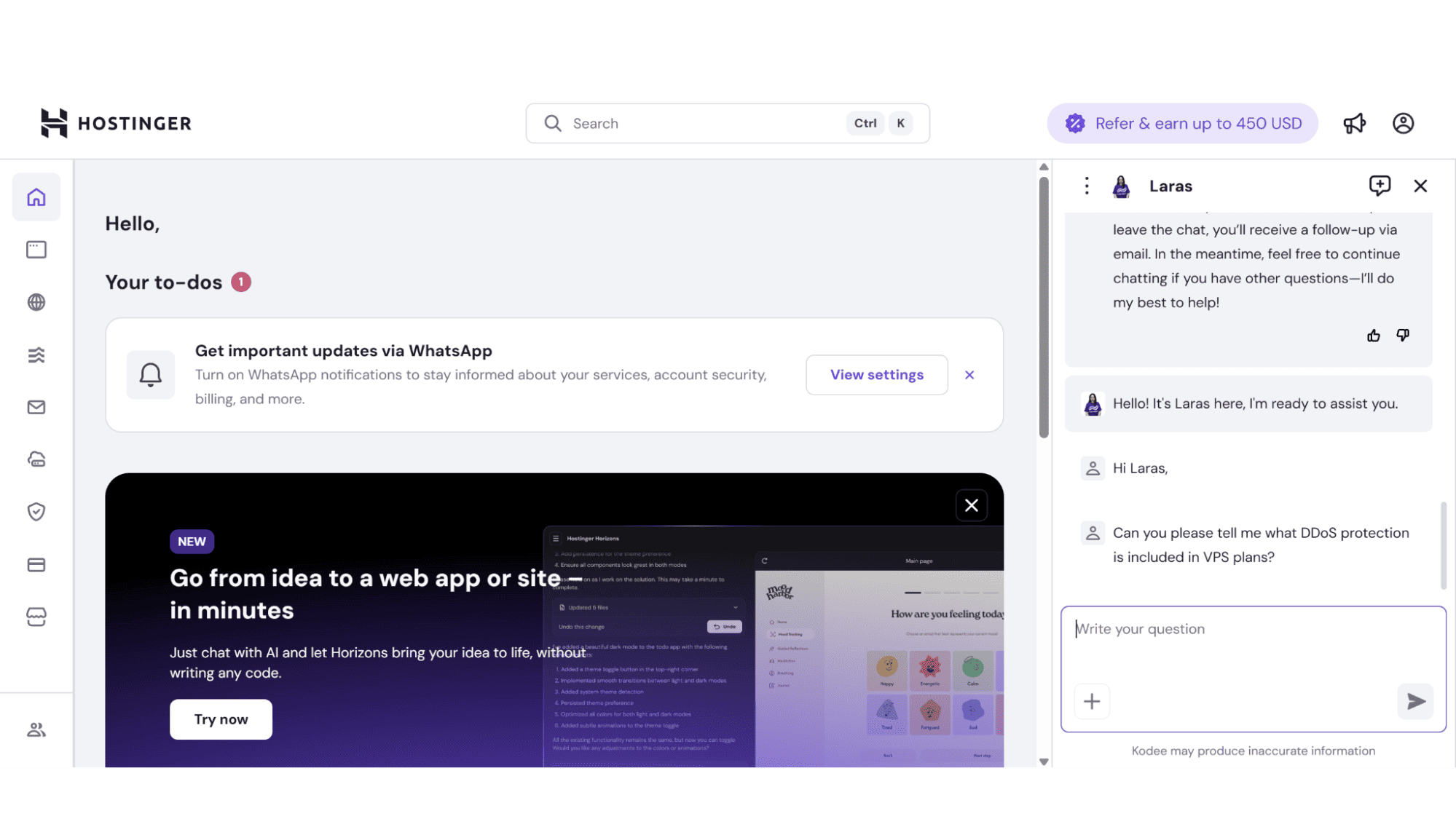
This channel is by far the quickest way of getting in touch with their support agents. Please be aware that you first have to login and can then start a chat via your user dashboard. Response times are generally within a minute or two from friendly and well-trained agents.
2. Support Tickets
I would recommend this channel for queries that are not as urgent, as well as very technical issues. Response times are still rather fast, and in my experience, tickets got answered within an hour or two.
3. Kodee AI Assistant
To start troubleshooting with Kodee, you just need to click on the “Ask Kodee” button at the bottom right of your screen. Submit your question and Kodee will guide you through possible fixes. This AI tool is specifically trained on Hostinger's infrastructure, which means it gives hyper-relevant advice for their VPS environments. Simple and straightforward.
4. Knowledgebase
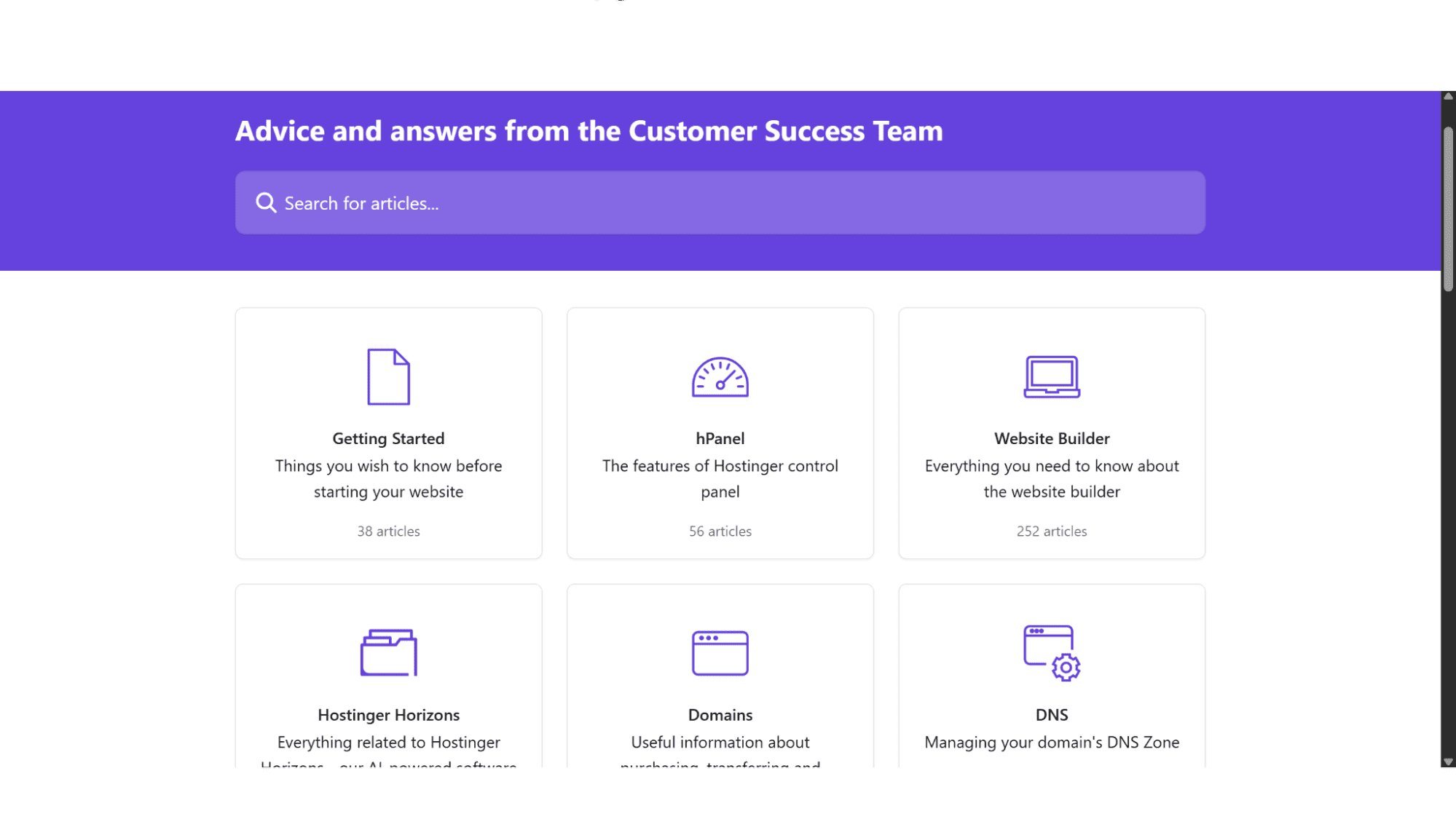
They have a comprehensive knowledge base available, too, should you prefer to do the fault-finding yourself. Simply click on “Support” on the main menu, and then on "Knowledgebase". There you will find various topics with helpful guides under each one.
5. Video Tutorials
Another helpful feature that you don’t find many hosting providers offering. Some people just grasp concepts better from videos rather than reading manuals. There is a huge volume of videos available that covers anything from DNS Issues, creating Web Apps, or even how to make money online in 2025. You don’t need to be a subscribed user to access this content.
Security:
Here's the deal with Hostinger's VPS - you are mostly responsible for the security of your VPS server, as their VPS plans are self-managed, giving you control over security settings and software installations. There are no complimentary SSL certificates or malware protection included by default. It's perfect for developers who want total control, but beginners should be ready to either learn server administration or budget for management tools. They do include some basic features, though.
1. Firewall Management
This is included free of charge on all their VPS plans, however, you are responsible for configuring the rules to make it as strict or as lenient as you need it to be.
2. SnapShots
This is a handy feature. If your data gets breached or corrupted, you can easily restore it to a previous version within minutes. They also offer daily backups, but it does come at an additional monthly fee.
| Pros: | Cons: |
|
|
Conclusion
Hostinger provides affordable VPS options without neglecting performance. All plans come with blazing-fast NVMe disc drives, good uptime, and excellent support. There is also a 30-day money-back guarantee in place for peace of mind.
While it's perfect for tech-savvy users who want control without the high costs, beginners should note this isn't a hand-holding service. You'll need to handle server maintenance yourself. But if you know your way around Linux commands or want to learn, Hostinger delivers impressive bang for your buck with room to grow as your needs change.








