

Cloudways discounts and promo codes
1


Cloudways Deals: How to Get Up To 30% Off and Stretch Your Cloud Budget
If you are familiar with Cloudways, you will know that they are not your typical shared hosting provider. What sets them apart from standard household names like GoDaddy, HostGator, and more, is that Instead of renting a single account on a shared server, Cloudways lets you rent very powerful infrastructure from giants such as DigitalOcean, Linode, Vultr, or AWS (Amazonan), and then add a very easy-to-use control panel on top of it.
With them you are paying for performance, which usually comes with a fixed monthly price. However, there are some discounts one can take advantage of if you know where to look. This provider offers discounts on longer commitments, and there is also a discount coupon, “CWBONUS20” that grants you 20% off on your first invoice. This coupon can be found on the Hostings.info website - https://hostings.info/hosting/sales.
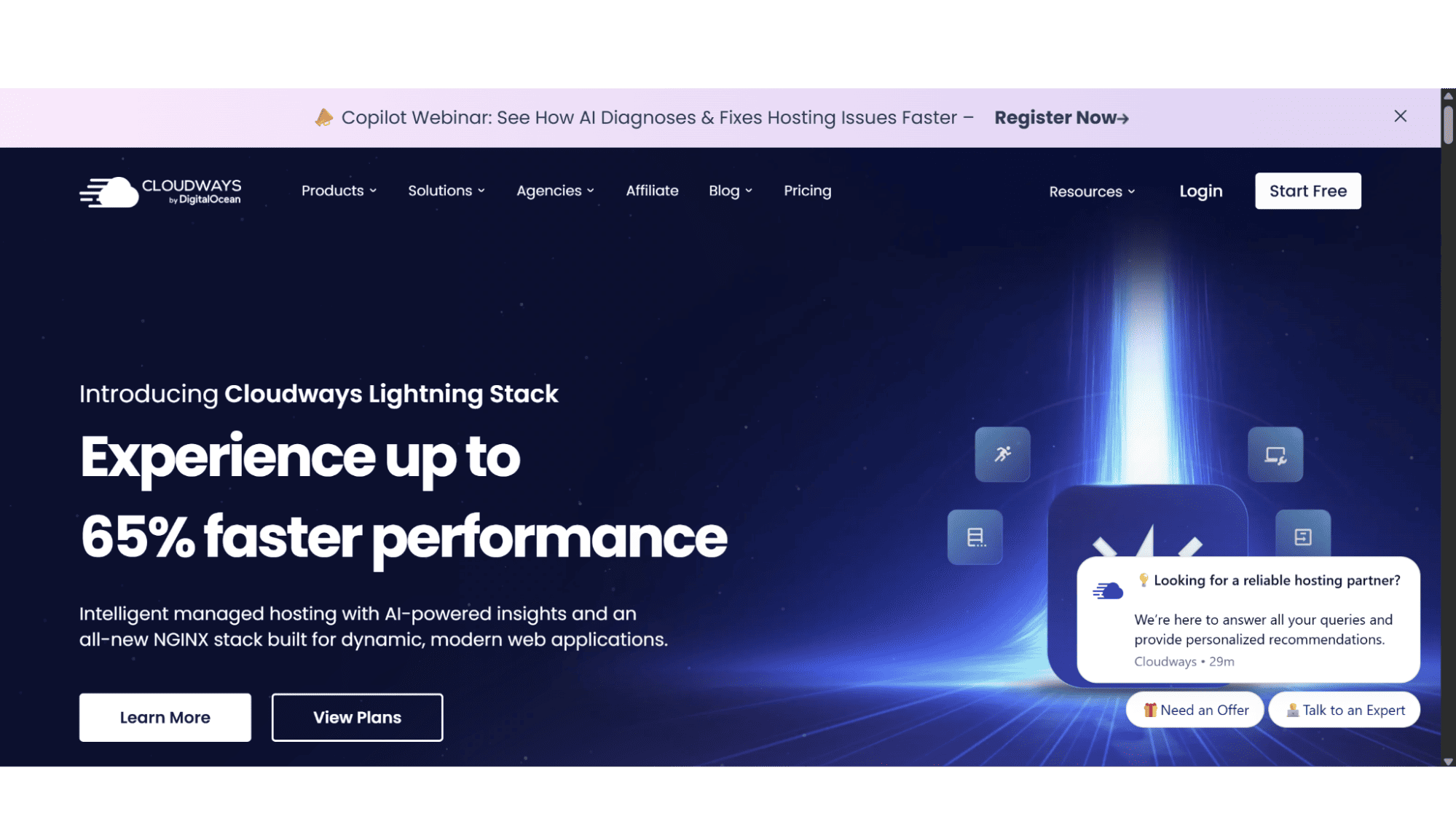
Current Coupons and Discounts
Unlike most providers, Cloudways doesn’t offer discounts or better rates if you sign up for longer billing cycles, as all their plans gets billed monthly on a pay-as-you-go basis, meaning you only pay for the resources you consume each month. Invoices are generated at the start of the following month for the previous month's usage. I have combed through their site, and chatted to their support to find out how one can save some extra money, and have listed them below:
- 20% Off for the first 2 Month | On Any of Their Hosting Plans | For New Customers Only Using the Coupon “presales20”.
- 20% Off for the first 3 Month | On Any of Their Hosting Plans | For New Customers Only Using the Coupon “presales30”.
- 20% Off on your First Invoice| On Any of Their Hosting Plans | For New Customers Only Using the Coupon “CWBONUS20”.
If you are planning to move multiple websites over to them, get in touch with their sales team via the live chat function on their website, as they will review your case and share the best options for even more discounts with you.
How to Apply a Promo Code
To take advantage of the discounts, follow the steps I have listed below:
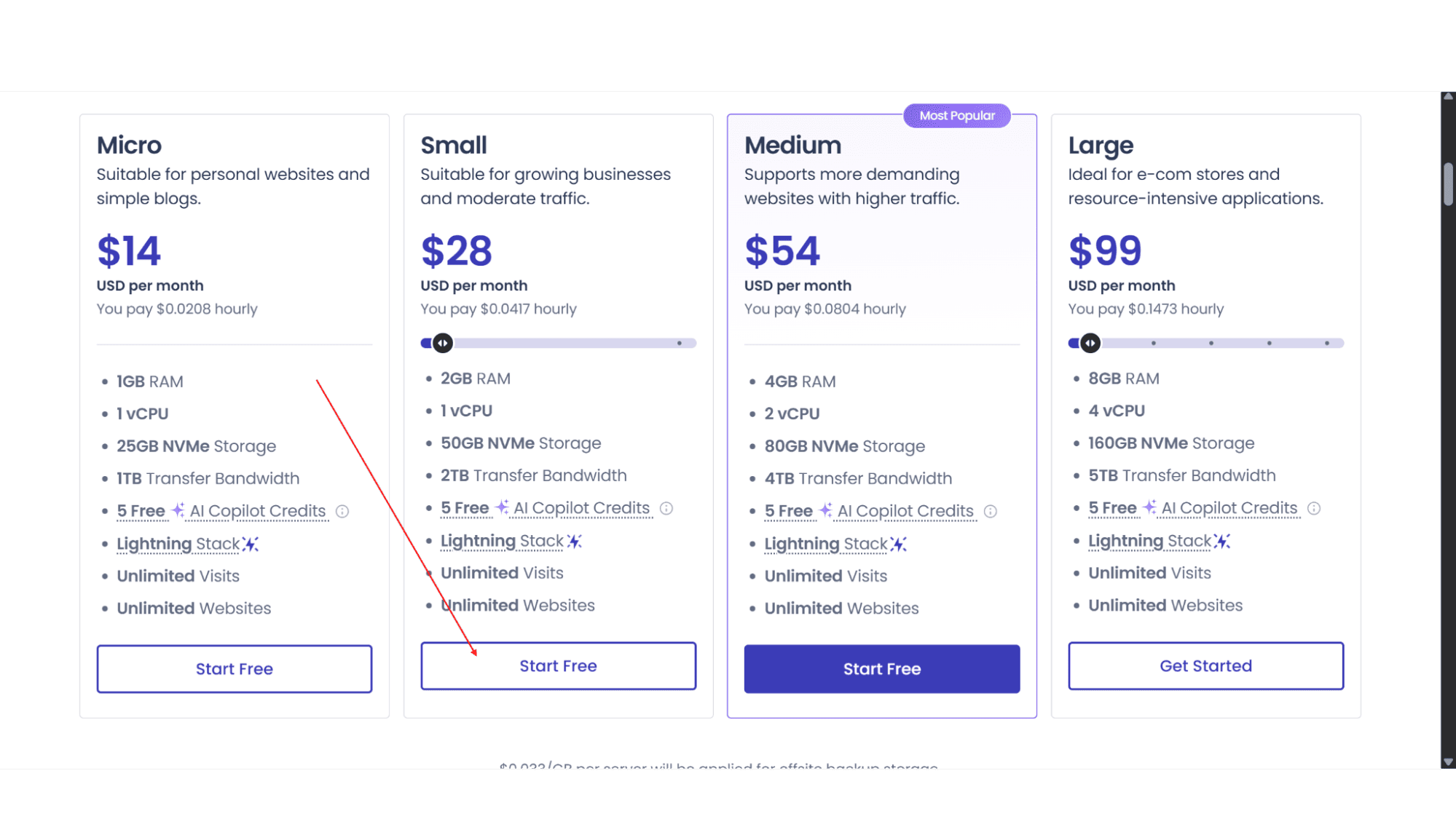
Step 1: Go to their website and browse the products till you find one you would like to sign up for, then click on “Start your Free 3-Day Trial”.
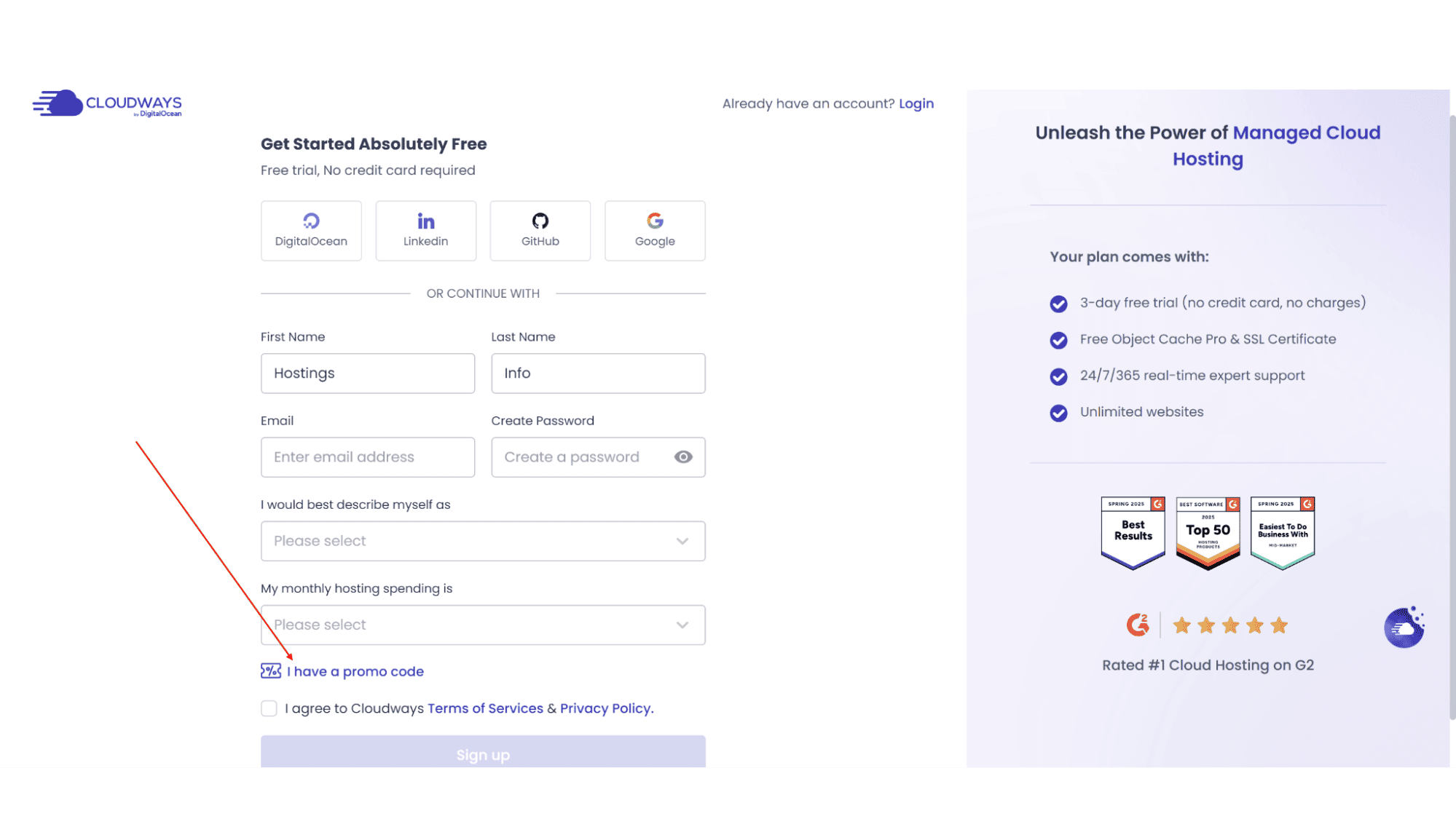
Step 2: On the next page their system will ask you to either sign up if you are a new user or log in if you are an existing one. As these coupons are only for new users, the text field to enter the coupon codes will be on the sign-up page only.
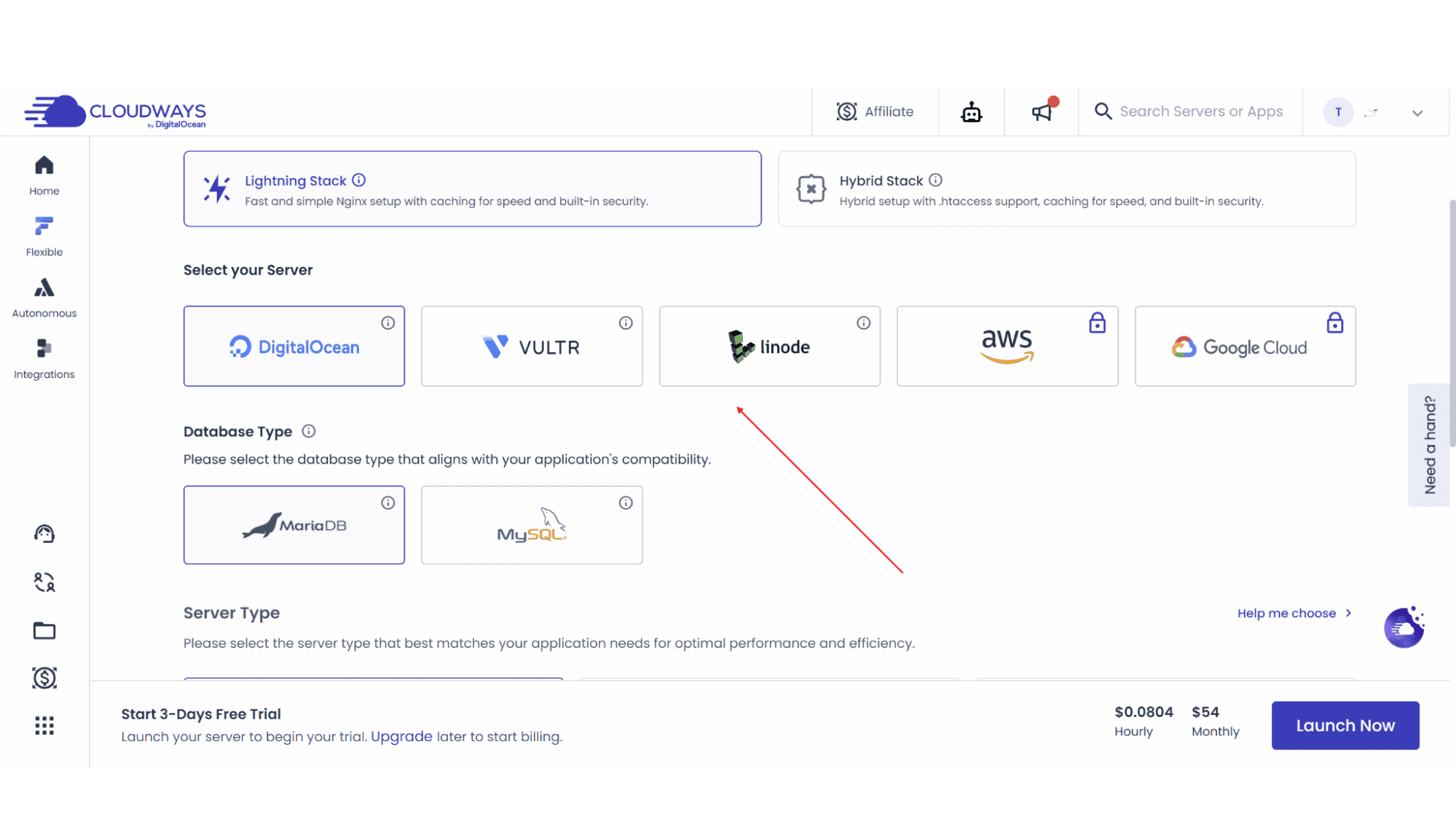
Step 3: After signing up you need to select your provider (DigitalOcean, etc.) and server size. Click "Launch Now" and create your account.
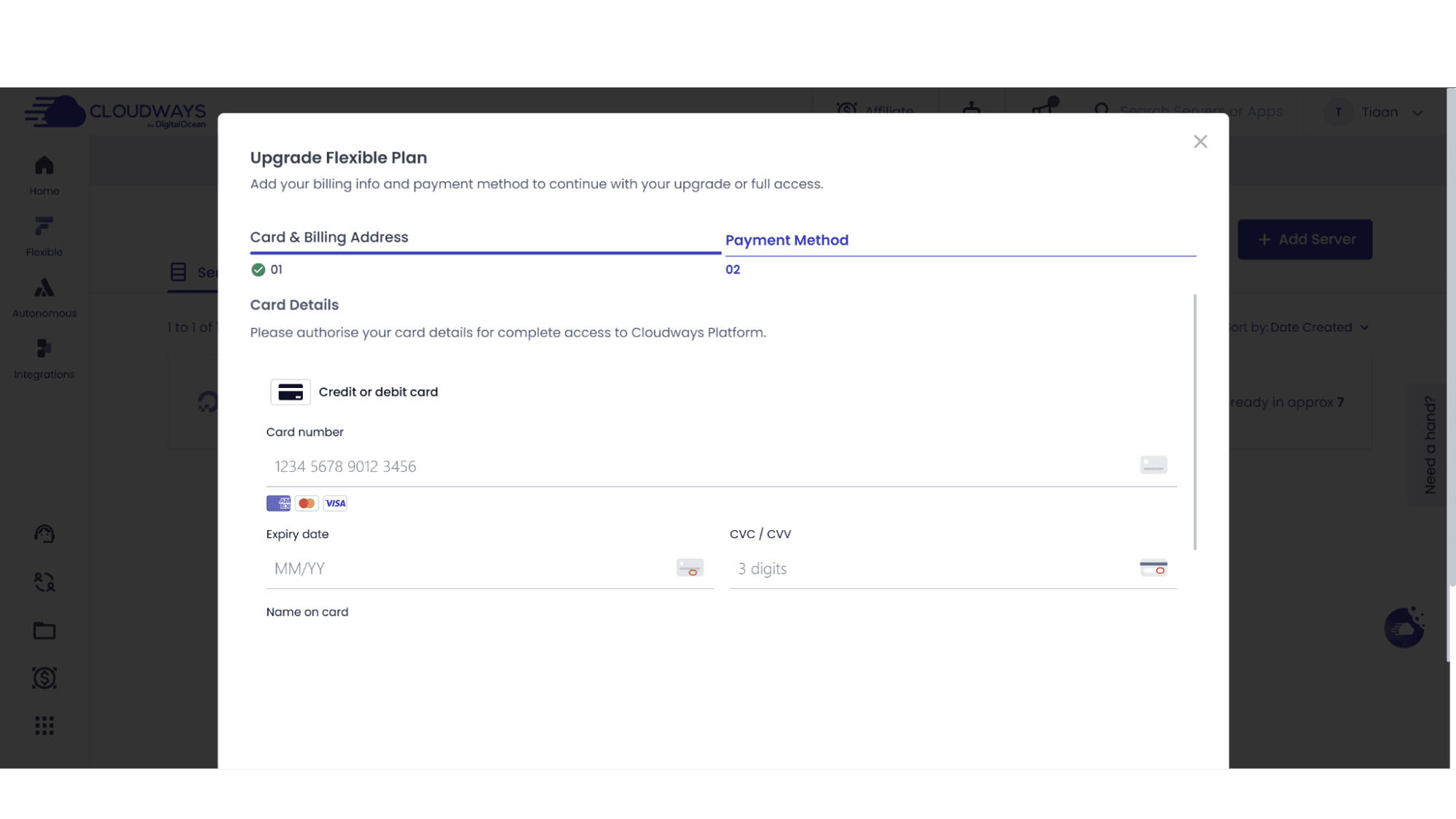
Step 4: On the payment screen, enter your card details and make sure that the total due is reduced before clicking on "Pay Now".
What to Do If the Code Doesn't Work
Step 1: make sure you have entered the code on the signup page and double check the spelling.
Step 2: Clear cookies or use an incognito window.
Step 4: If you are still stuck, open the live chat on their website and ask their support team. They are excellent and will be more than happy to assist.
My Expert Opinion
Cloudways is not really designed for newbies or entry-level users in my opinion, but rather more for developers and agencies, for whom they are an excellent choice. Most hosts force you to use their servers, but Cloudways lets you choose the infrastructure provider you want, like DigitalOcean, Linode, Vultr, AWS, or Google Cloud. This is great because it means if you trust Google's network, you can use it, but if you rather want a budget-friendly provider such as DigitalOcean, you can choose them instead.
The biggest trap with them? Add-ons can sneak up on you. Off-site backups such as the AWS S3, and static IPs cost extra. It's not a trick, just something you need to budget for.
Frequently Asked Questions
1. Does the 30% off first four months apply if I pay annually?
A: No. That discount is for monthly billing only.
2. Can I get a refund if I pick the wrong server size?
A: Yes. Cloudways is pay-as-you-go. If you launch a 4GB server but need a 2GB, clone the app to a new server and destroy the old one. You are only billed for the hours the old server ran.
3. Do existing users ever get discounts on new servers?
A: Rarely. Cloudways occasionally runs other promotions offering credits when you launch a new server, but don’t hold your breath.
4. If I use the free trial, can I still get the 30% discount?
A: Yes. Start your 3-day free trial (no credit card needed) to test the dashboard. Before it ends, use the partner link to upgrade. The discount should apply.
5. Is pay-as-you-go cheaper than standard hosting?
A: It depends on traffic. For a site with 10k visitors, it is incredibly cheap. However, if you leave a server on but unused, you still pay for uptime. It rewards active, efficient usage.








