You can find more information about other types of services, as well as reviews of Hostinger.com, in the following articles.
Objective expert review Hostinger.com
Hostinger Website Builder Review 2025
Having been in the hosting industry for over two decades, I have learned that most website builders either hold your hand so tightly you feel trapped or leave you stranded with a blank canvas and zero guidance.
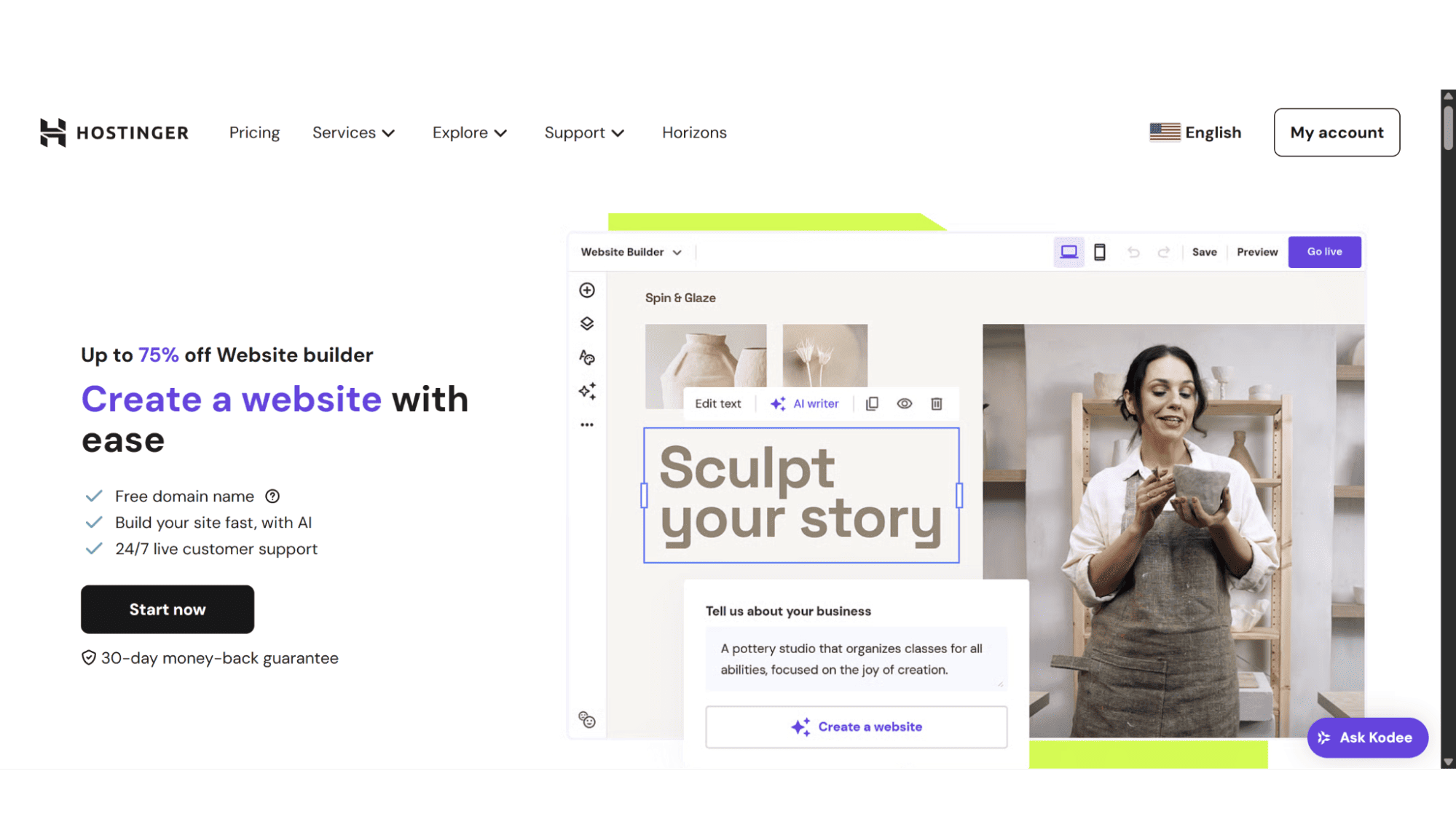
I got to evaluate Hostinger's website builder plans with that exact skepticism, especially since they are very well-known for hosting, not so much designing. Their AI-powered approach is a game-changer for getting a professional-looking site live quickly and without hassle, although you still get the option of a drag-and-drop builder, should you feel more comfortable with it. After building a test site from scratch, I'm breaking down if their AI builder is actually worth your time and money or if it's just another flashy feature in a crowded market, as well as what their other website builder features entail.
Hostinger Website Builder Plans Overview
Premium vs Business
Which One Actually Delivers Value in 2025?
This prominent provider offers users two website builder plans to choose from, the Premium Website Builder and the Business Website Builder. Both offer the option to either build your site manually with a drag-and-drop editor or use their AI website creating tool – it’s your choice, as well as 150 easy customizable templates, marketing tools, built-in analytics, and a full 30-day money-back guarantee. Let’s take a look at each one in detail.
The Premium Website Builder Plan
Your All-in-One Toolkit to Launch Online
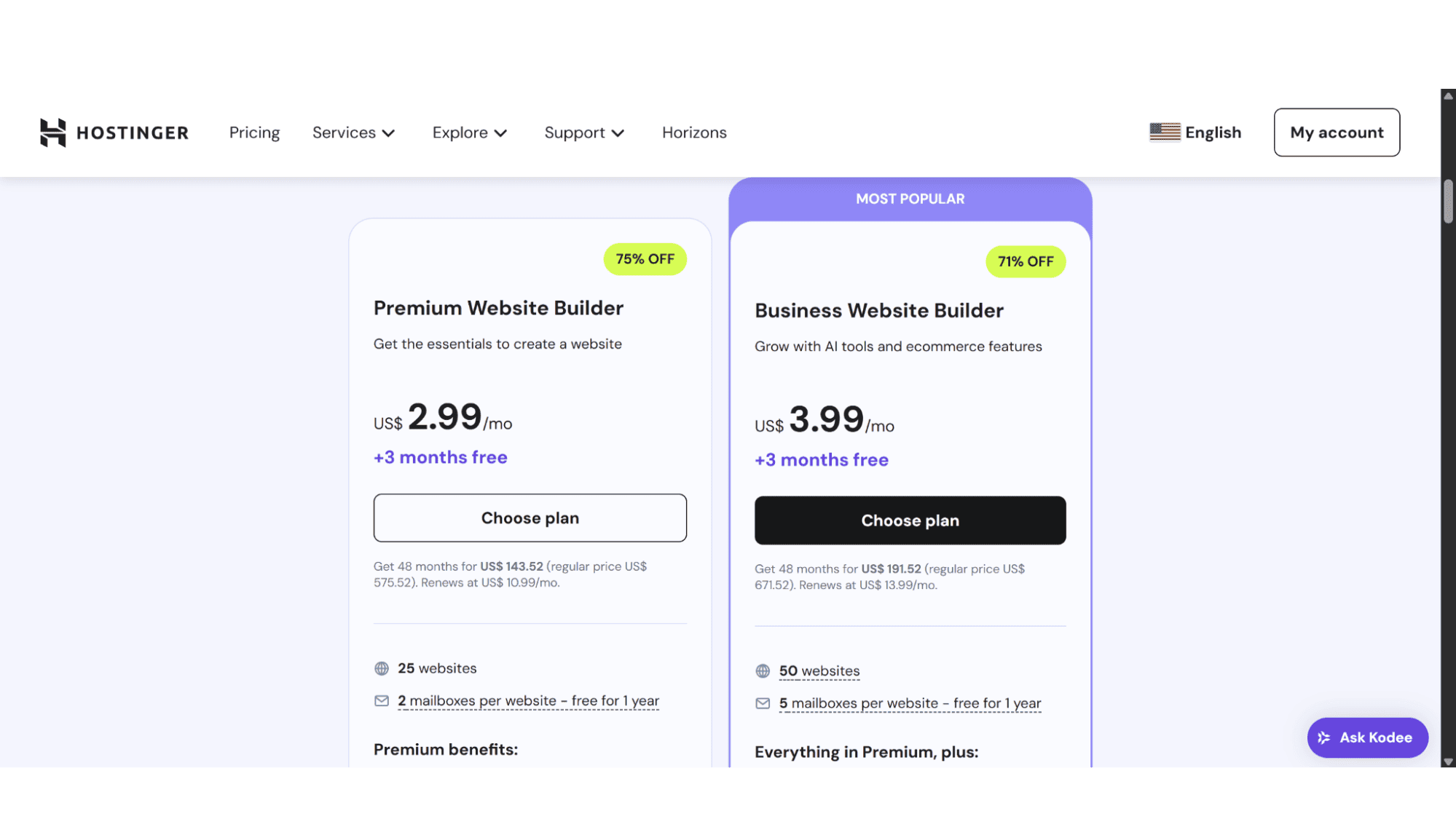
This plan comes in at an affordable $2.99 per month with a renewal price of $11.99 per month for a month-to-month contract, or $10.99 per month for 12, 24, or 48-month billing cycles (tax still needs to be added on). It includes the following:
- A free domain registration for the first year (12-month or longer subscriptions only);
- 2x 1GB POP or IMAP mailboxes;
- 50GB SSD storage space;
- A limit of 25 websites, which makes it perfect for freelancers.
The Business Website Builder Plan
Scale Your Vision with Smarter Tools
For more serious users, this Business Website Builder plan is where the real value lies. At the time of writing, it only costs a dollar more ($3.99 per month – renews at $13.99 per month for 1, 12, 24, or 48-month cycles) than the Premium plan, but it offers a whole lot more space and features, that is well worth the upgrade in my opinion. This plan comes with:
- A free domain registration for the first year (12-month or longer subscriptions only);
- 5x 1GB POP or IMAP email accounts;
- 200GB SSD disc space;
- A limit of 50 websites hosted on this space, great for tech-savvy creators running multiple design projects;
- E-commerce Functionality (0% transaction fees);
- Over 100 Payment options for your store;
- AI Text Editor;
- AI Image Generator;
- AI Blog Post Generator;
- AI Product Generator;
- AI Logo Maker;
- AI SEO Assistant.
What I found a bit confusing is that although they give these two options on their website under the “Website Builder” tab, there is another tab for “Ecommerce Website Builder”. This, however, is the “Business Website Builder” plan – just with its own dedicated page too.
Hostinger’s pricing is budget-friendly and comes across as a good deal, but one has to think long-term. That renewal price is significantly more, so choose the plan that fits where you’ll be (and can afford) in two years, not just today.
It is also worth noting that you can use WordPress with their Website Builder plans, but you can only use one builder at a time per website, meaning if you install WordPress, you’ll manage your site with the WordPress tools instead of the Hostinger Website Builder.
Key Features:
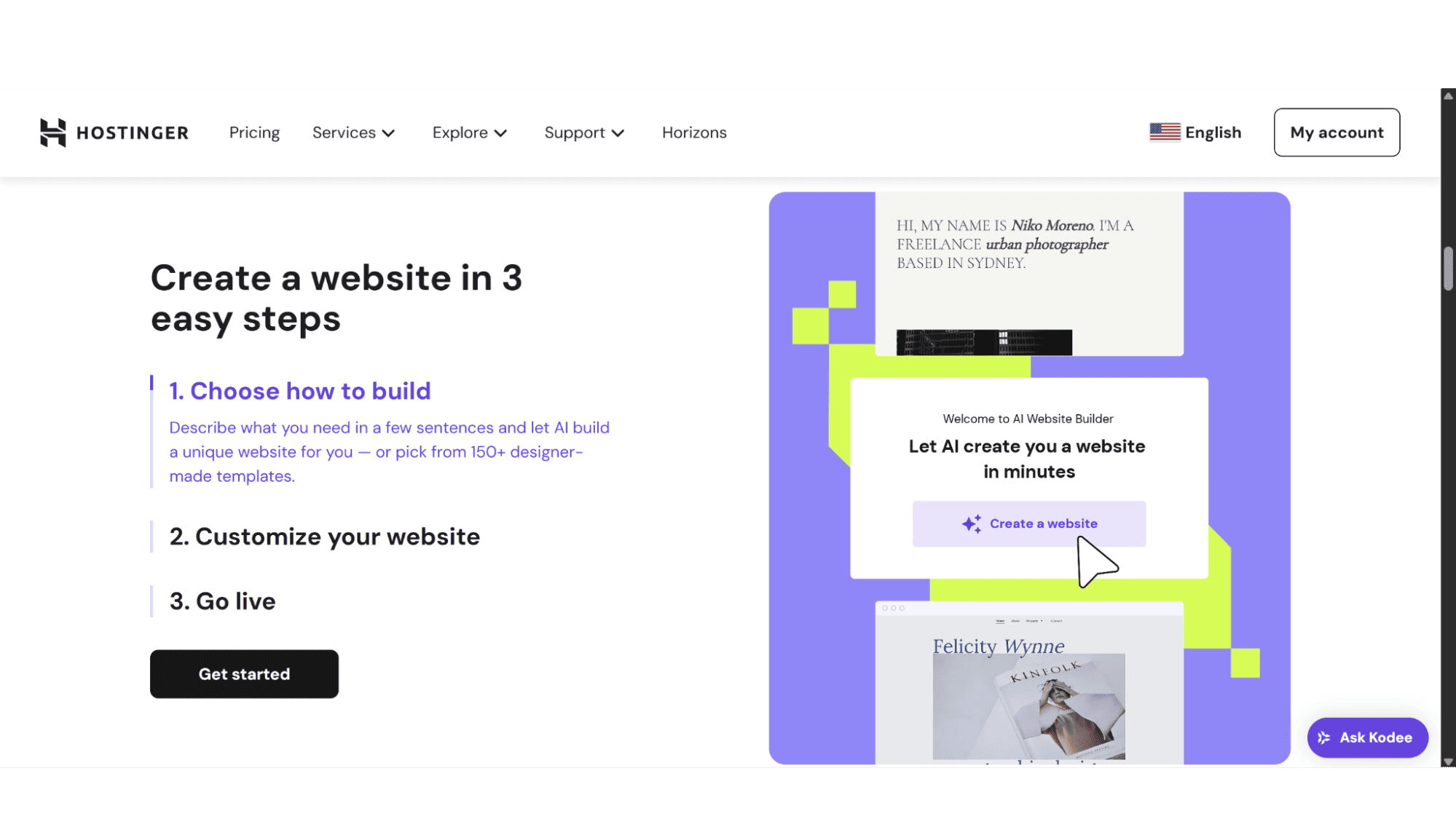
- AI Website Generating software: Simply describe your company and what you are after, and it quickly constructs a complete, surprisingly coherent draft site in minutes, complete with fitting images and layouts.
- The AI Text Editor: It will create SEO-friendly content in seconds, which is a huge time-saver.
- E-commerce Functionality: Business plan only
- A Drag-and-Drop Editor: If you prefer to have a more hands-on experience in the designing process of your website.
- Mobile Responsive Templates: We will look at templates more in detail later in this review, but in short, you get over 150 easily editable templates in both their builder plans.
- AI Logo Maker: A software tool that uses artificial intelligence to automatically generate logo designs based on your input
- AI Content Creator: It generates everything from blog posts and product descriptions to social media captions by learning from your input
- AI Product Generator: This tool takes it a step further - it can brainstorm, design, or even visualize new products or digital offerings based on trends, gaps in the market, or even a simple text prompt integrations, and automatic backups, it feels less like a basic builder and more like an all-in-one business platform that actually grows with you.
Registration:
Getting started with Hostinger’s website builder plans is a straightforward and refreshingly easy process. On their homepage, click on the “Services” tab in the top menu, and click on “Website Builder”. The next page will show the two plans, and once you’ve made your choice, click “Choose Plan”, and you’ll land on a page where you can pick your subscription length, the choices are 1, 12, 24, or 48 months.
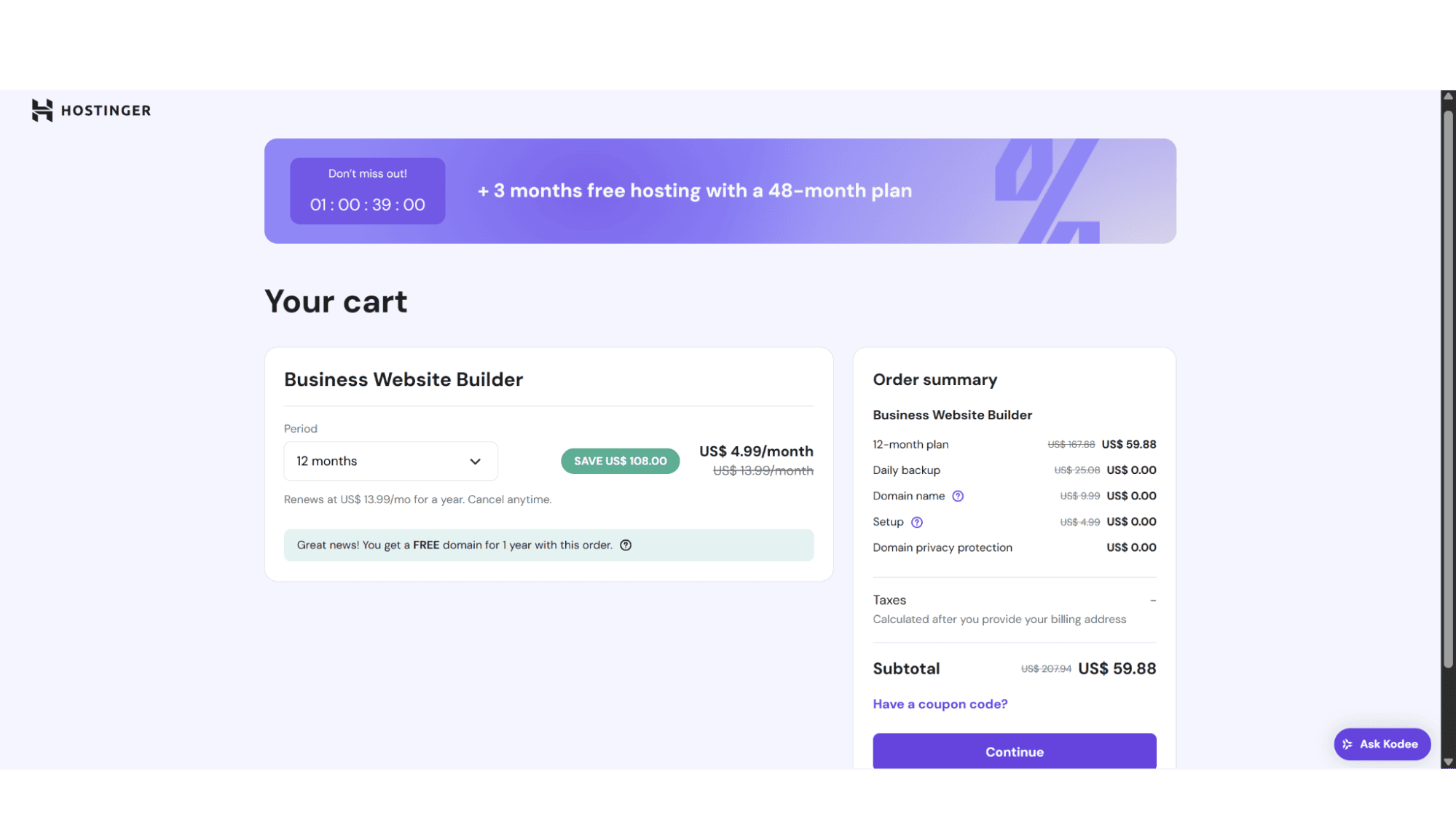
After this simply click on “Continue” on the right-hand side of the page (below your product summary), and it will bring you to a page where you enter your billing details and payment methods to complete the checkout process. The whole process should take more than a minute or two.
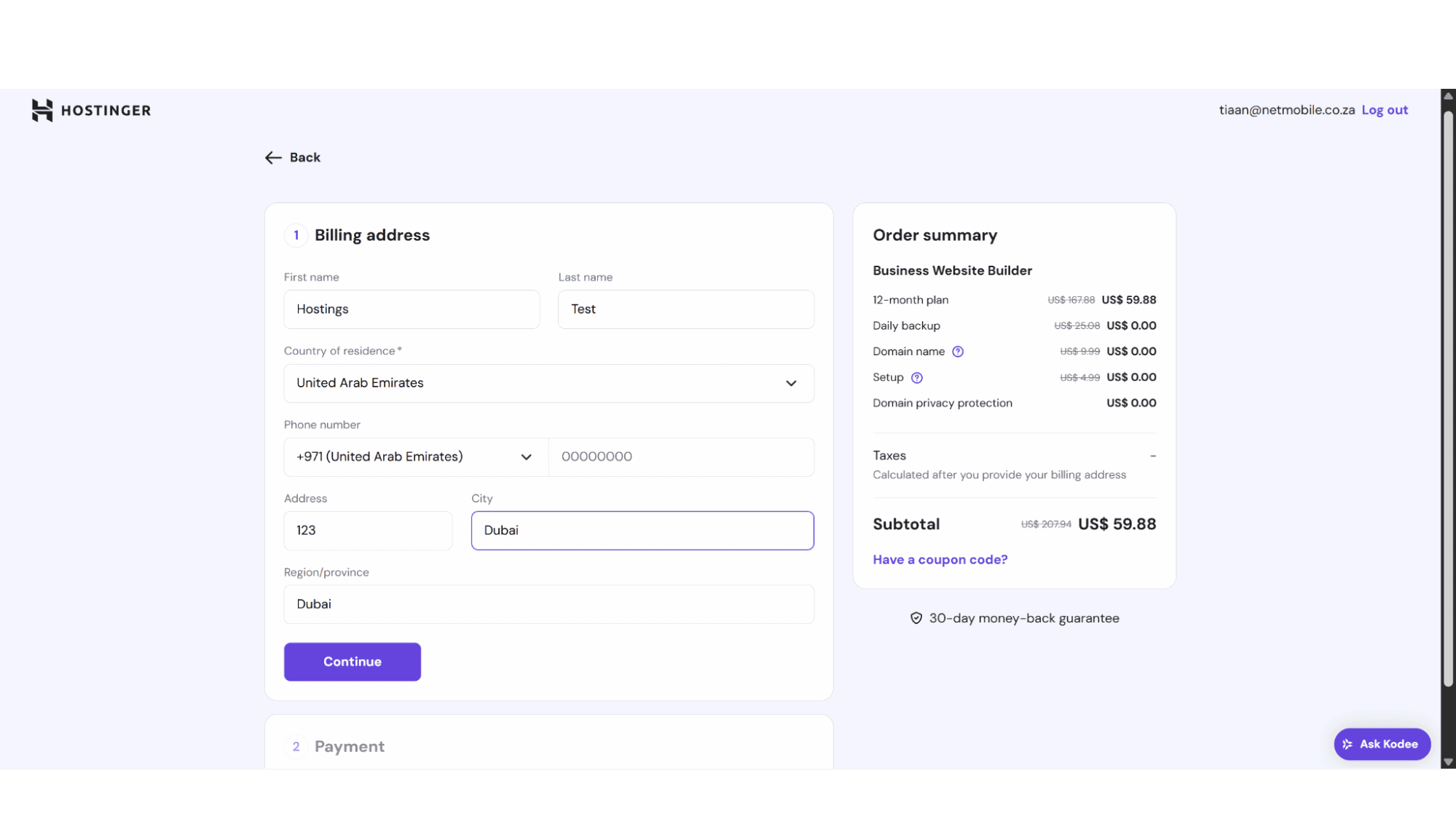
Once you've signed up for your Website Builder plan, the fun begins. Just log into your Hostinger account and head over to the Websites section in their hPanel. Click on the "Add website" button and choose the Hostinger Website Builder option. After clicking "Start Creating," you'll answer a few quick questions about the kind of site you're building. Then, you can either let the AI work its magic to generate a full site for you or browse their template gallery to pick one that fits your style. From there, it’s all drag-and-drop - tweak the layouts, change colors, and add content exactly where you want it.
Templates:
All their templates are responsive, meaning it will resize for any screen size to display correctly, and are split into 5 categories, namely “Portfolio”, “Business showcase”, “Online store”, “Blog”, and “Other”.
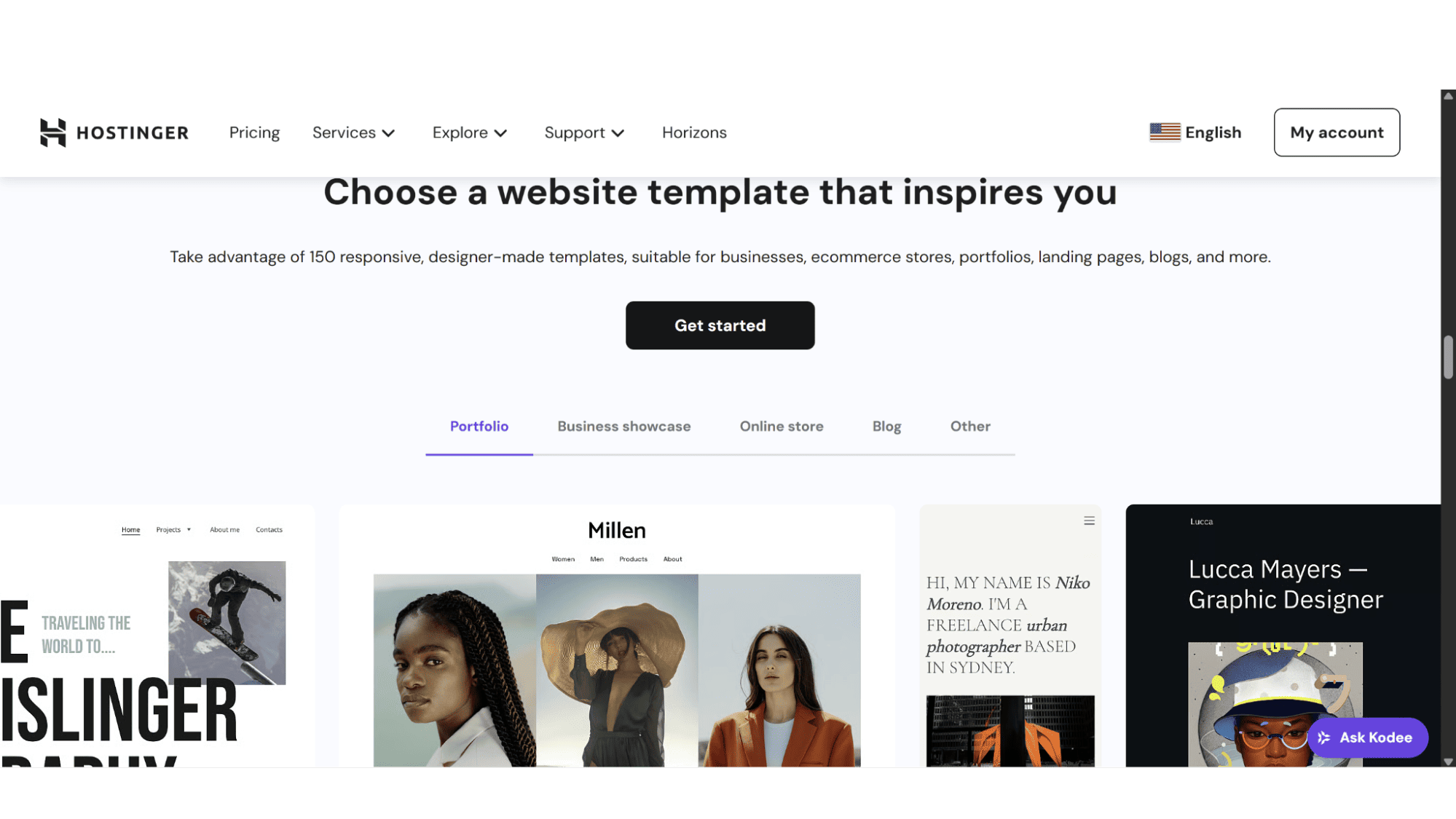
One of the first things that stood out to me in Hostinger's Website Builder was its template library. With over 150 professionally designed options, you are sure to find something that fits your needs, even if only to a certain degree, as this will provide a solid starting point for just about any project - whether you're launching a boutique online store, a creative portfolio, or a local business blog. Users can easily edit pretty much anything and everything, from colour schemes and fonts to entire page sections, using the intuitive drag-and-drop editor.
It’s worth noting that you can’t build or export your own templates from scratch, but the level of customization available means you can still craft a site that feels uniquely yours without needing to code a single line.
Support:
If you ever hit a snag while creating your site using their builder tools, you can get help via live chat, support tickets, the Kodee AI assistant, or do troubleshooting yourself with their helpful tutorials and detailed knowledge base. For me personally, the AI assistant is great when it comes to handling basic how-to questions, but for anything truly custom or technical, a real human agent might be better and worth reaching out to. A lot of their online reviews, especially from TrustPilot, praise how their support agents guide users through some of the builder’s trickier features, like connecting a custom domain or adjusting mobile layouts.
The Bottom Line
Building a website can feel overwhelming, especially when terms like AI and e-commerce get thrown around, but Hostinger's Website Builder plans genuinely make it easy. In my opinion, it's an outstanding pick for beginners, freelancers, and small businesses that want a professional online presence without the high cost of web design. The star of the show is absolutely the AI website generator - just describe your business, and it whips up a complete, ready-to-use site in minutes.
Their drag-and-drop editor itself is a pleasure to use. The interface is straightforward and lets you customize any of their 150 templates with ease. Just a word of advice - like most hosts, the renewal cost jumps after your initial term, so factor that into your long-term budget. All in all, I can definitely recommend their website builders!