




United States of America
Founded in 2006


Expert review summary
904 place among
other companies
Web-developer (work experience 9 years)
updated Jan 6, 2026
To learn more about other services and read a detailed review of AWS, check out the posts below.
First impression
Amazon Web Services (AWS) is known as an Infrastructure as a Service (IaaS) or cloud computing services company. As the name suggests, it’s a subsidiary of Amazon, and, as you’d imagine, it’s currently the market leader.
This service is run by Amazon.com so it is really unlike anything else out there. They don’t just provide web hosting, but rather they offer a suite of services to help businesses. It seems they are mostly targeting individuals and businesses that sell products on the Amazon platform, but I don’t see any restrictions that limit it only to this type of site.
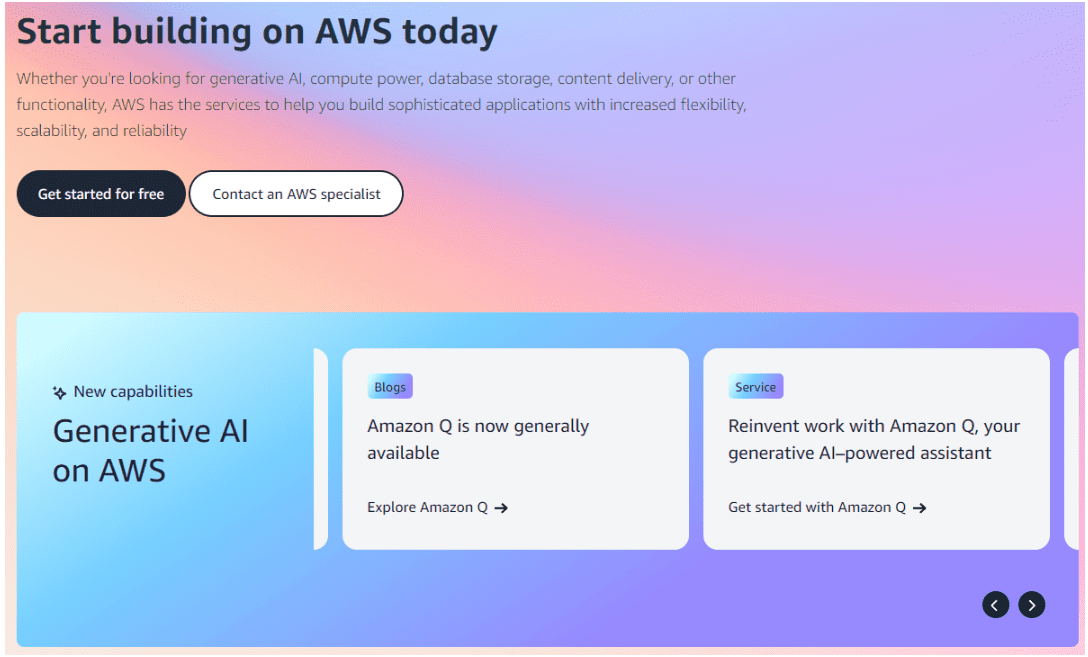
This company offers tons of different services including scheduled backups, elastic load balancing, many data center locations, a virtual cloud, content delivery and much more. Selecting exactly what you want can be confusing for the average webmaster, however, so make sure you take your time and really understand what it is that they are offering before you sign up.
Their hosting allows a number of different platforms including Joomla, Ruby, WordPress, Drupal, Dot Net and Magento. They also offer both Windows and Linux hosting options, which is always nice.
Trial period
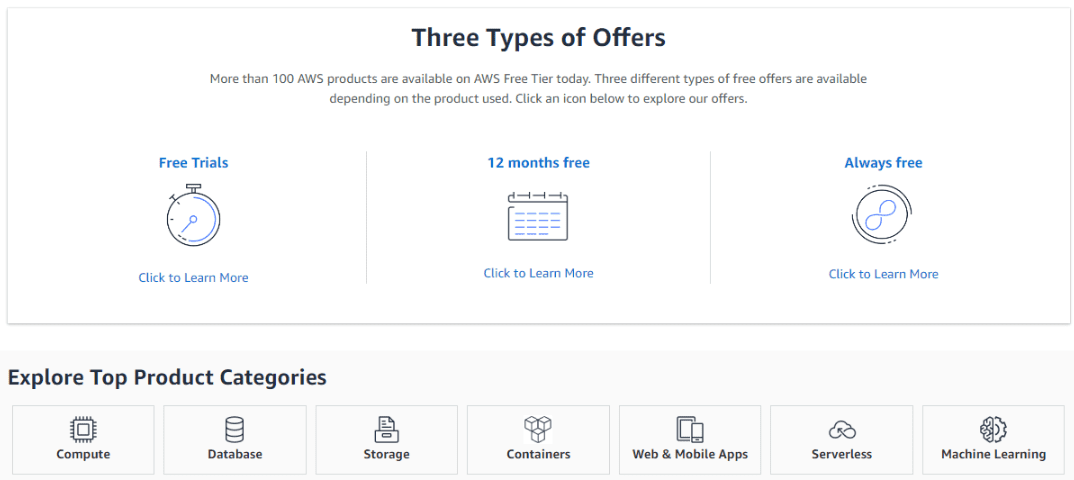
AWS Free Tier - Gain free, hands-on experience with the AWS platform, products, and services. More than 100 AWS products are available on AWS Free Tier today. Three different types of free offers are available depending on the product used. Click an icon below to explore our offers.
These free tier offers are short term trial offers that start from the time of first usage begins. Once the trial period expires you simply pay standard, pay-as-you-go service rates (see each service page for full pricing details).
Billing cycle
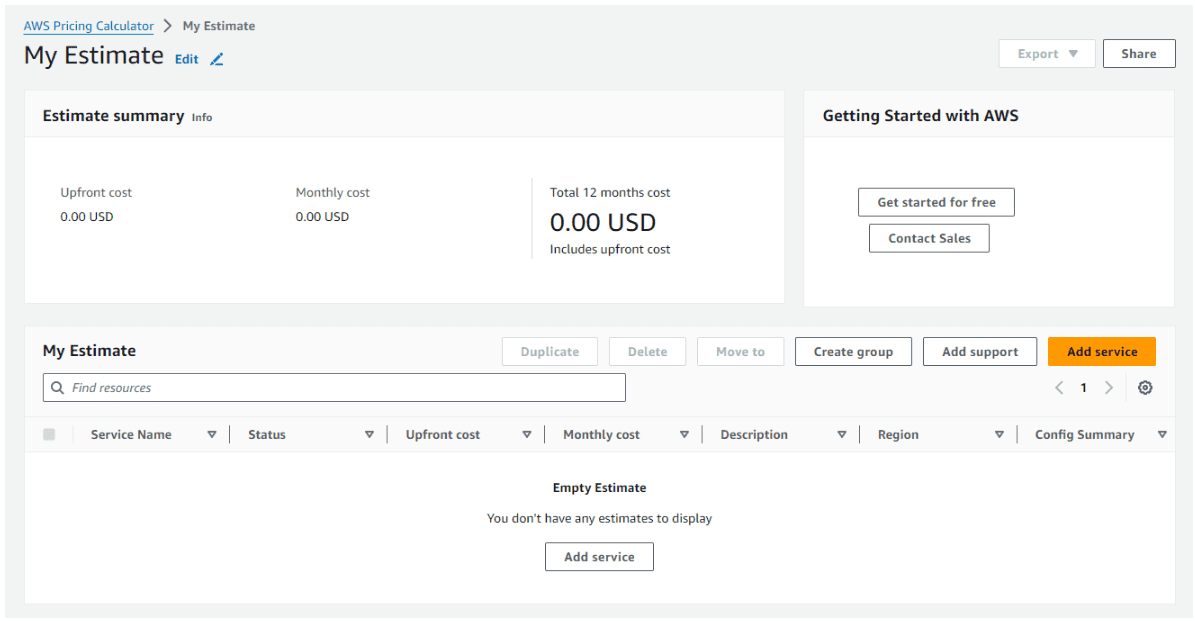
AWS operates similarly to other cloud hosting providers in terms of payment. You are charged based on your actual usage, whether it’s per second or per hour. As your resource consumption increases, you have the opportunity to receive volume discounts. Additionally, if you can commit to reserving your resources for a year, you can also secure a discount.
Compared to the other big IaaS providers, per gigabyte, AWS is one of the cheaper providers. Plus, with the free tier plan, you can utilize EC2 and EBS to host a website for free for a whole year, unless your usage exceeds the limit of 30GB of storage.
You can pay as you grow, pay Hourly, Monthly, and/or Yearly billing cycles.
Control panel
We can configure cPanel on Amazon Web Services (AWS) cloud hosting. AWS provides a flexible and scalable infrastructure for hosting various types of applications and services, including cPanel & WHM.
By setting up cPanel & WHM on AWS, you can take advantage of AWS's robust infrastructure and scalability features while also benefiting from the convenience and familiarity of the cPanel control panel for managing your web hosting environment.
Limits
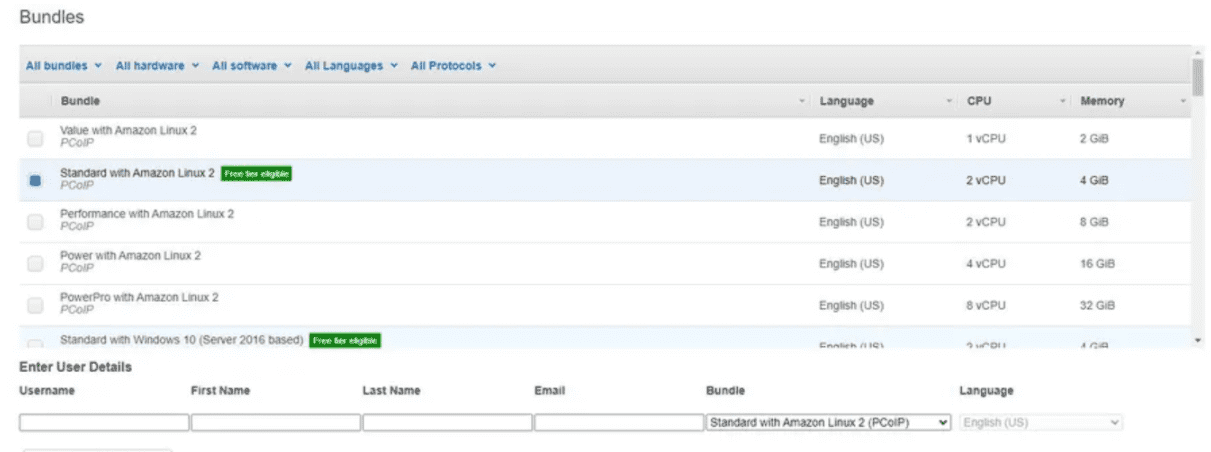
The virtual spaces can be Linux or Windows Server (Not Windows 10!), starting with a single virtual CPU and 2GB of memory, 80GB Root and 10GB User volumes. Linux users are charged $29 per month or $10 a month + $0.26 per hour, and Windows users pay $33 per month or $10 a month + $0.30 per hour.
Costs scale up to 8 virtual processors, 32GB of RAM, a 175 GB Root and 100GB User volume. A workspace of that specification would cost a flat fee of $172 per month or $21 a month + $1.68 per hour.
Extra storage can be included for $0.12 per GB, and for 32-bit Windows users Microsoft Office 2016 Professional Plus can be added for $15 per month, and 64-bit users have Microsoft Office 2019 Professional Plus for $14.75 per month.
Security
The security side of this solution has both all the encryption and resilience that comes with being on AWS, and its inbuilt security and user management layers that can make it ultra-secure for those that need that. That can include security dongles, 2FA and tiered user and group security protocols.
OS
Amazon Web Services (AWS) offers both Linux and Windows Server operating systems for EC2 instances, providing flexibility for users to choose the platform that best fits their application requirements.
When launching an EC2 instance on AWS, users can select the desired operating system and version from the available options. This allows them to deploy applications and services on the platform that best suits their needs, whether it's a Linux-based environment for open-source workloads or a Windows-based environment for .NET applications and Windows-specific software.

Support
Customer support is split into four tiers, ranging from free to extremely expensive. The free basic plans come with 24/7 customer service (via ticket), documentation, and support forums.
The paid plans come with a variety of one-on-one support, ranging from access to Cloud Support Associates via email all the way up to a Technical Account Manager and Assigned Support Concierge—if you’re prepared to pay thousands upon thousands of dollars per month.
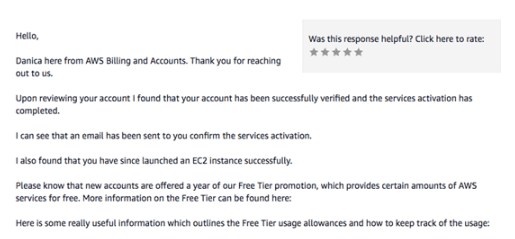
As always, we tested support out. Of course, we weren’t able to pay for the enterprise-level support, but we could submit a support ticket via my freemium options. We were pleased to receive a polite reply less than 24 hours later, solving my problem in full.
Conclusion
| Pros | Cons |
|
|
I’m usually a supporter of the underdog, but in this case, bigger does mean better. It’s hard to fault AWS’ offering. Its robust, global network of data centers offers blazing-fast speeds and unparalleled uptime. But it’s not ideal for beginners—it’s too complex and powerful. If I had an improvement suggestion, I’d request instant customer service for all customers. But with 24/7 ticket support, it’s not that bad.
User reviews AWS.Amazon.com - 44
We have been banning anonymous reviews since 2016
We do not delete reviews for money and do not sell places in ratings.
Your review will help thousands of people learn the truth about this hosting! What are your impressions?
Showing companies from the same country, with similar ratings and number of clients


FAQ
?
Can you cancel AWS and get a refund?No, as you only pay for what you use. You won’t be charged a flat fee at the end of the month, but rather the exact price for the quantity of resources you used.
A word of warning: there’s many sad stories of customers who have accidentally used resources unnecessarily or created “container sprawl” without realizing it. This can incur a pretty hefty bill for all the resources used (effectively or not!), so be sure to properly manage and monitor the services you’re using.
?
Does AWS have a free trial?AWS offers both free trials and “free tier” services. Depending on the resource you want to use (including tools for machine learning, messaging services, and streaming), Amazon allows its users to test its products for a fixed amount of time.
Free tier services are resources that are either always free, or free for a limited time (such as one year) and as long as you don’t surpass the allotted resource limit.
?
Is AWS cheaper than Hostinger?No, but most people don’t go to AWS for bargain bucket prices. With cutting-edge tools for machine learning, productivity monitoring, and instant messaging (among many others), AWS is simply too different in scope to compare to Hostinger.








