



To learn more about other services and read a detailed review of Kamatera, check out the posts below.
Objective expert review Kamatera.com
Kamatera Cloud Servers Review For 2025
When you hear the names of the big cloud hosting players, you think of a certain scale and a certain level of complexity. It's a world built for engineers, often leaving small business owners and even many developers feeling a bit lost, it seems out of the league of “normal” shared hosting users. To be honest, I've been there, staring at a dashboard with a hundred options and no clear starting point, thinking I am way out of my depth. So, when I got the opportunity to evaluate Kamatera Cloud for this 2025 review, I was genuinely curious. Could this be a cloud platform that bridges the gap between raw power and practical usability for those ‘normal’ people?
Having now spent some time building, testing, and even, at times, breaking things on their servers, I can confidently say that the answer is yes, but with a major caveat. Kamatera isn't trying to be a straightforward, one-click solution to cloud servers. Instead, their plans offer a refreshing level of customization and control, provided you have the technical know-how to use it, I must also state. In this review, I didn’t just look at what specs they advertise, but rather the package as a whole. Let’s have a look at what they offer.
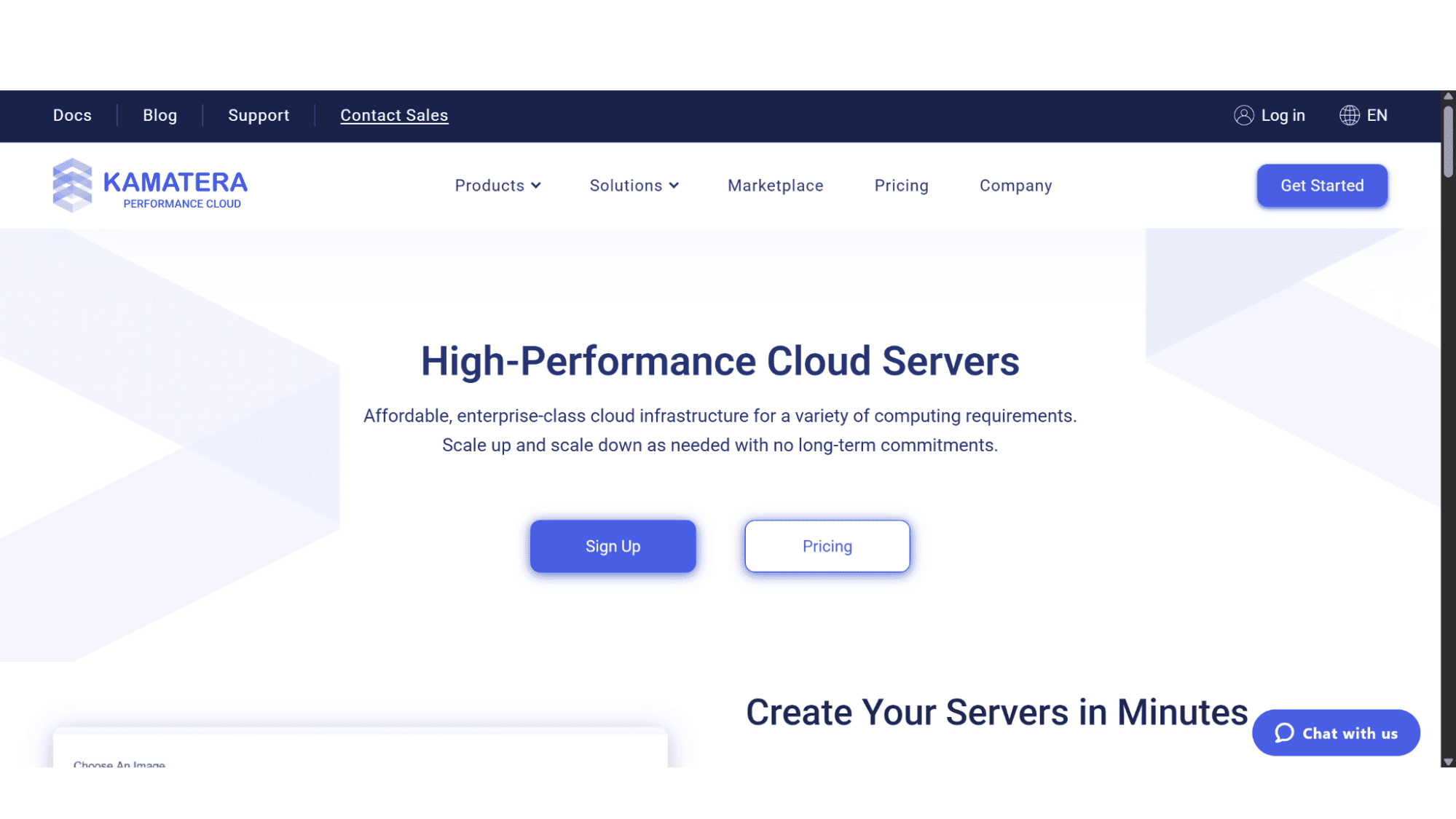
So, What Exactly Are Kamatera Cloud Servers?
Think of their cloud servers this way - if a standard managed cloud is a move-in-ready apartment, Kamatera is like a plot of land with all the best building materials and tools, waiting for you to architect and build everything from the ground up. Their plans are available as managed or unmanaged, in my opinion Infrastructure-as-a-Service (IaaS) in its purest form.
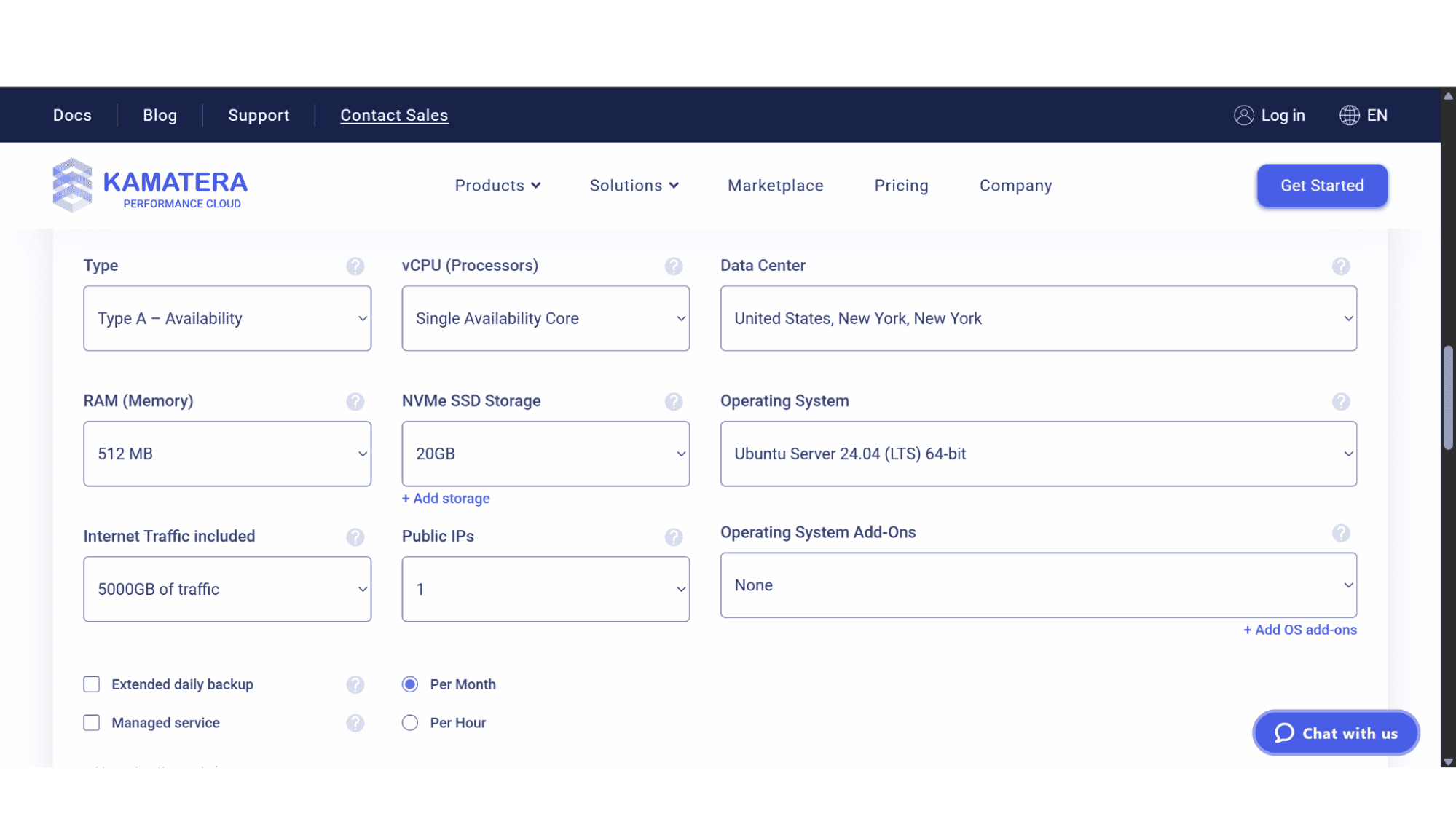
Their cloud platform gives you a blank slate to configure your server to the exact specifications and needs you might have. It seems the core idea they had in mind with their cloud options is radical flexibility. You are not buying a pre-packaged plan - you are assembling a custom server by choosing your exact CPU cores, RAM amount, NVMe SSD storage size, and even your data center location from 20 global options spanning 4 continents. This means that you can create a server suited for your own specific needs and that will suited for the job you need it for, whether that's running a massive WooCommerce store, a simple CMS, or a custom application stack.
For any developer, this is great news, but for someone who just wants to host a WordPress site without thinking about all those techical settings, it can be a bit overwhelming. Understanding this distinction is the key to this entire review.
A Breakdown of the Kamatera Cloud Model
Let's get into the nuts and bolts of what you're actually signing up for with Kamater’s cloud servers, because the "what's included" is very different here.
What’s Included in Your Custom Server:
Managed or Unmanaged Servers: The choice is yours if you would like to manage every aspect yourself with an unmanaged server or let them deal with the headaches of software installations, security patches, firewall configurations, and more, by signing up for a managed server. One needs to note that the managed servers come with an additional $50 per month cost.
You Choose Your Own Resources: You pay for the exact number of CPUs, RAM, and NVMe SSD storage you select. The performance is excellent with high-quality, enterprise-grade processors and incredibly fast, high-performance NVMe SSD disks.
IP Addresses: Every server comes with at least one public IP address, but you can purchase up to 4 of them.
Your Choice of Operating System: This is a huge library, more than most providers will offer. You can deploy everything from CentOS, Ubuntu, Debian, AlmaLinux, RockyLinux, Linux Mint, FreeBSD, and even Windows Server versions, such as Windows Server 2016, 2019, 2022, and 2025.
A Global Network: You can spin up identical servers in different data centers around the world in minutes.
A 99.95% Uptime Guarantee: They commit to keeping the underlying hardware and network running.
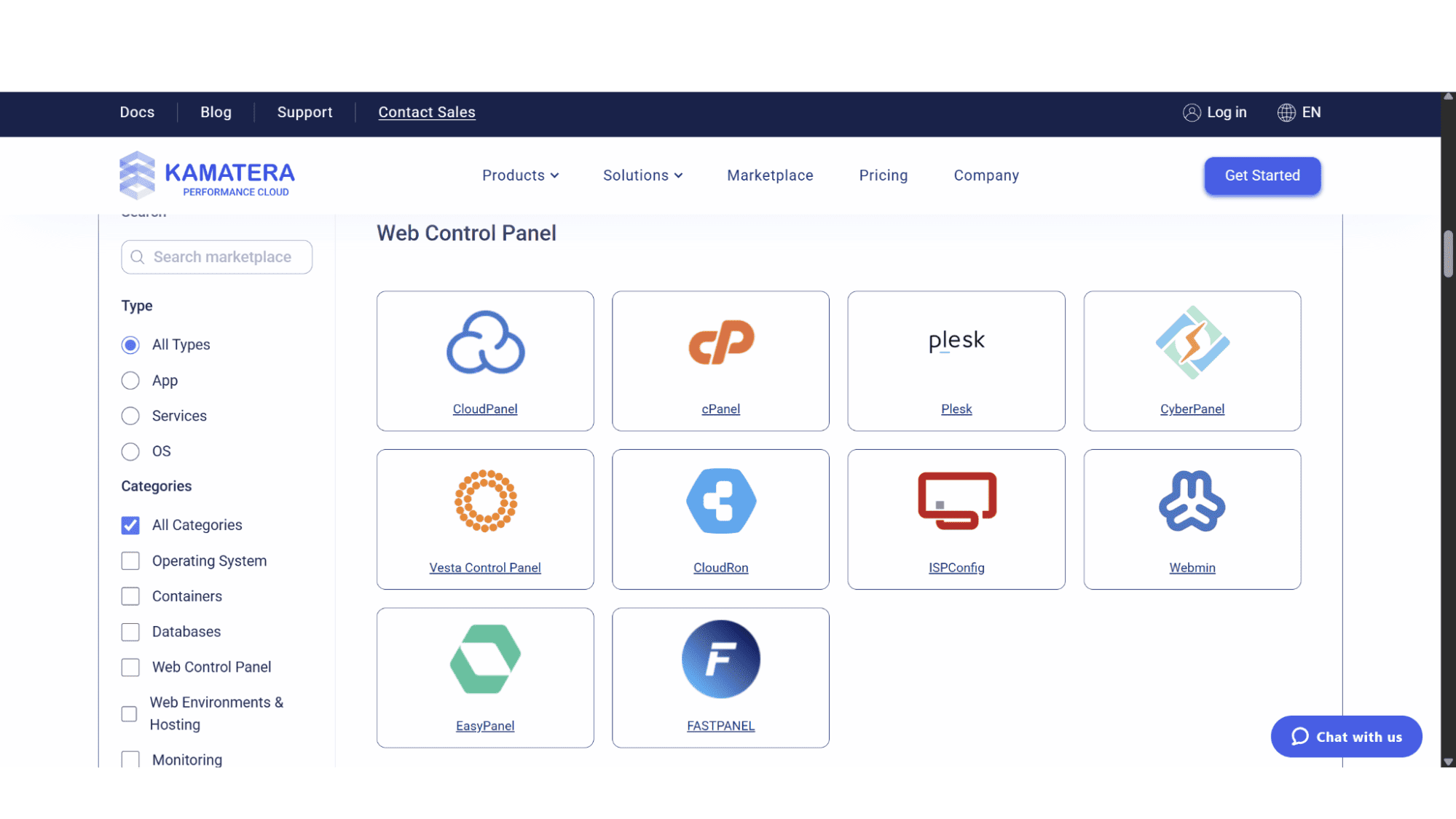
Control Panels: Again, a decent array of choices. Users can choose between CloudPanel, cPanel, CyberPanel, Plesk, Vesta Control Panel, CloudRon, ISPConfig, or Webmin. It is however, not free of charge and will cost extra depending on the control panel you choose.
What’s NOT Included (The Crucial Fine Print):
Backups: Automated backups are not a default feature. You must proactively add and pay for a separate backup storage volume and configure the backup routines yourself.
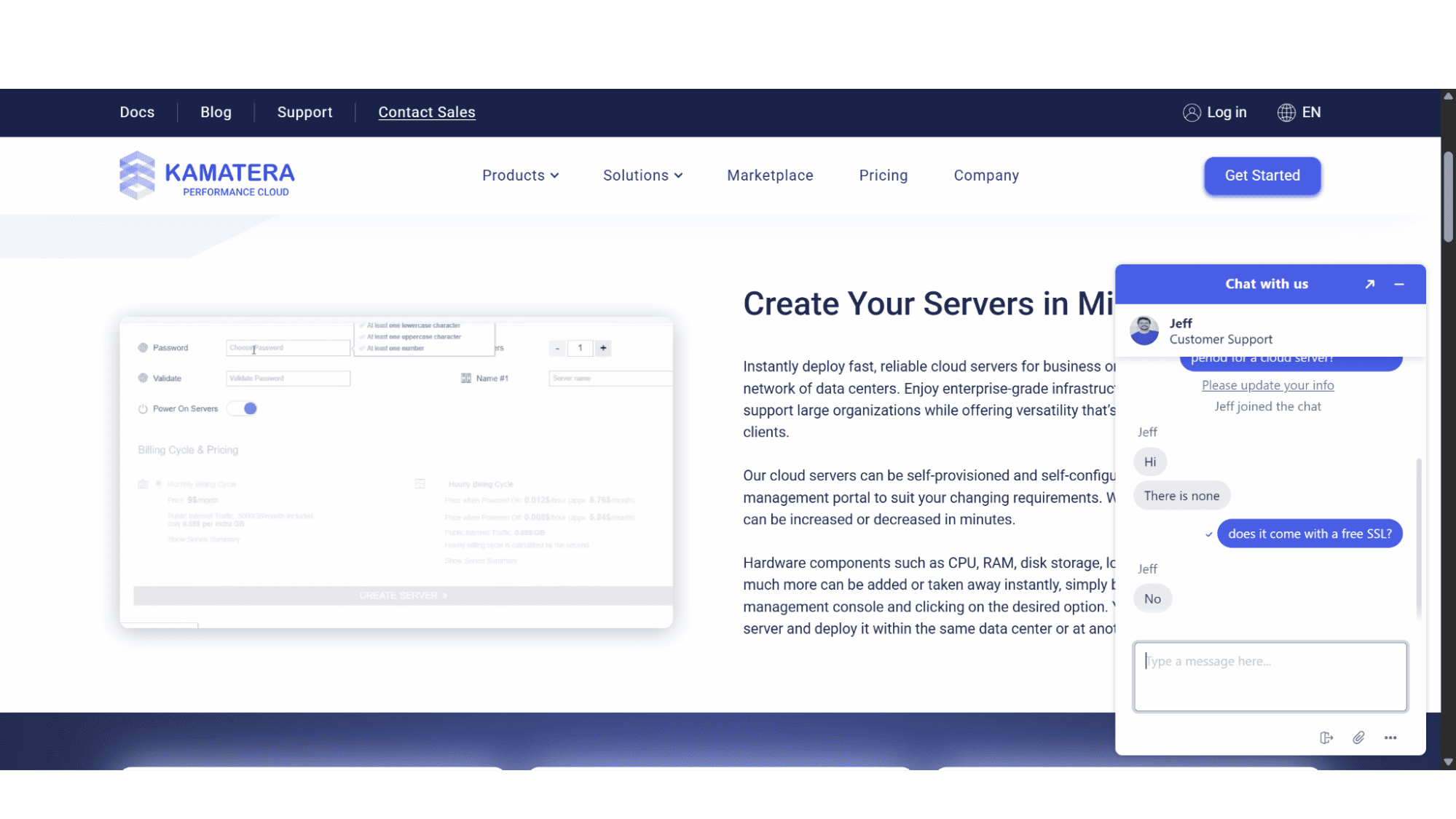
Domain & SSL Management: While you can host as many domains on your server as you like, the company does not provide domain registration or free SSL certificates. You handle SSL installation and domain DNS settings manually.
Key Features:
Where Kamatera Cloud truly stands out from the crowd is in its features beyond the basic cloud server.
The Configuration Tool: Building a server is super easy. You use the sliders to select the amount of CPUs, RAM, and NVMe storage space you require, and a cost estimator updates in real-time. It’s transparent and puts you in complete control of your budget.
Unlimited Scaling: Users can quickly add load balancers, firewalls, or private networks and more, on the go. This is a godsend for those who need to make urgent changes to their server configuration.
No Long-Term Commitments: Signing up with them won’t force you to commit for a long period. Users can choose to pay either monthly or even by the hour, where you only pay for what you use.
Huge Array of OS Options: As mentioned before in this review, you will get to choose from a massive list of options.
Registration:
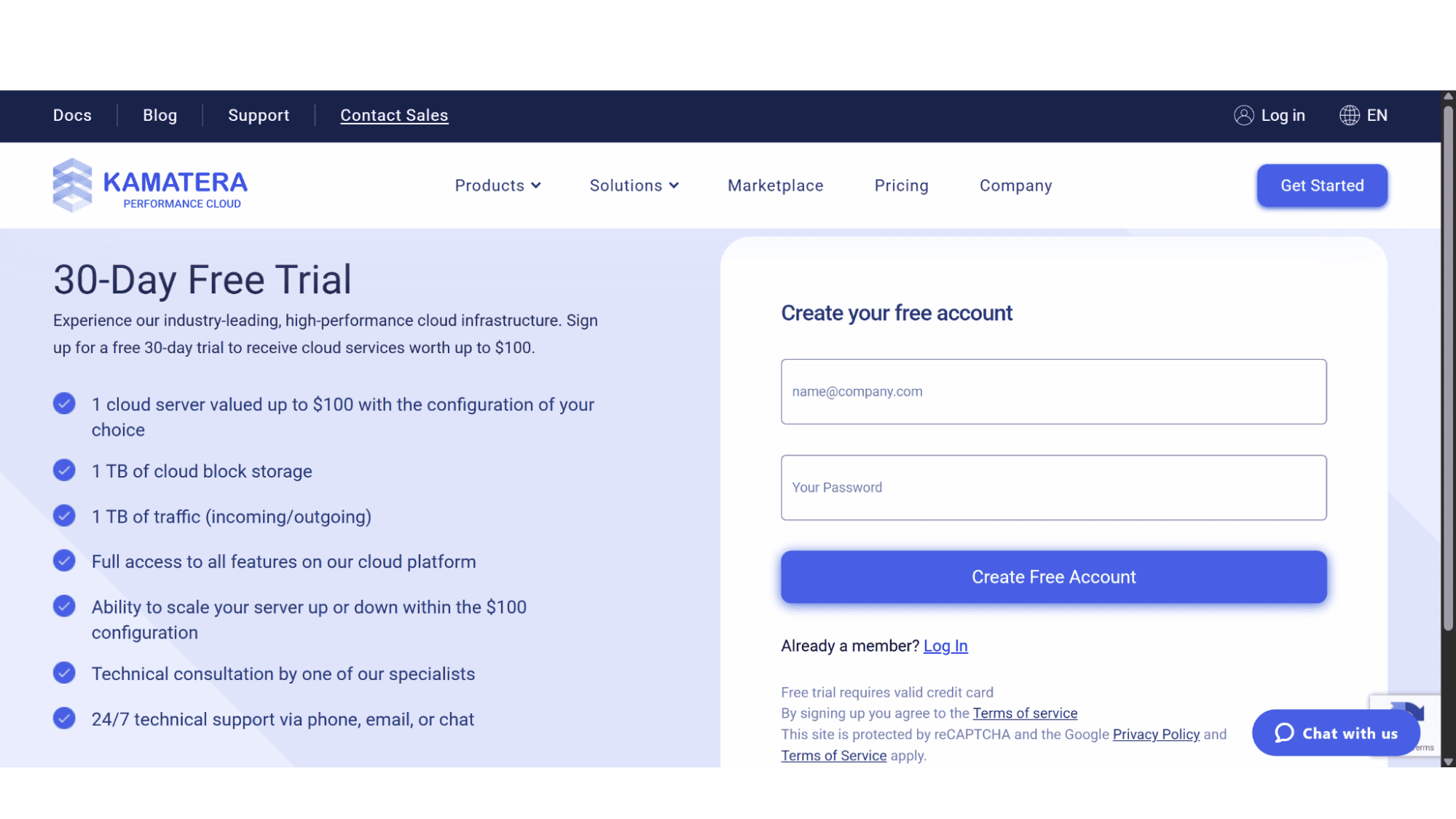
Getting your first Kamatera cloud server up and running is a generally quick process. Simply navigate to their home page (kamatera.com) and click on the “Get Started” button, top right. This will allow you to create a 30-day free trial account. Once you've signed up, keep an eye on your inbox for a verification email to activate your account. After you have completed this step, simply hover over the “Products” tab in the top main menu. A dropdown menu will then be displayed, where you need to click on “Cloud Servers”. You can then create your server by selecting the number of CPUs, RAM, Disk space, and more. After you log in for the first time, you'll be guided to set up a billing profile, and then you're all set to finally deploy your server.
Managing your Cloud Server:
For managing your Kamatera cloud server, you get your pick of several control panels to run the show. If you want a sleek, modern option that's also free, CloudPanel is a fantastic starting point. For those who prefer the industry standard with all the bells and whistles, cPanel and Plesk are the go-to professional choices. Otherwise, you can explore robust free alternatives like CyberPanel, Vesta, or Webmin. Essentially, whether you're building a simple website or a complex hosting platform, Kamatera has a dashboard that will feel like home.
Support:
Kamatera's customer support is arguably one of its strongest assets. You won't be navigating challenges alone; each client gets a personal account manager for direct assistance. This ensures you have a single, reliable point of contact for any need, which is powerfully complemented by around-the-clock technical support from a team that is both professional and highly effective.
My Verdict
Who is Kamatera Cloud For in 2025?
In my opinion, Kamatera’s cloud servers are an excellent choice for seasoned professionals, but will definitely be overwhelming for newbies.
It is a perfect match for:
Developers and DevOps Teams: If you live in the command line and want total control over your stack, this is your playground.
Agencies and SMBs with Technical Staff: If you have a sysadmin or a technically-minded developer on staff, you can build a powerful, cost-effective hosting environment for multiple client domains and projects.
Ecommerce and Enterprise Projects: For a large WooCommerce store or a custom headless computing architecture, the ability to fine-tune every aspect of the server is invaluable.
Anyone needing Windows Servers: Their Windows server offerings are robust and competitively priced.
You should probably look elsewhere if:
You are a non-technical person: If you just want to run a website and not a server, the management overhead will be overwhelming, and these plans are not for you!
You want a managed WordPress experience: This is the polar opposite of that. You are the manager.
Your priority is the lowest possible price for a simple site: The base cost is low, but when you add backups, a control panel, and value your own time for management, other options become more attractive. Rather look at shared hosting plans then.
My Bottom Line:
The positive reviews for Kamatera Cloud that flood the web are well-deserved, but they often come from a technical perspective. This company provides a powerful, scalable, and transparent cloud hosting platform. But it is suited for the right user - the technical user who views a server as a tool to be mastered, arguably one of the best values in 2025. It’s not a product; it’s a powerful, flexible foundation upon which you can build almost anything. Just be brutally honest about your own skills before you take the plunge. If you are looking to host a single site with limited traffic or are new to the world of hosting, maybe look elsewhere for a simpler option.








