



To learn more about other services and read a detailed review of Kamatera, check out the posts below.
Objective expert review Kamatera.com
Kamatera Dedicated Server Review 2025
Unmatched Flexibility for Demanding Workloads
When one hears the term “dedicated servers”, we (well, me for one at least) often think of it as a final destination, a static, powerful machine you move into after outgrowing shared hosting, and well, pretty much everything else for that matter. It's like buying a pre-configured supercar - incredibly fast and performs beyond your wildest expectations, but what if you need to change the engine? Then you are stuck! My journey into Kamatera’s offering completely shattered that notion.
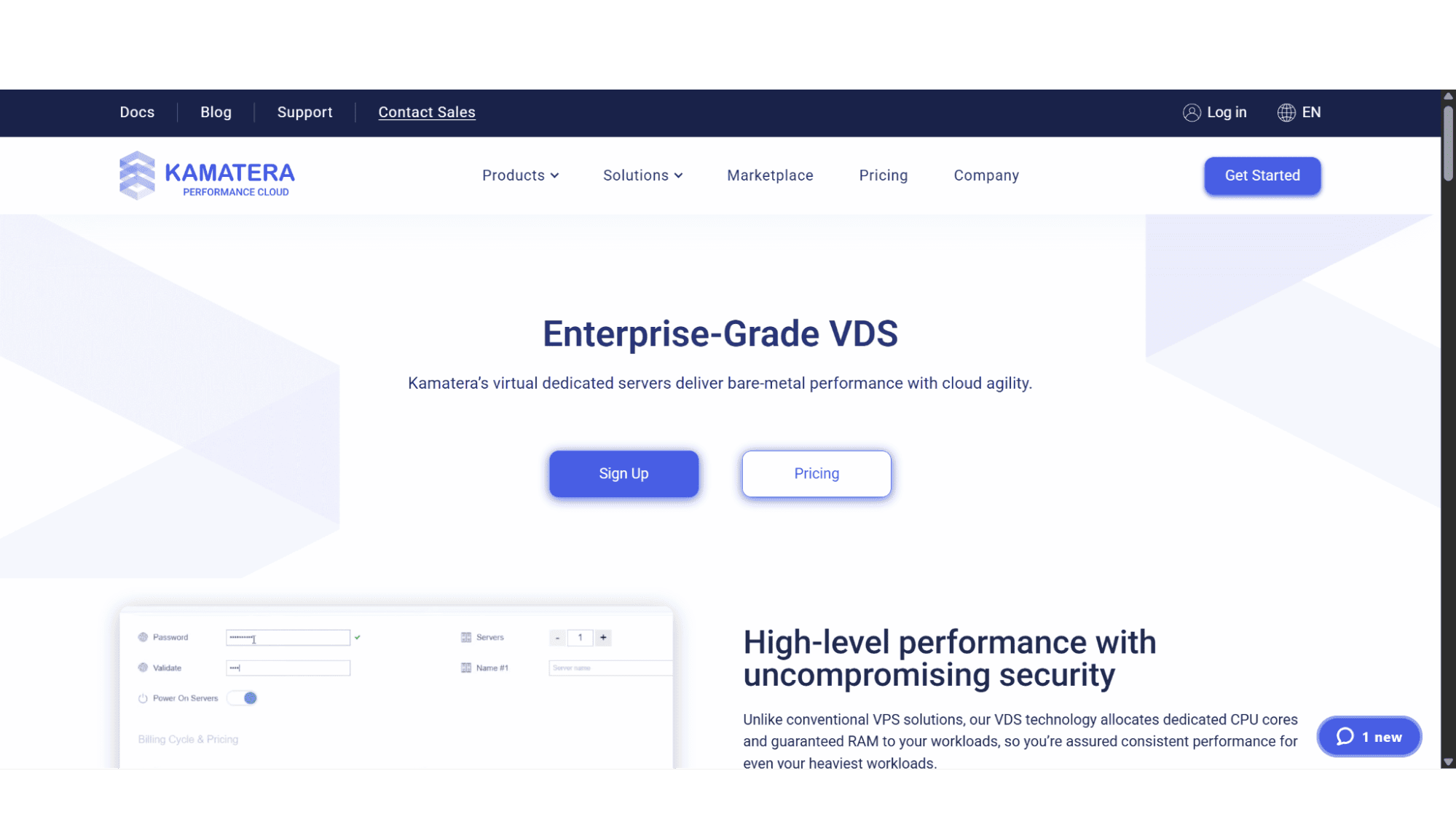
This review will peel back the layers of their "Virtual Dedicated Servers," a term that is crucial to understand. We'll dive deep into what you're actually buying, the mind-boggling flexibility of their pricing and configuration, the global reach, and who this is truly for.
What is a Kamatera "Virtual Dedicated Server"?
Let's clear this up before we go any further with this review, as it's the core of their entire offering. When they use the term "Virtual Dedicated Server," they are referring to a cloud-based server that comes bundled with guaranteed resources such as CPU, RAM, and NVMe disk space, all of which are 100% dedicated to you, the end user. It’s the power and isolation of a physical dedicated server, but with the agility and scalability that only the cloud can offer.
Registration:
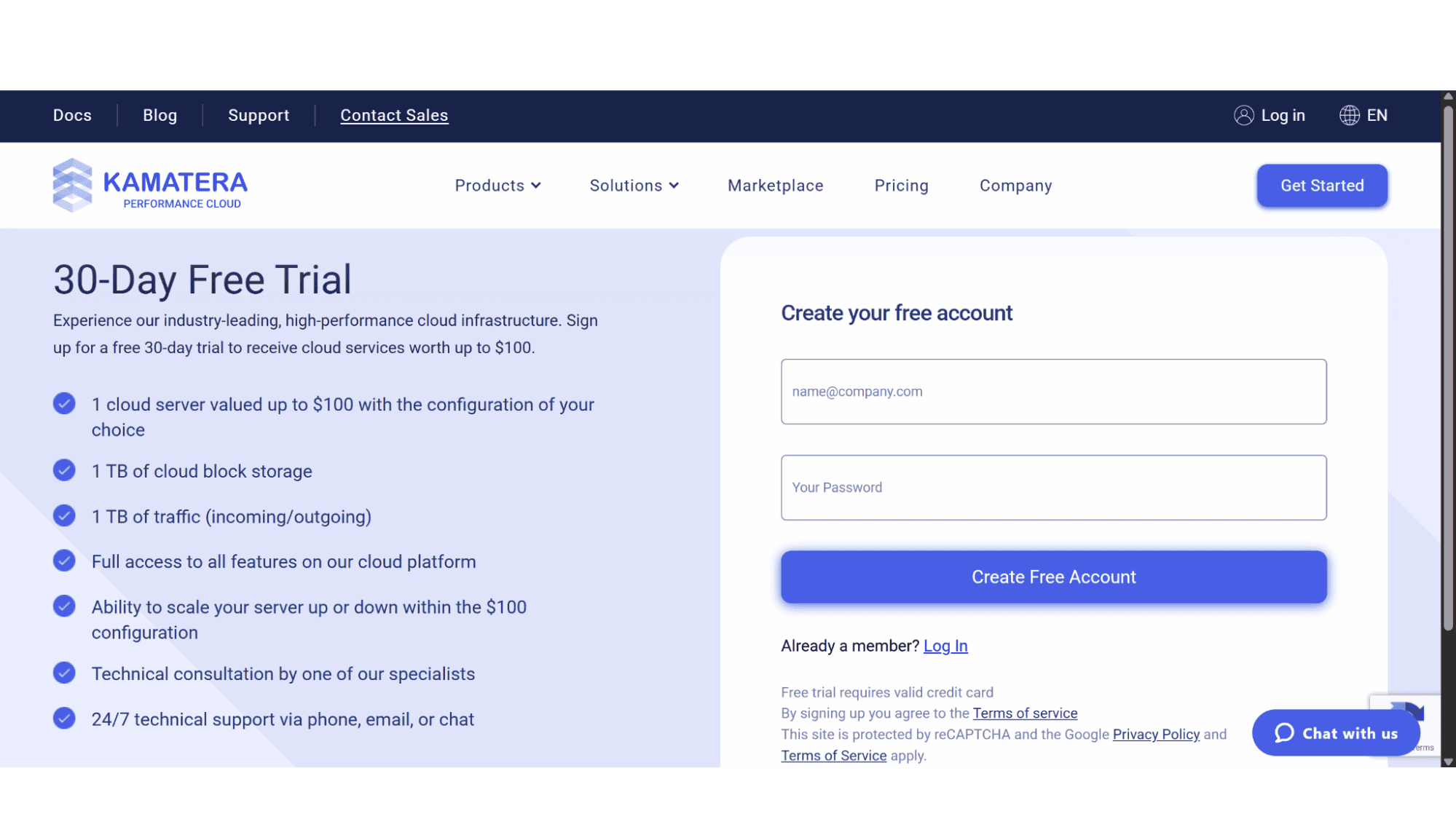
Signing up for a Kamatera virtual dedicated server is a super-easy and quick process.
To sign up you simply need to open your browser and go to their website (www.kamatera.com). Then hover over the "Products" tab in the top main menu, and lastly select "Virtual Dedicated Servers" when the dropdown menu appears. On this page is where you can select your desired specification. You'll begin by selecting vCPUs, RAM, NVMe disk space, as well as the data center location. The next crucial step is selecting your operating system, or you can choose to upload your own.
Once you are happy with your choices you can click on “Signup” and their system will take you through a few steps to create an account and add your billing details. I personally found it easier to first create a 30-day free trial account before signing up for a plan, it just feels faster as there’s less steps to complete.
Another important factor is the way they bill their dedicated server clients - Kamatera gives you the option of either paying on a monthly basis, or you can opt for a more transparent, pay-as-you-go model, where you are only billed by the hour for when your server is in use. This could be a massive cost saver for some.
Virtual Dedicated Server Experience
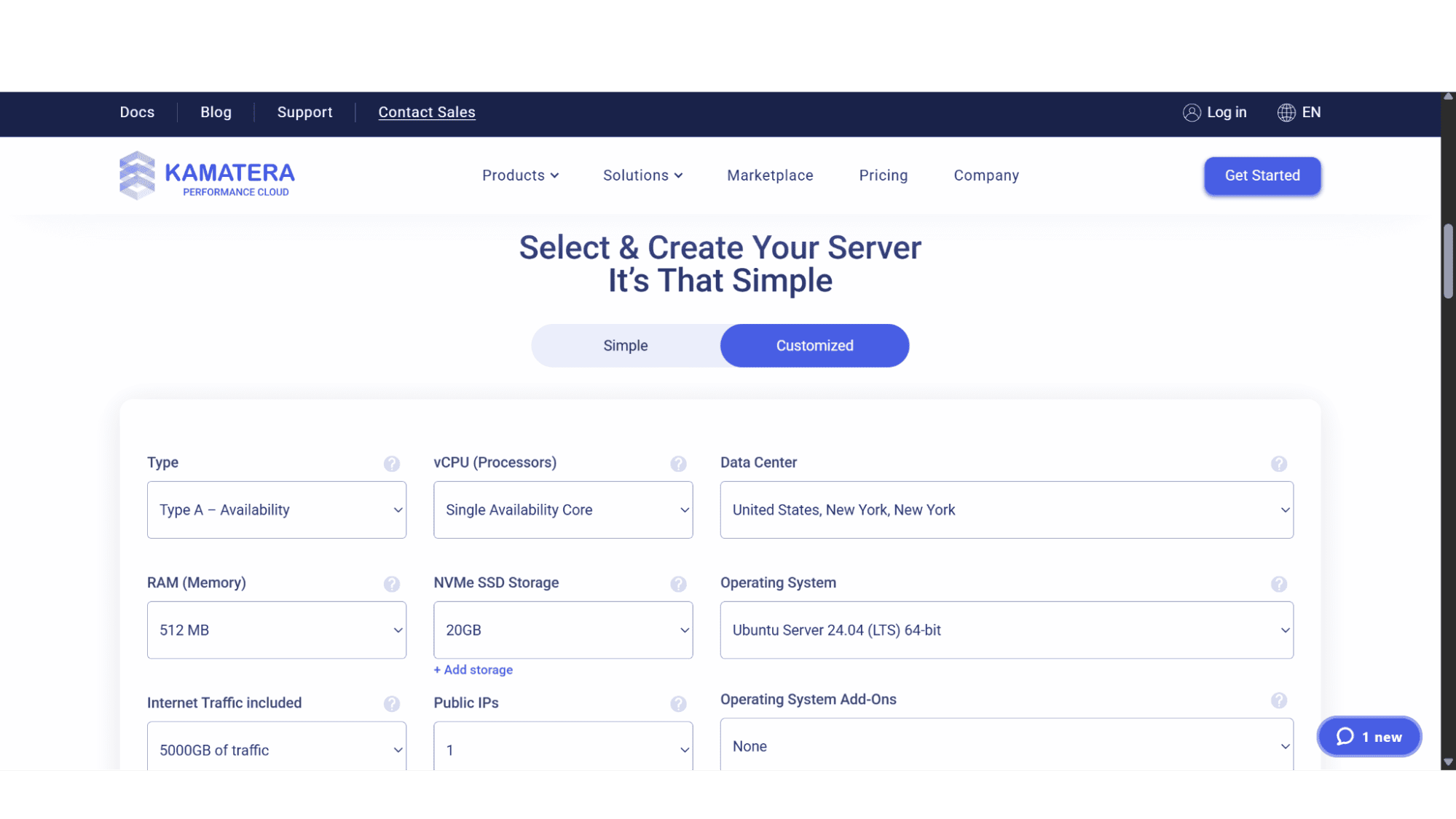
Landing onto Kamatera’s dedicated server product page, one will see that they don’t offer set options but rather let you create your own desired server by choosing the exact specs you need. These include the number of vCPUs (from a single vCPU all the way up to 32 vCPUs), RAM (from 512MB to 128GB), NVMe disk space (from 20GB up to 4000GB), traffic (5000GB or 50Mit/sec unmetered), IP addresses (from 1 up to a maximum of 4), as well as the operating system (OS) and data center – both offering a huge array of choices.
What Is Included in your Kamatera Virtual Dedicated Server:
The number of vCPUs: When you sign up with them you can choose the number of vCPUs from a minimum of 1, up to a maximum of 32 vCPUs.
The amount of RAM: You can create your server with anywhere from 512MB RAM, up to a staggering 128GB of RAM. It can be added on the go, and the pricing is very competitive.
Blazing-Fast NVMe Storage: This is where Kamatera's flexibility shines brightly, especially when it comes to performance. All their virtual dedicated servers run on super-fast NVMe storage drives, and you can go for as little as a 20GB NVMe drive, or up to a maximum of 4000GB NVMe storage space!
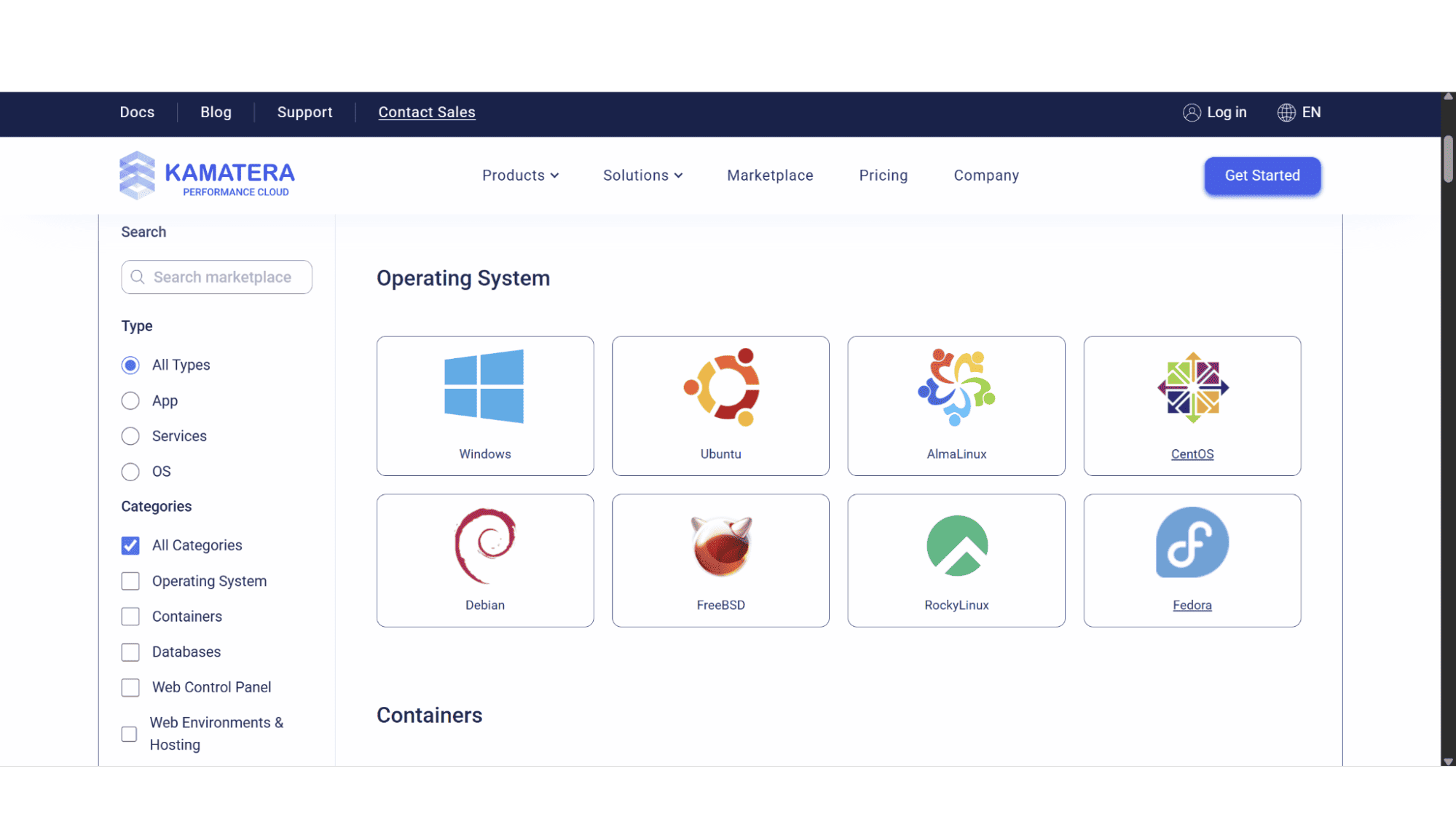
Huge Array of Operating System Choices: When it comes to your operating system, Kamatera puts you in the driver's seat with a massive library of options. These includes Windows Server (2012, 2016, 2019, 2022), and various Linux distributions such as Ubuntu, CentOS, Debian, Rocky Linux, and AlmaLinux, to name just a few, as well as custom images. Their platform allows you to upload your own ISO files for specialized OS requirements.
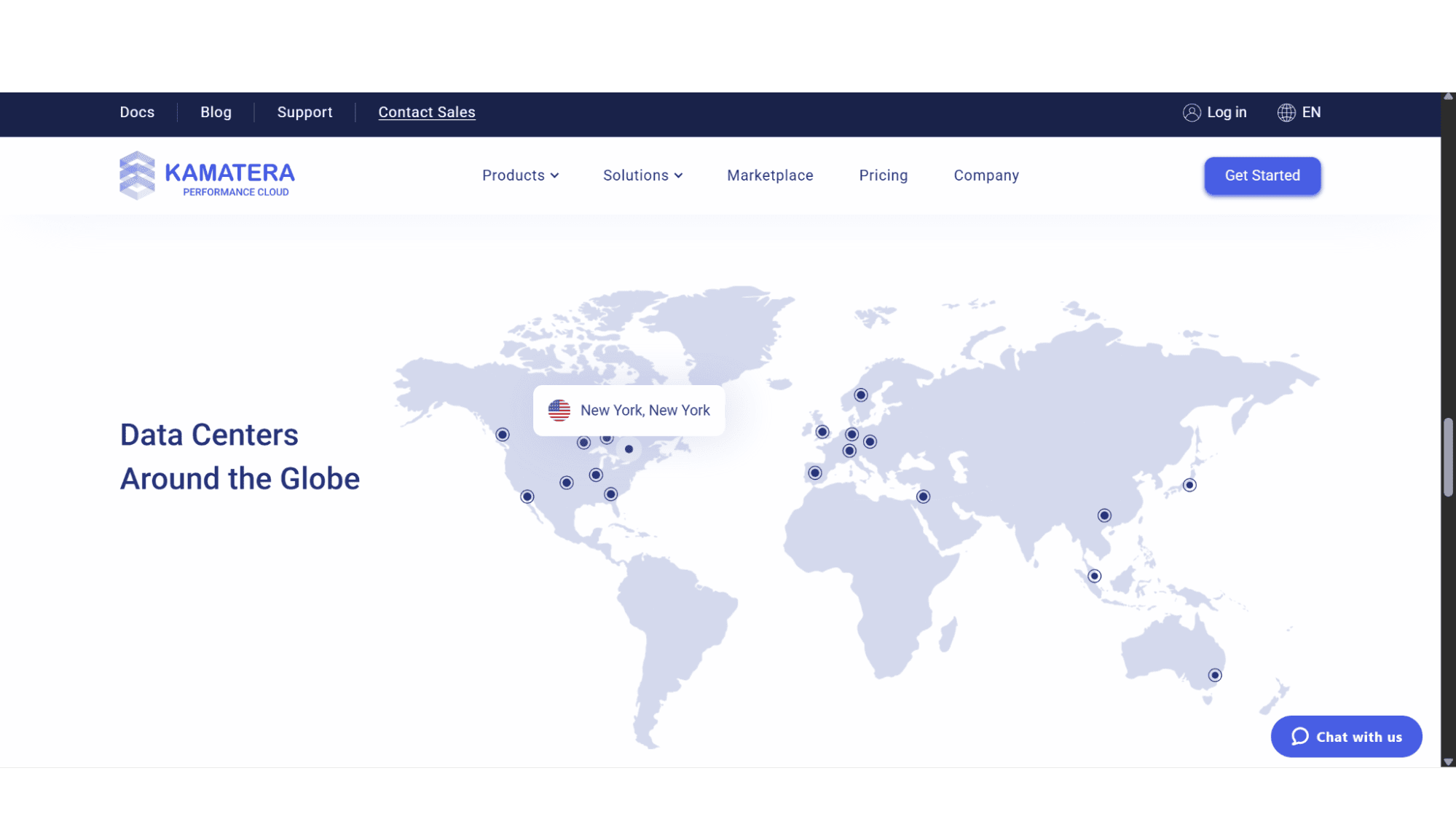
Global Data Center Locations: You can choose to host your server in any one of their 20 global data centers that span accross four continents. The options include Dallas and New York, all the way to London, Tel Aviv, Hong Kong, and Tokyo. To have this option is great as you can have it as close to your target audience as possible.
Public IP Addresses: A single public IP is included by default, but you have the choice to purchase up to 4 IP addresses for a minimal monthly fee. One needs to note though that the maximum amount is 4.
What is NOT Included in their plans:
It is important to understand that Kamatera operates mostly as an unmanaged services provider when it comes to their dedicated servers, although there is an option to make it managed, but this comes at an additional monthly fee. So, if you don’t pay that extra monthly fee, you are responsible for the day-to-day upkeep, security, and more, of your server. Their virtual dedicated server plans also won’t include the following:
No Automated Backups by Default: Their automated backups is an optional, paid for extra. Kamatera offers a powerful backup and snapshot service, but it is an add-on you must select and configure, and they will bill you monthly for it. To avoid confusion – this is also not included by default in managed options.
No Setup and Security Support: Their support is great for infrastructure and hardware issues, but they will not help you install your own software, or debug your code, or even configure your firewall rules and settings. You are the administrator, and you need to make sure you are on top of things.
Key Features:
Guaranteed Performance Through Their Total Isolation Setup: While this is a standard feature with most providers that offer virtual dedicated servers, Kamatera does it flawlessly.
The resources you select, whether it be CPUs, RAM, or NVMe disk space, are carved out for you, and you alone. There's no users on the same server dragging your performance down. The power you pay for is the power you get, and you get it consistently!
Total Administrative Control: For many, this is the entire reason to upgrade to a virtual dedicated server. Kamatera grants you full root and administrator access from the moment your server is provisioned. This is your blank slate. You have the freedom to install specialized software, fine-tune it for specific tasks, or completely reconfigure the security settings. It’s total command, but it is both empowering and demands a certain level of technical confidence.
A Realistic and More Importantly, A Reliable Uptime Guarantee: Kamatera’s infrastructure comes with a 99.95% uptime Service Level Agreement (SLA) guarantee, and while some cloud services might promise the moon and stars with close to, or even a full 100% uptime, this figure is far more realistic for a platform of this complexity and also reflects a strong commitment to stability and transparency. In practice, it translates to mere minutes of potential downtime per year..if that, which is more than acceptable for even the most demanding applications.
Unbeatable Scalability: Your website suddenly gets featured on a major news outlet? You can log in and add more CPU, RAM, or storage in literal minutes without any migration or downtime. This is simply impossible with a traditional dedicated server.
Global Low-Latency: The choice of 20 data locations means you can place your server physically close to your user base. This is critical for e-commerce, SaaS platforms, etc.
Perfect for Game Servers: Want to host a Minecraft server for your community? You can build a perfect dedicated instance with the right CPU/RAM balance, deploy it in a central location for all your players, and even install management panels easily. The ability to take snapshots of your world as a backup is a huge advantage.
Full Root/Admin Access: You have complete control over your environment. Install any software, configure any service, and optimize the kernel. It's a sysadmin's playground.
My Bottom Line
Who is the Kamatera Dedicated Server For in 2025?
After looking at all they offer, I would say without doubt that Kamatera’s virtual dedicated server plans are definitely not for everyone. It is a terrible choice for a newbie or relative beginner who just wants to host a simple WordPress site or blog. The complexity and mostly unmanaged nature (although there’s managed options too) would be totally overwhelming, however, for a specific type of user, it is nothing short of the best platform available.
The Kamatera dedicated server is the ultimate tool for the tech-savvy business, the development agency, the SaaS startup, or the IT professional. It's for anyone who needs granular control, global presence, and the ability to scale resources on a whim. If you have the expertise to manage your own environment, the cost-efficiency and flexibility of paying only for what you use, precisely when you use it, is an unbeatable value proposition.








