




United States of America
Founded in 2012
New York , NY 101, 6th Ave, USA


Expert review summary
62 place among
other companies
Web-developer (work experience 9 years)
updated Apr 30, 2025
First impression
DigitalOcean was founded in 2012 and is now among the largest web hosting companies in the world, although reports on their exact position differ. The company has offices in New York, which is also where they’re headquartered, as well as Cambridge, Massachusetts, and Bangalore, India. Their data centers are all around the world for a total of 14: New York, Amsterdam, and San Francisco have three each, while Singapore, London, Frankfurt, Toronto, and Bangalore have one each.
Digital Ocean was the brainchild of Ben and Moises Uretsky, founders of managed hosting service ServerStack. They wanted to blend web hosting and virtual servers and came up with an idea of focusing on an underserved clientele: developers. The Uretskys perceived that the cloud hosting industry was too preoccupied with enterprise clients and paid little attention to the developer market. Long story short, Digital Ocean was born.
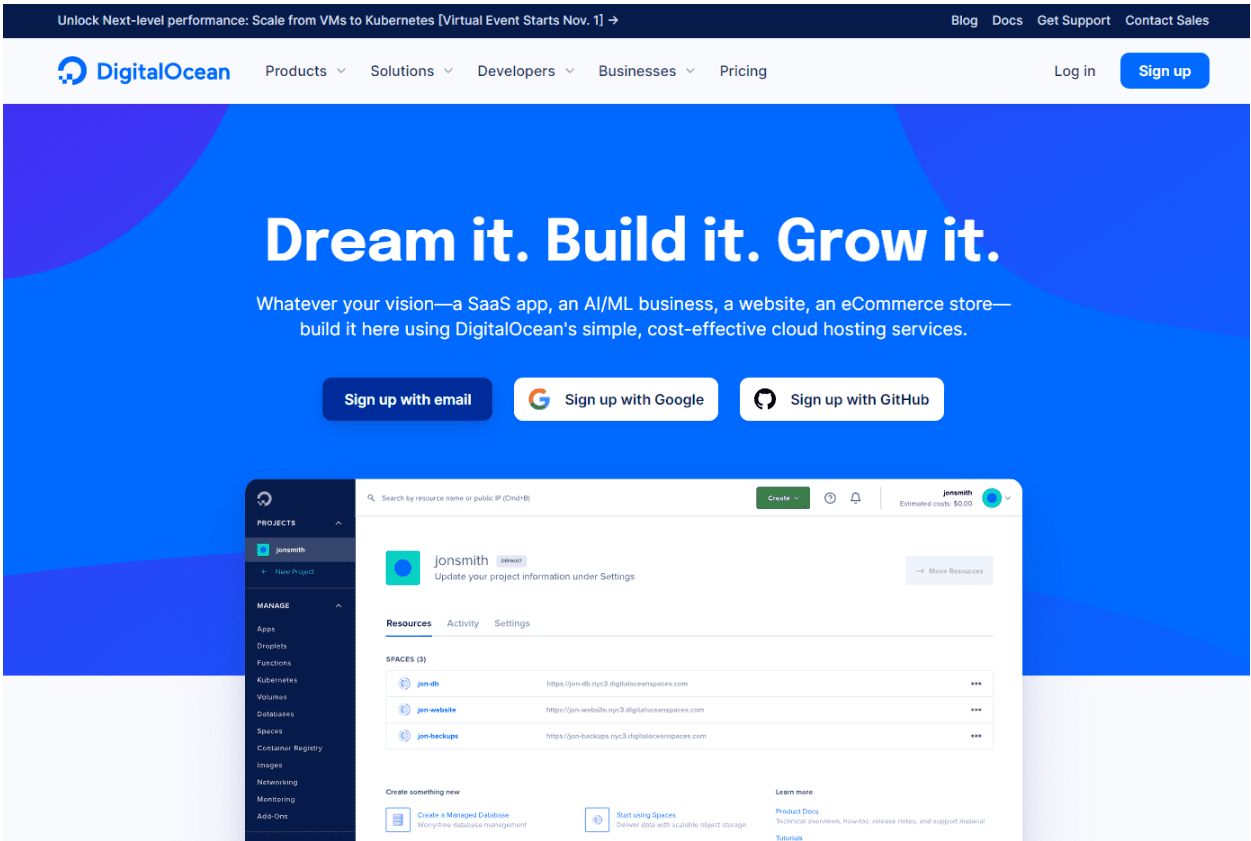
It's a powerful product, sure, but it's definitely not for everybody. If you're a seasoned developer, you'd have no issues, and using the platform would be a breeze. But if you're an average user? Your chances are slim to none.
Moreover, the dashboard isn't as intuitive. If you do prefer cPanel, know that it doesn't come free; you need to pay for the licence.
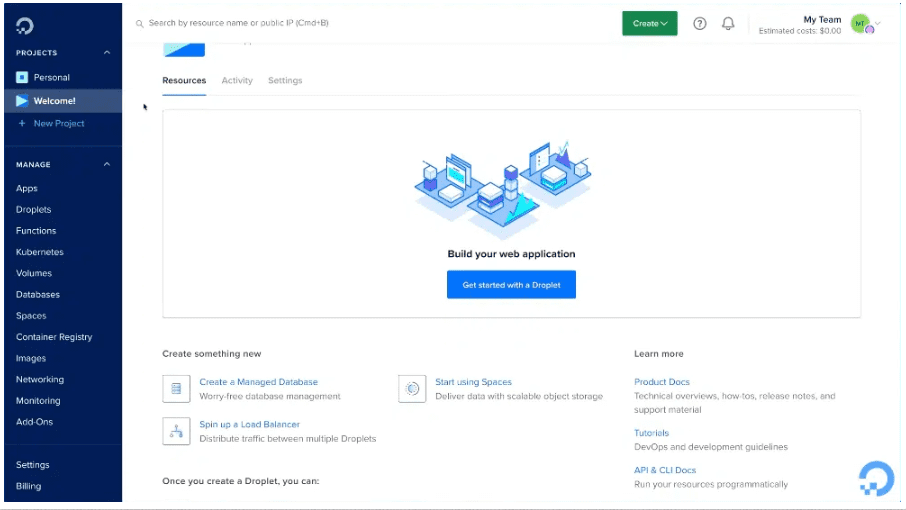
Even the website copy is difficult to comprehend if you're a beginner. It's clear that Digital Ocean is a developer's product, so novices will have a tough time using it – a very steep learning curve awaits. If you want to test it out, a DigitalOcean trial is available.
- Create an Account: Go to the DigitalOcean website and sign up for an account by providing your email address and creating a password. You will also need to add billing information such as a credit card or you can choose to add funds via PayPal.
- Verify Email: You'll need to verify your email address by clicking the link sent to your email by DigitalOcean.
- Create a Droplet: Once your account is set up, log in and go to the control panel. Click on the “Create” button and then select “Droplets”. Droplets are DigitalOcean's term for virtual private servers (VPS).
- Select Configuration: Choose an operating system, a plan (Standard, Optimized CPU, etc.), and data center region. You can also add SSH keys for secure access, which is recommended.
- Deploy Droplet: After configuring your Droplet to your liking, click the “Create Droplet” button. It will take a few minutes for your Droplet to be deployed and ready for use.
- Access Your Server: Once your Droplet is ready, you can access it via SSH using the IP address provided by DigitalOcean. Use a terminal or SSH client and connect using the command ssh root@your_droplet_ip.
- Set Up Your Website/Application: Once connected to your Droplet, you can begin installing the software you need, such as a web server (e.g., Apache or Nginx), database server, and any other dependencies your website or application might require.
Trial period
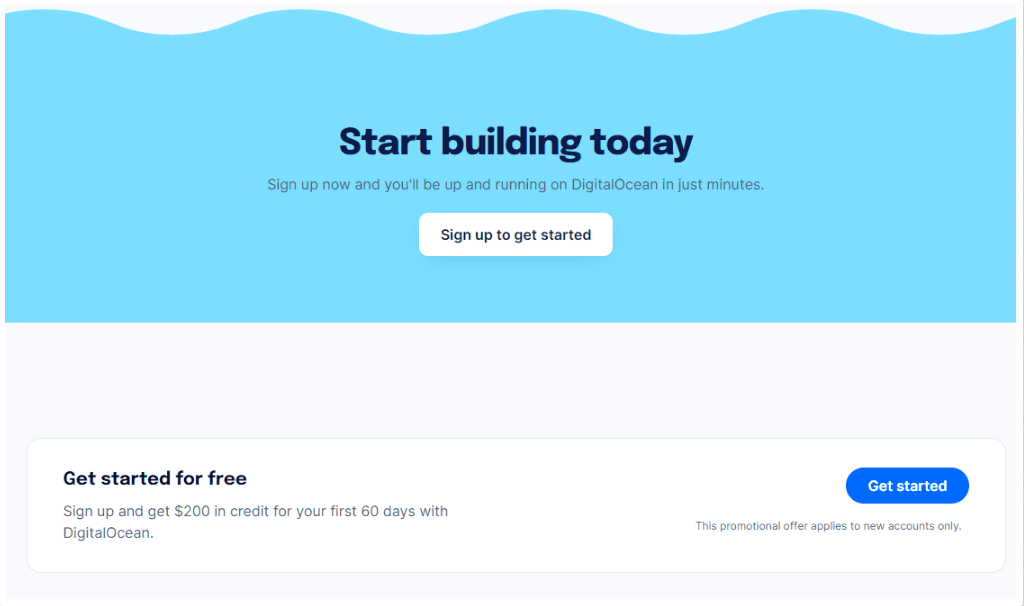
You can try DigitalOcean with a $200 credit. You will receive a $200 credit (good for 60 days) when you create a new account on DigitalOcean.
Billing cycle
The platform employs a “pay-only-for-what-you-use” model to estimate DigitalOcean cost. Therefore, you're free to customize your plan's specifics in terms of servers, space, bandwidth, security, CPU, and others. This is vastly different from other web hosting providers that offer a clear-cut pricing structure. It's easy to be lost and confused if you're a beginner.
Still, to get an idea about DigitalOcean costs:
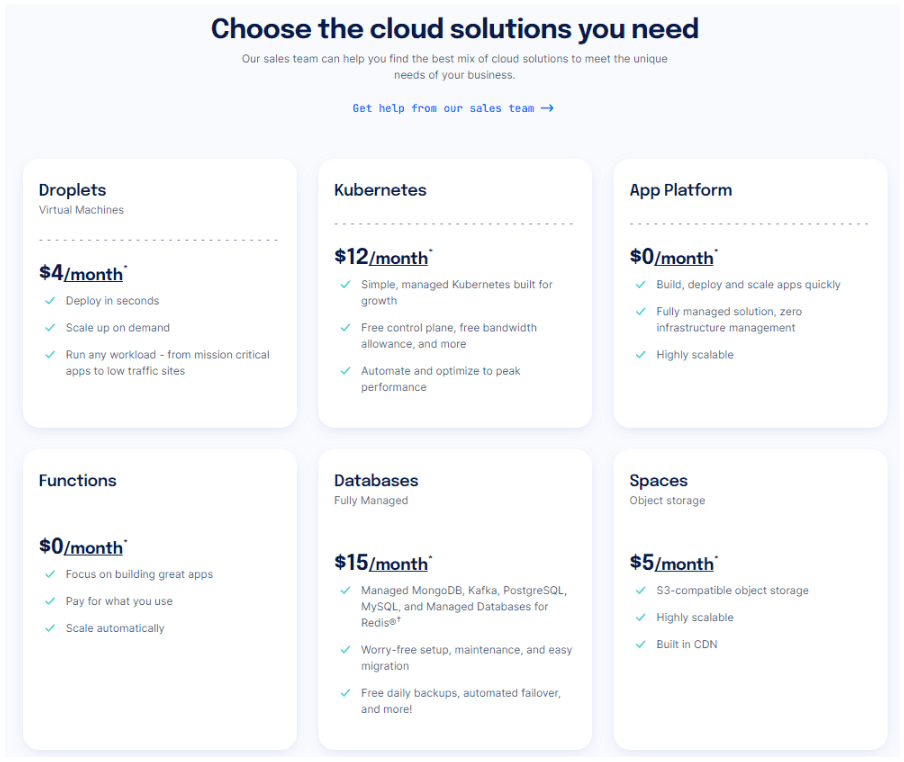
Standard Droplets begin at $5 monthly. If you go for more advanced features, DigitalOcean cost for Droplets goes up.
CPU Optimised Droplets begin at $40 monthly, and as much as $2,096+ monthly.
Control panel
DigitalOcean is a cloud computing platform that puts the developer’s needs front and center. A robust network of 12 data centers around the world serves 195 countries and over 78 million droplets, making it a fast and easy way to set up a Linux instance. It's also one of the fastest growing cloud hosting companies, known for world-class support and minimalist approach.
If speedy deployment is a must-have for your virtual machine, DigitalOcean ticks all the boxes. Droplets can be provisioned in under a minute, and since it can authenticate using SSH keys, you can log in immediately.
Thorough documentation on the site covers everything from simple tasks to complex deployments. A thriving community of users provides Q&A, crowdsourcing, and feedback. There are even in-person meetups scheduled to connect face to face with other developers.
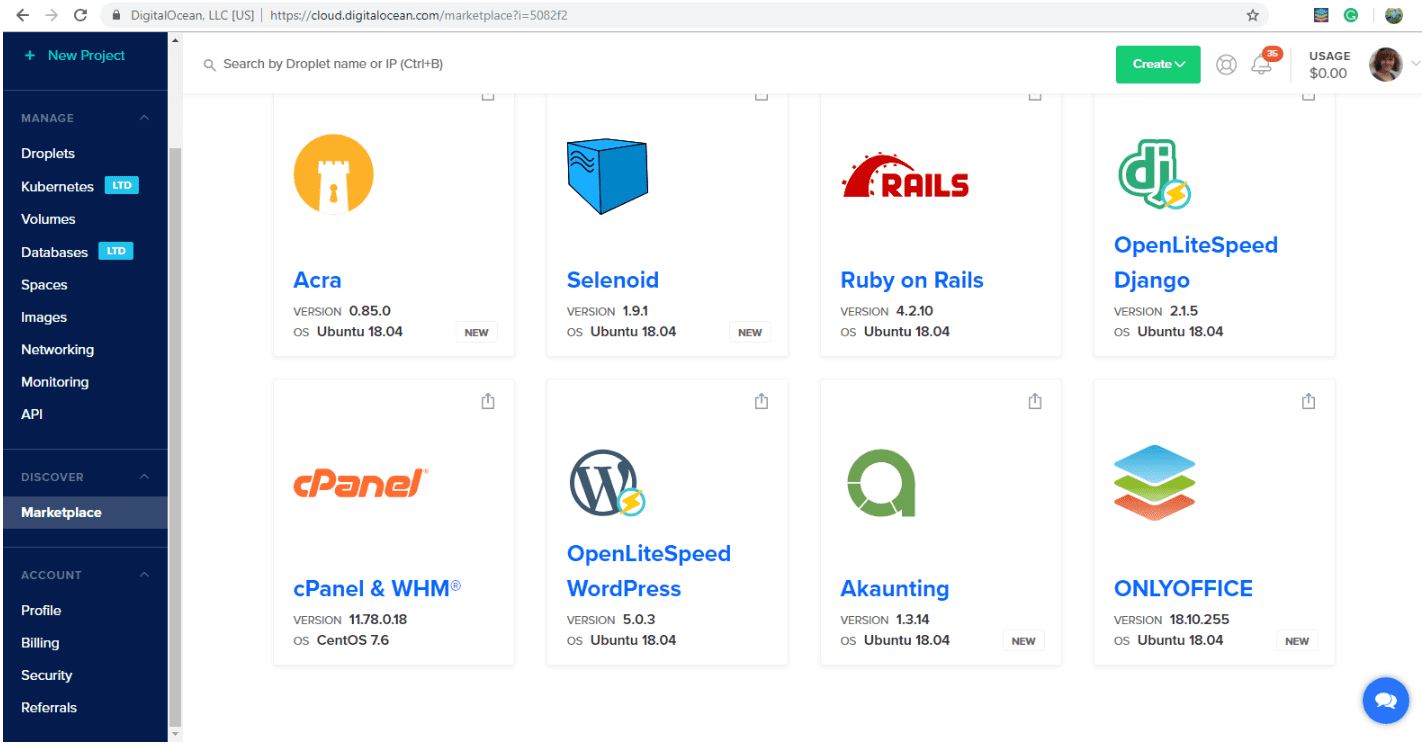
To install cPanel, you can either deploy a new Droplet with cPanel already installed on it using our 1-click cPanel+WHM image, or you can manually install cPanel on a new or existing Droplet.
To set up a new Droplet with cPanel already installed on it, go to our Marketplace page for the cPanel & WHM for Ubuntu image. From the image’s page, click Create cPanel &WHM for Ubuntu Droplet.
From the Create Droplet menu, select your Droplet configuration options and then click Create Droplet. For more specific information about the Droplet creation process, see How to Create a Droplet from the DigitalOcean Control Panel.
Once you’ve created the Droplet, log in to it. Logging in to the Droplet automatically starts cPanel’s installation. Once the installation is complete, cPanel returns instructions in the terminal on how to log in to and set up your Droplet’s instance of cPanel using your web browser. Follow the instructions provided in the terminal, and subsequently your web browser, to continue setting up cPanel.
Limits
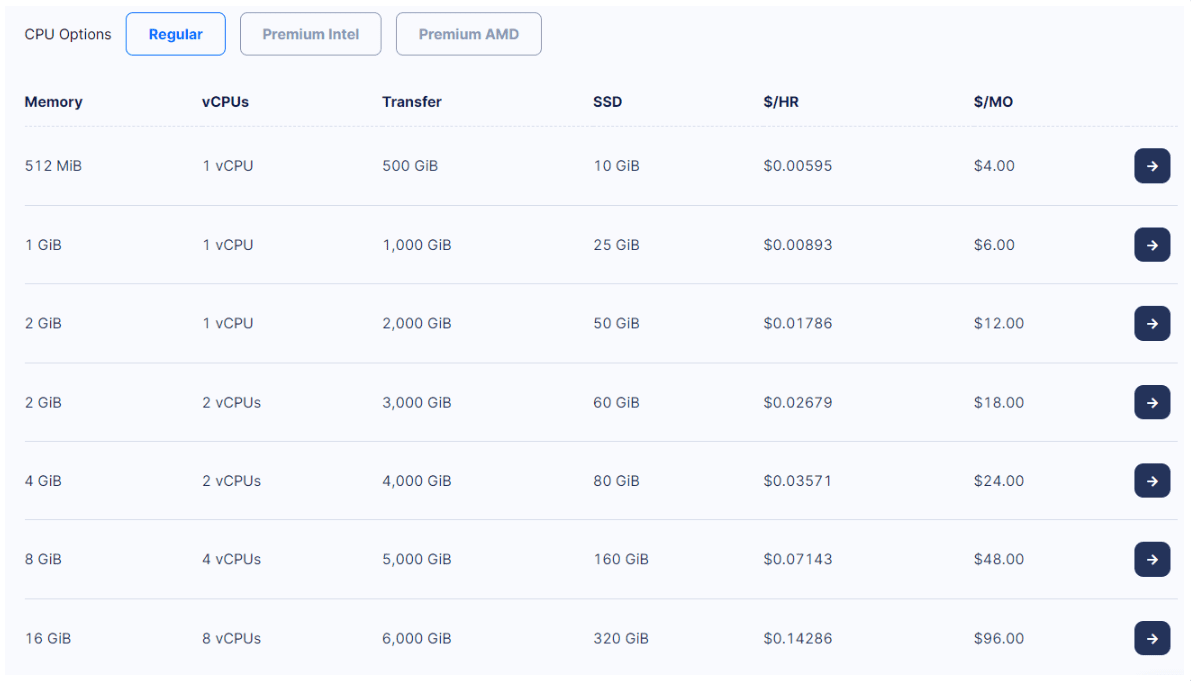
DigitalOcean approaches the issue of pricing in a unique way. Instead of offering pre-made plans with features that scale up with the price, they offer so-called Droplets, where you choose the amount of memory you need, the number of vCPUs, transfer limits, and SSD Disk size.
They’re charged by the hour, starting at $0.00595/hr which comes up to $4 per month, but go up into the thousands depending on specific needs. For Basic Regular Droplets plan, you will get 512 MiB Memory, 1 vCPU, and 10GiB SSD. And if you choose the higher plan that costs $0.14286/hr which comes up to $96 per month, you will get up to 16 GiB Memory, 8 vCPUs, and 320 GiB SSD.
DigitalOcean accepts credit/debit cards and PayPal, but they do not offer refunds. They do, however, offer a 60-day $200 credit to new users.
Security
Security-wise, DigitalOcean has covered more than other web hosting providers with end-to-end data protection. It provides additional encryption on all its volumes. Plus, if you're tech-savvy and want to add more security layers, you can with some coding involved. For the non-tech-savvy, there is plenty of documentation such as tutorials provided by the site to help you execute that.
SSL Certificates
DigitalOcean allows users to implement SSL certificates to encrypt data transfer between the server and the clients. Users can either use third-party SSL certificates or take advantage of Let's Encrypt to set up a free SSL certificate. DigitalOcean provides detailed documentation on how to secure your Droplet with SSL certificates.
Backups
DigitalOcean offers automated backups that allow you to take snapshots of your Droplets. These backups are taken weekly and retained for four weeks. Users can also manually create snapshots of their Droplets at any time. This is useful for creating a restore point before making changes to your server.
Firewall
DigitalOcean provides a cloud firewall service that allows users to define what traffic is allowed to reach the Droplets. This can be used to limit access to certain ports and IP addresses, enhancing the security of your server. The firewall rules can be easily configured through the DigitalOcean Control Panel.
DDoS Protection
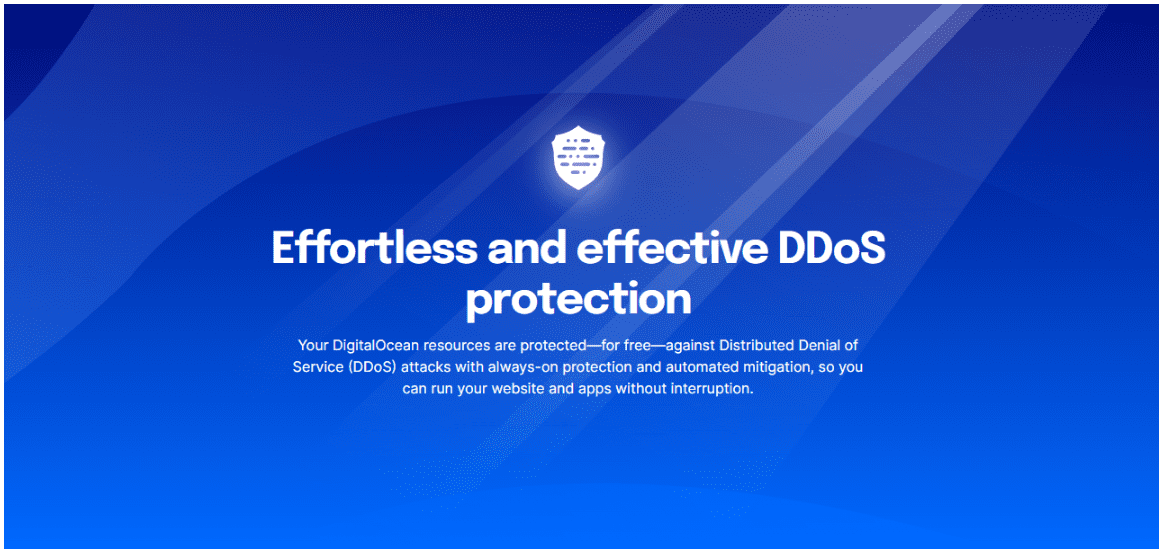
While DigitalOcean does not provide specific DDoS protection services, their infrastructure is designed to mitigate DDoS attacks to some extent. They also have a team that monitors their network for unusual activity and can intervene in the event of an attack.
OS
DigitalOcean VMs run Linux operating systems. Choose from popular OS’s including Ubuntu, CentoS, and Debian. They also support uploading guest operating systems and virtual appliances using our custom images feature.
Support
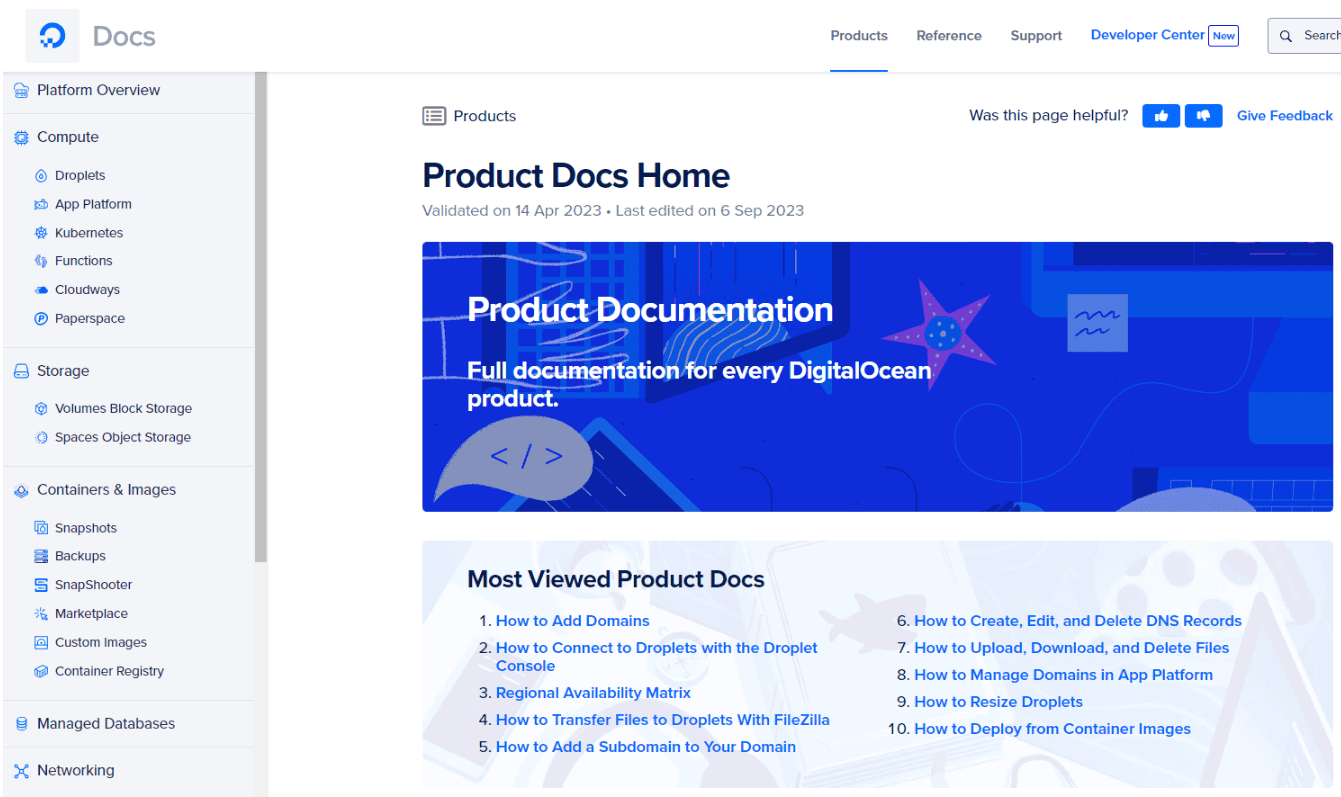
Support is where DigitalOcean’s usually top-notch service falters a little. The only way to contact them directly is by sending a ticket, only available to existing users. Finding an answer to your question is otherwise possible by perusing their, admittedly vast, Docs with all sorts of different topics, guides, and general advice.
Knowledge Base and Community Forums
For the DIY enthusiasts, DigitalOcean has an extensive knowledge base that is well-organized and thorough. Specifically, what stands out is a brilliant community area on their website where members share their thoughts and know-how on how to navigate the platform and other tech topics. The community forums are particularly impressive, with a wealth of tutorials, Q&A, and guides written by both the DigitalOcean team and experienced community members. You can also enter your query on the search function of their Help section.
Quality of Support
Now, let’s talk about the quality of support. I wanted to get a firsthand experience so I submitted a support ticket. To my delight, the response came within an hour. The support representative was knowledgeable and clearly took the time to thoroughly address my query.
Conclusion
| Pros | Cons |
|
|
DigitalOcean is an excellent, all-encompassing solution that can fit everyone’s needs (or be tweaked until it does), but it requires at least some basic Linux knowhow. It's clear that DigitalOcean is a formidable player in the hosting market. The platform excels in offering high performance, developer-friendly tools, and an extensive range of features. The transparent pricing and pay-as-you-go model make it an affordable and flexible option for a variety of projects.
User reviews DigitalOcean.com - 51
We have been banning anonymous reviews since 2016
We do not delete reviews for money and do not sell places in ratings.
Your review will help thousands of people learn the truth about this hosting! What are your impressions?
Showing companies from the same country, with similar ratings and number of clients


FAQ
?
✅What are the limits to the DigitalOcean trial?First, free credit is only up to $200. Second, the DigitalOcean trial can cover you for only 60 days.
?
❕What are DigitalOcean Droplets?DigitalOcean Droplets are Linux-based virtual machines (VMs) that run on top of virtualized hardware. Each Droplet you create is a new server you can use, either standalone or as part of a larger, cloud-based infrastructure.
?
✴️What if I use my Droplet for less than a month, will I still be charged for the whole month?You will never be billed more than the monthly cost of your Droplet. All Droplets are billed hourly up to a monthly cap of 672 hours (the number of hours in 4 weeks). If you use your server for fewer than 672 hours during the month, you will be billed for each hour that you used it. If you use your server for more than 672 hours that month, you will be billed at the monthly cost. For example, if you spin up a $10/mo Droplet and use it for 336 hours, then you would be charged $5 (going by the hourly rate). If you use that Droplet for 700 hours, then you would be charged $10 (capped at the monthly rate).








