



To explore additional services and read a comprehensive analysis of HostGator, refer to the articles listed below.
Objective review HostGator.com, user reviews
HostGator's Managed WordPress Hosting Review 2025
Is This Veteran Provider Still a Solid Choice for WordPress Users?
One thing is for certain - the world of web hosting is loud, it is cluttered with providers, some new, some fly by night, with most promising you the moon and the stars. Every provider claims to have the fastest speeds, the best security, and a one-click setup so simple that even a newbie can do it without hassle. But, as most people who has been around will know, after you’ve signed, that’s when you discover what you are actually in for. The true test of a web hosting provider isn’t in the picture they paint for potential customers – it is in the day-to-day grind of managing a live website, especially one built on WordPress.
I’ve been designing and building websites for a very long time, and when WordPress came around it made the whole process just that much quicker and simpler. I’ve seen hosts come and go, and I’ve learned that the devil is always in the details. In this review I will explain what HostGator’s Managed WordPress hosting is all about, and I will look at their pricing, the ease of installing WordPress on HostGator, their performance, and more.
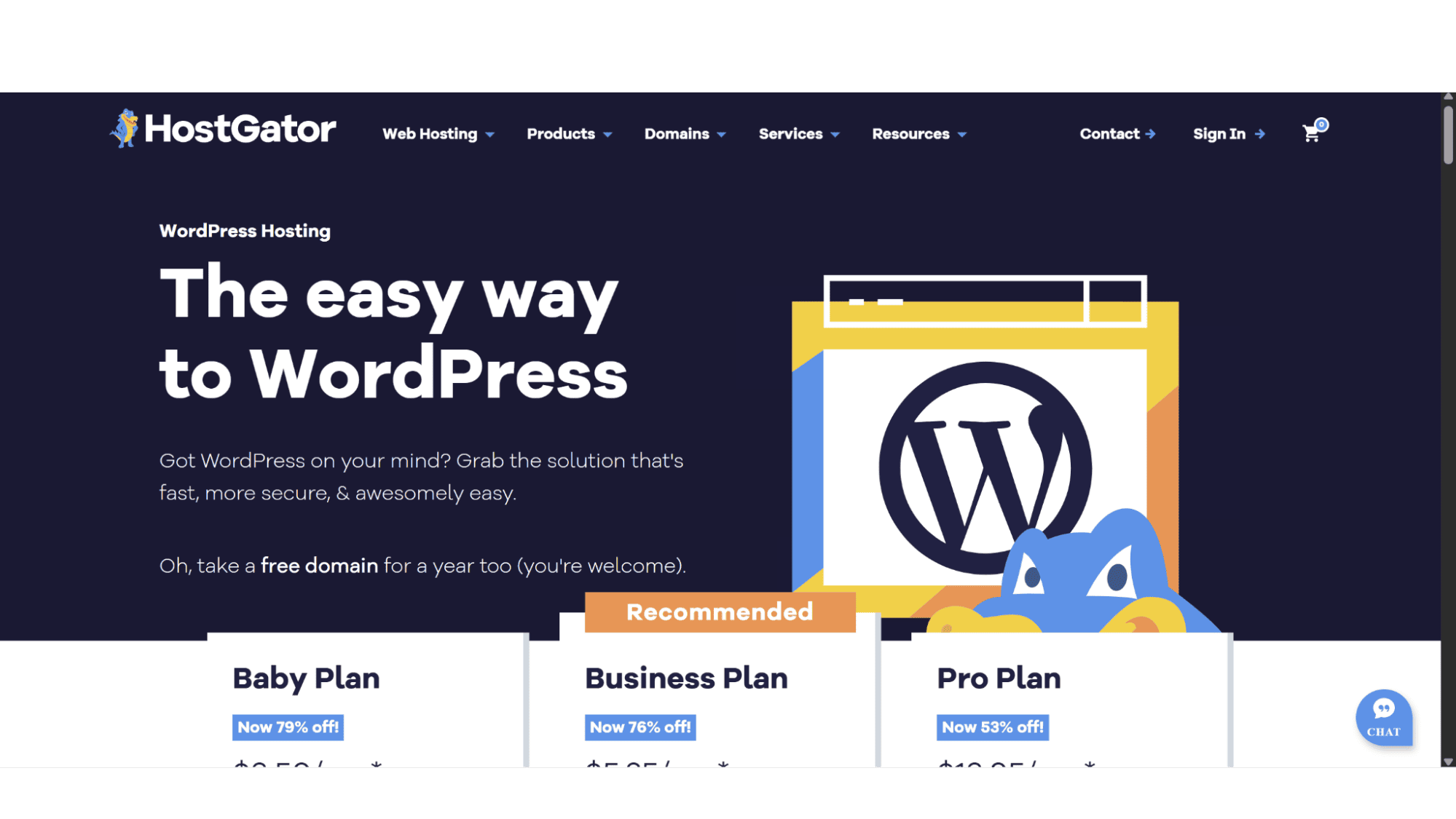
What Exactly is "Managed" WordPress Hosting?
All HostGator’s WordPress plans are fully managed. If you're new to this, the term "managed" can sound a bit vague and create confusion. Basically, with most shared hosting plans (not all of them) and VPS plans you are left to install all the security measures you need, make sure all updates and backups are done, do the speed optimizations, and more, yourself. But, with managed WordPress hosting this is all taken care of by the host, which in this case would be HostGator. It takes that headache of doing everything yourself away, and gives you more time to focus on your website and running your business.
Plans & Pricing
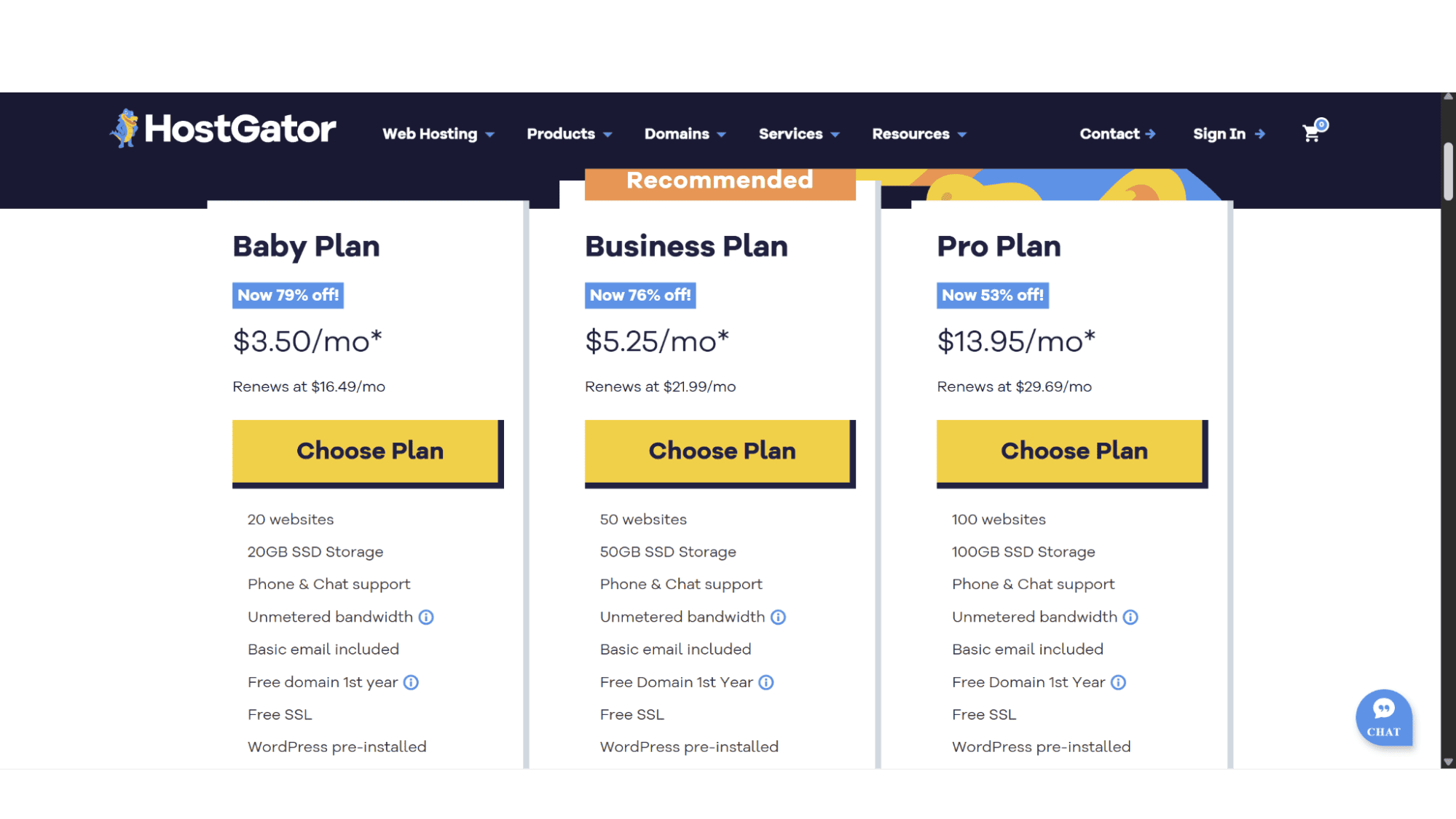
HostGator offers only three options when it comes to their managed WordPress hosting, which is straightforward and simple. These plans are the “Baby Plan”, the “Business Plan”, and lastly the “Pro Plan”. The introductory prices are market related, with maybe the exception of the Pro plan which I find a bit expensive, but one thing that stands out for me is the renewal prices of all three plans, which jumps considerably when it comes to renewing your plan – something all potential users should be very aware of! All plans come standard with WordPress pre-installed, malware protection, automated backups, and a free domain for the first two years. Let’s look at what each plan offers and who it is suited for.
Baby Plan– For Your First Site
This is their entry-level WordPress plan. It comes in at a very affordable $3.50 per month, but the renewal price jumps to $16.49 after the initial term. This plan is suited for anyone that is starting a single website, personal blog, or even a business website (definitely not ecommerce) for a small company. It comes with:
- 2x vCPUs;
- 20GB SSD Storage Space;
- A Limit of 20 websites.
Business Plan – The Sweet Spot for Freelancers
Priced at $5.25 per month with a renewal price of $21.99, one would expect that this plan features a whole lot more, but unfortunately it doesn’t, which is a bit of a disappointment to be honest. It comes with an extra vCPU, and the space goes up to 50GB, and they throw in automatic malware removal, daily backups, and domain privacy, but for the price they charge it definitely doesn’t feel like a win. It is suited for freelancers or anyone with a small portfolio of websites, and features:
- 3x vCPUs;
- 50GB SSD Disk Space;
- A limit of 50 websites;
- Daily Backups;
- Domain Privacy (1st year only);
- Automatic Malware Removal.
Pro Plan – For Growing E-commerce & High-Traffic Sites
This is their top-tier managed WordPress option which they sell for $13.95 per month, and it renews at $29.69 per month. I feel this is way overcharged! For this price one can get a more than decent VPS server from another provider. It is designed for high-traffic websites and WooCommerce stores, and come with:
- 5x vCPUs;
- 100GB SSD Disk Space;
- A Limit of 100 websites;
- Daily Backups;
- Domain Privacy (1st year only);
- Automatic Malware Removal.
All plans come with CloudFlare CDN (content delivery network), unmetered bandwidth, a free SSL certificate by Let’s Encrypt, basic email (this would be POP or IMAP), a free domain for the first year, and phone & live chat support.
Purchase & Registration
Signing up for one of HostGator’s managed WordPress plans shouldn’t take you more than a few minutes. When you open your browser, navigate to their website (www.hostgator.com) and hover over the “Web Hosting” tab. A drop-down menu will then be displayed, where you need to click on “WordPress Hosting”. The page will display the three options available, and after you decided on which plan would suit you best, click on “Choose Plan”. Their system will then direct you to the next page where you can choose the domain name you would like to register (as mentioned before it is free for the first two years), or if you prefer you can skip this step for now.
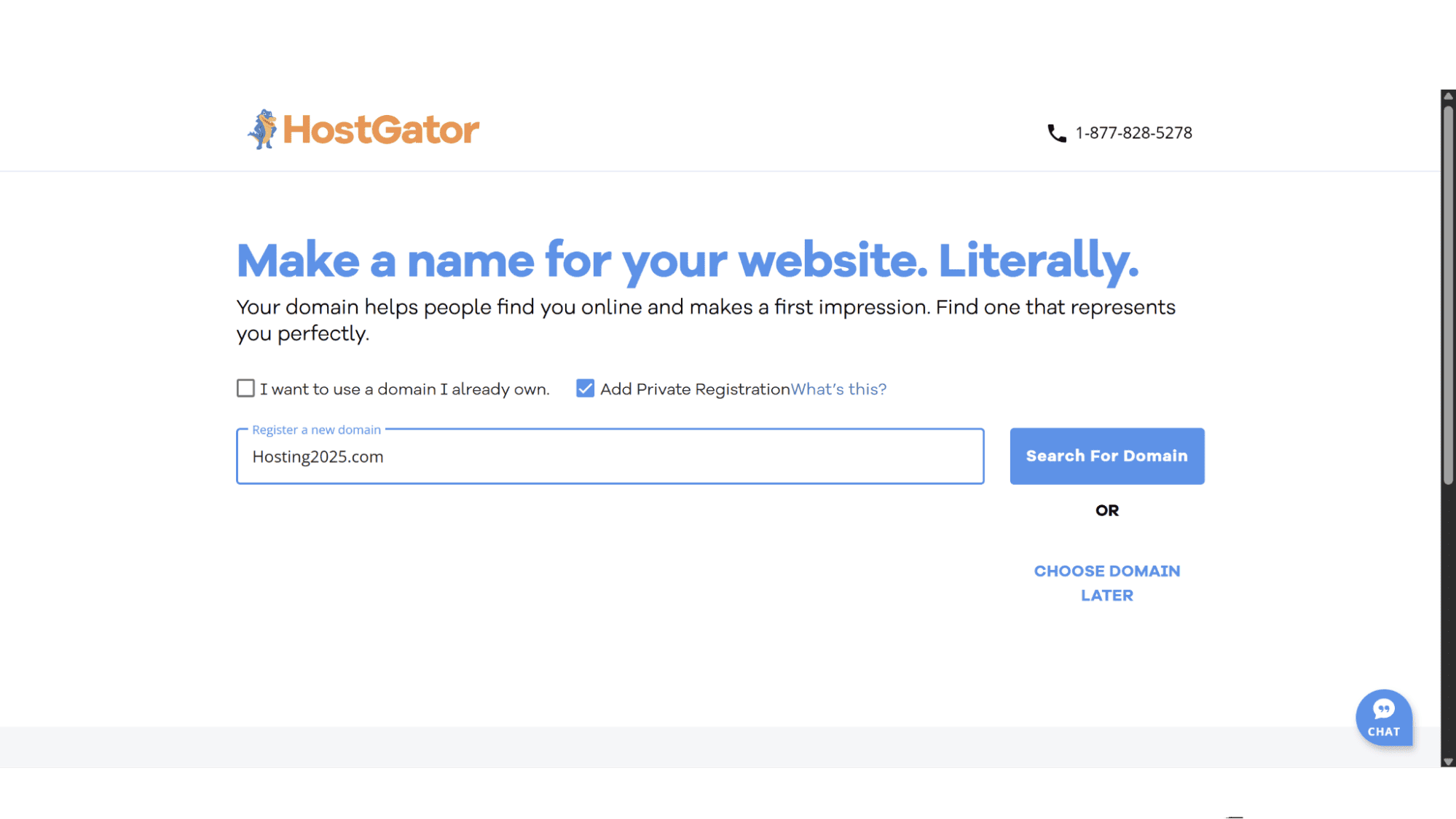
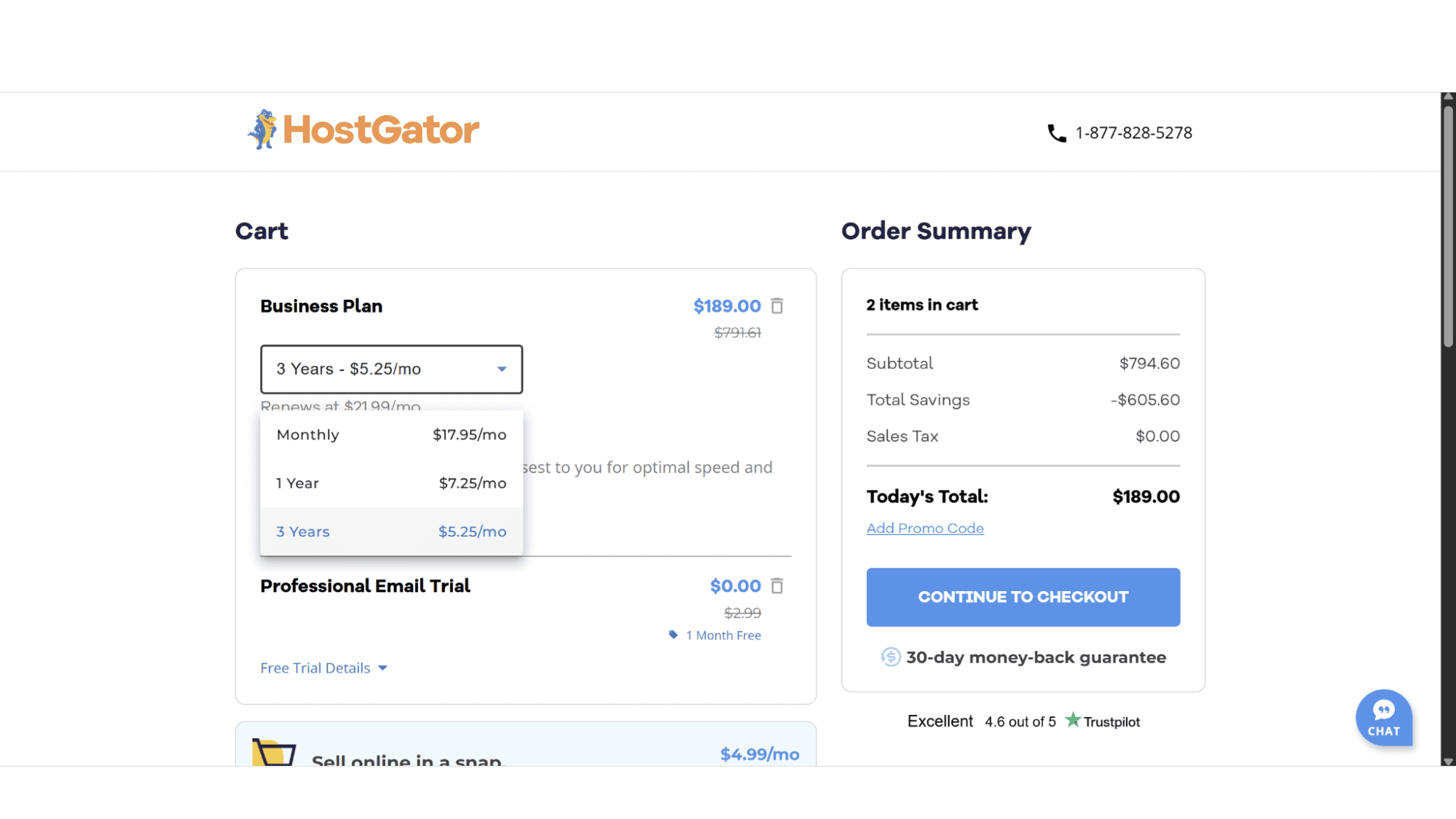
You'll then choose your billing cycle (users can choose between paying monthly, annually, or for 3 years at a time). Lastly, click on "Checkout" to finalize your purchase with your personal and billing details.
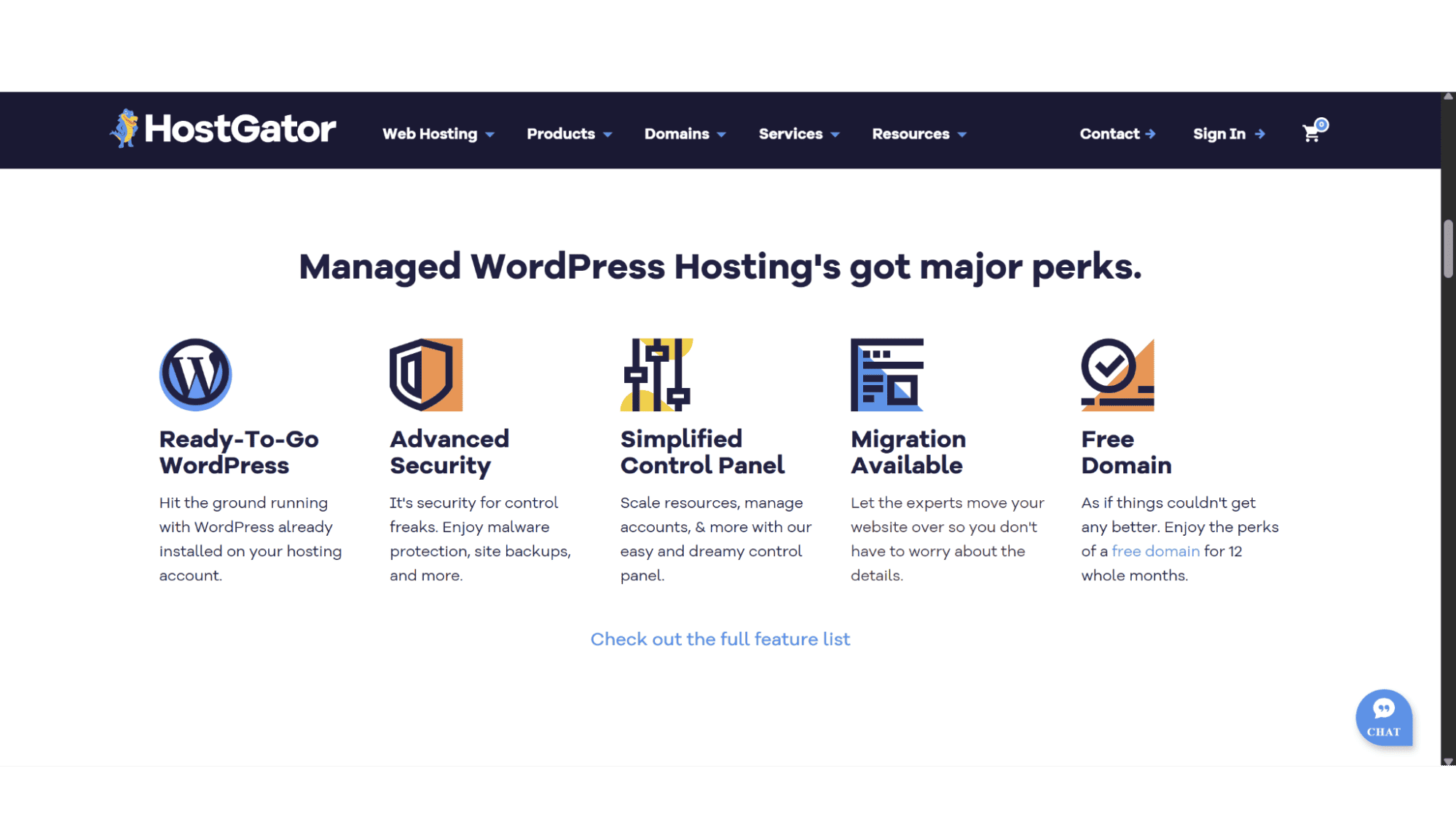
One of the biggest fears for beginners is the initial setup of their website – this isn’t common knowledge, and not something everyone know. So, let’s look at “installing wordpress on hostgator”. The good thing about having a “Managed WordPress hosting plan” is the fact that WordPress is pre-installed for you, you don’t need to do anything! As soon as you have signed up your site is live and ready to be used.
However, you have another HostGator plan active, or want to “install WordPress on a subdomain with HostGator”, the option is still available via their cPanel control panel that comes standard with all their plans. The process for “how to install WordPress on HostGator” using this method is straightforward and very easy! Simply log into your cPanel, find the "WordPress Manager by HostGator" icon and click on it, and follow the on-screen prompts to select the domain (or subdomain in this case) for installation. It's a simple, easy, and quick to do. But again, with their managed plans, this is already done for you, which will save you some time.
Key Features:
- Fully Managed WordPress Hosting;
- Fast SSD Storage Drives;
- Free Domain for 2 Years;
- Malware Scanning;
- CloudFlare CDN;
- Unmetered Bandwidth;
- 30-Day Money-Back Guarantee.
Dashboard & Managing Your Site
As mentioned before, all their Managed WordPress plans come standard with the cPanel control panel. While the "Managed" part of HostGator's WordPress hosting means that they take care of most important tasks like core updates and security, your site's day-to-day management of your “HostGator WordPress Hosting” plan still happens through the hugely popular cPanel control panel. This is where you'll set up your email addresses, manage your databases, FTP users, and more.
Pros:
Performance: They run their plans on fast SSD storage drives, and it also comes with CloudFlare CDN which helps with page load times.
Security: All plans come with a complimentary SSL certificate by Let’s Encrypt, Malware scanning, and automated backups.
24/7 Support: If you get stuck you can reach one of their friendly and well-trained agents via phone or live chat around the clock.
30-Day Money-Back Guarantee: This provides a bit of a safety net. If you change your mind within the initial 30-day period, simply cancel your plan for a full refund
Cons:
The Renewal Price: This is the main con in my opinion, and it’s a big one! It is standard practice in the industry to charge more as soon as plans come up for renewal, but the jump in cost from this provider is significant to say the least.
Limited Space: This point maybe comes back to their exuberant prices, but again, for the amount of disk space they provide, I feel one gets over charged. Take for example the pro plan – it comes with 100GB which is actually not that much, but for paying $29.69 per month when it renews, one might as well get a VPS server with plenty more space from another provider.
My Final Verdict
So, after all this, who is HostGator's Managed WordPress hosting actually for? In my opinion, it's a good choice for a specific audience only. If you are a beginner who needs a simple, fully managed WordPress hosting plans, or a small business owner who needs reliable performance and the option to pick up the phone for support, and most importantly, don’t worry about costs, then this would be your provider.
The “HostGator WordPress review” consensus I’d land on would be this - they may not always be the absolute cheapest provider you will find, but they do provide a well-balanced, user-friendly, and reliable hosting option. The fact that WordPress comes pre-installed, the automated management, and good customer support makes it a good option and a high-value solution for getting a professional WordPress site online and keeping it running smoothly. For anyone asking "how to install WordPress on HostGator," the answer is, with these plans, you don't—and that's the whole point.








